Share Access with Your Team
Invite members, confirm two-way access, revoke, and approve requests.
Updated
Multi-User Access
- Enter the designated email address of the team member to share access, then click Invite.
.webp)
.webp)
.webp)
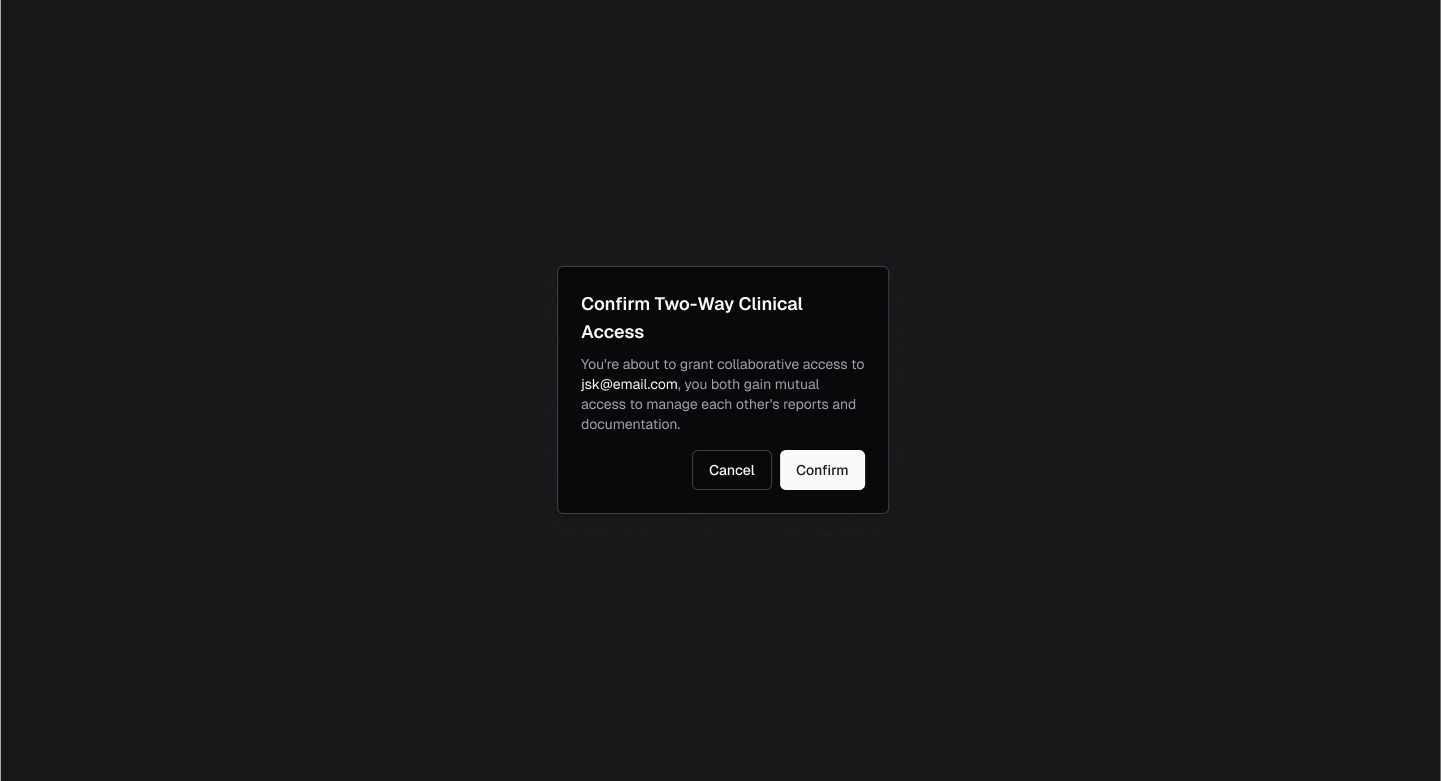
- A pop-up window will appear asking you to confirm two-way clinical access.
- Select Confirm to proceed.
- The recipient will receive an email invitation to accept access.
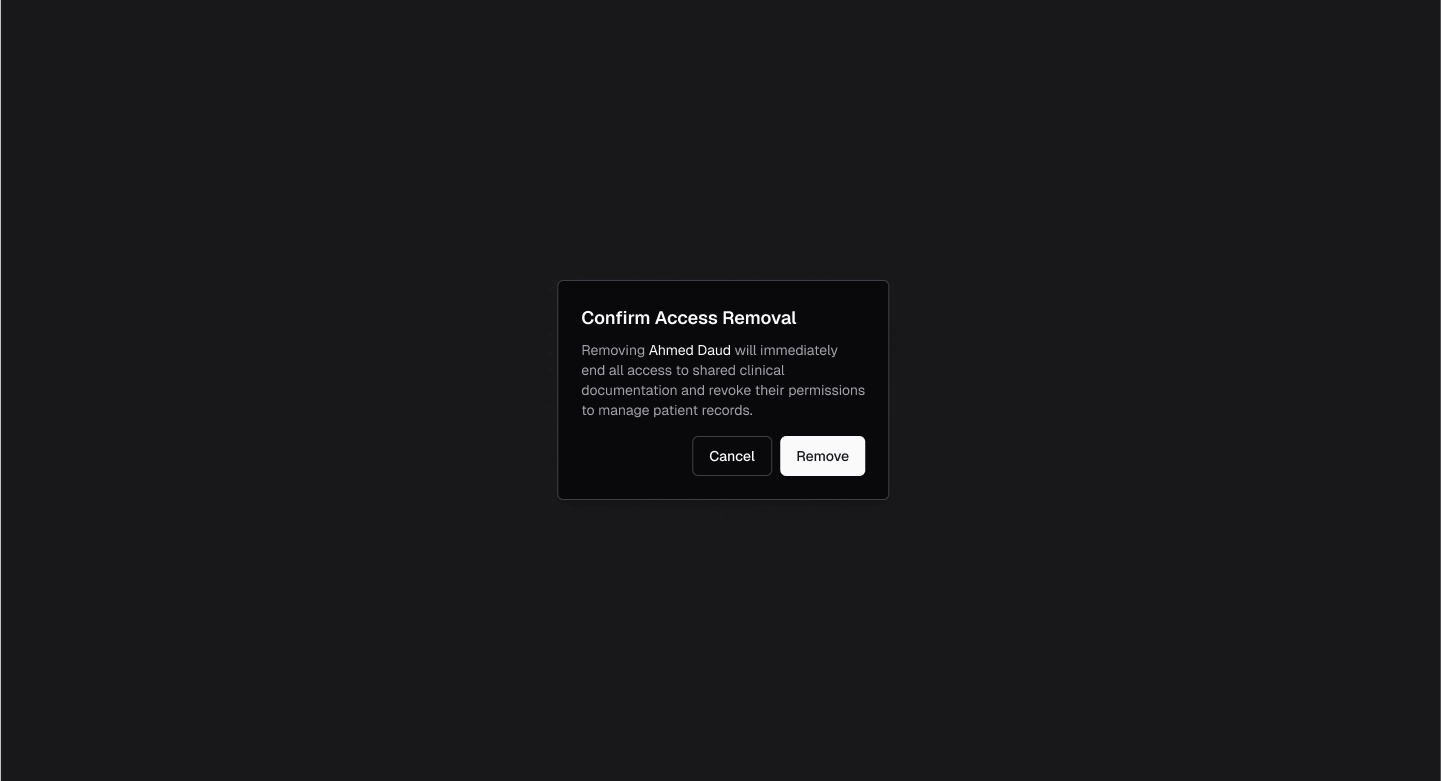
- Access for any member can be revoked at any time by clicking Remove Access.
.webp)
- A notification will appear confirming access removal.
- Members can request access to CareTeam Connect, which the lead practitioner can then approve or deny.
.webp)
.webp)