Manual Reporting in Companion Mode
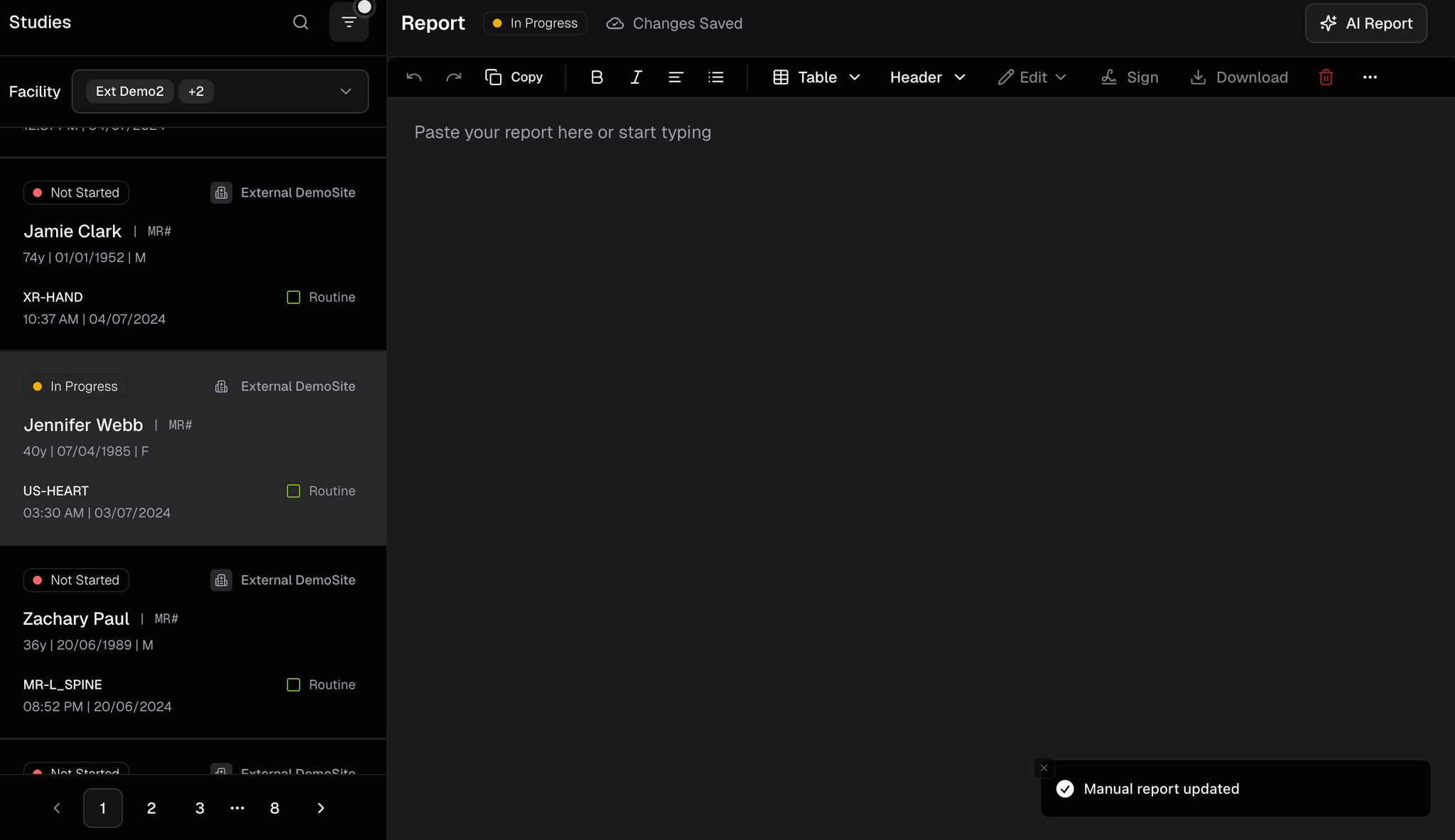
Switch a Not Started study to manual reporting; signing marks it Completed.
Updated
Manual Reporting in Companion Mode
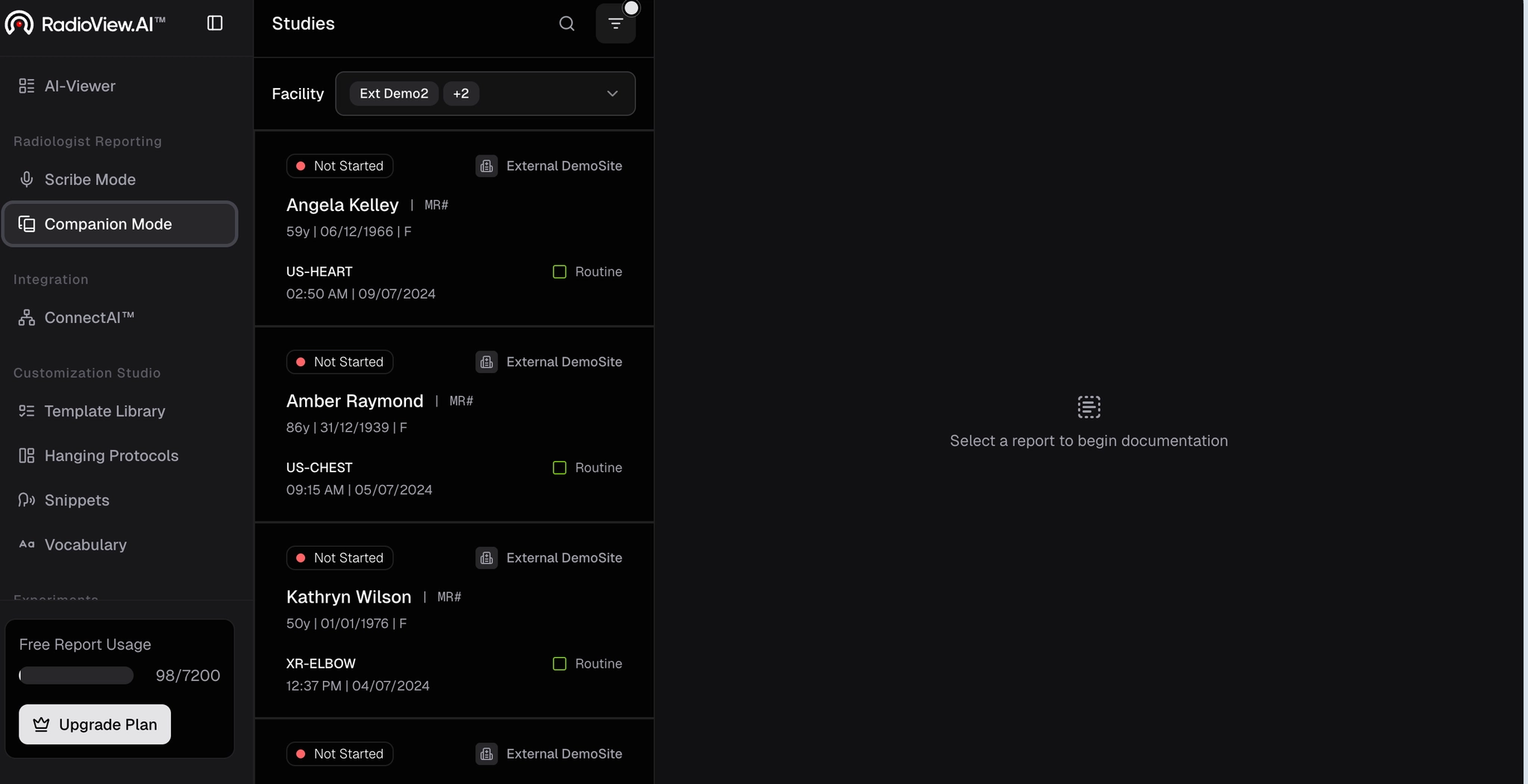
- Navigate to Companion Mode from the left side panel.
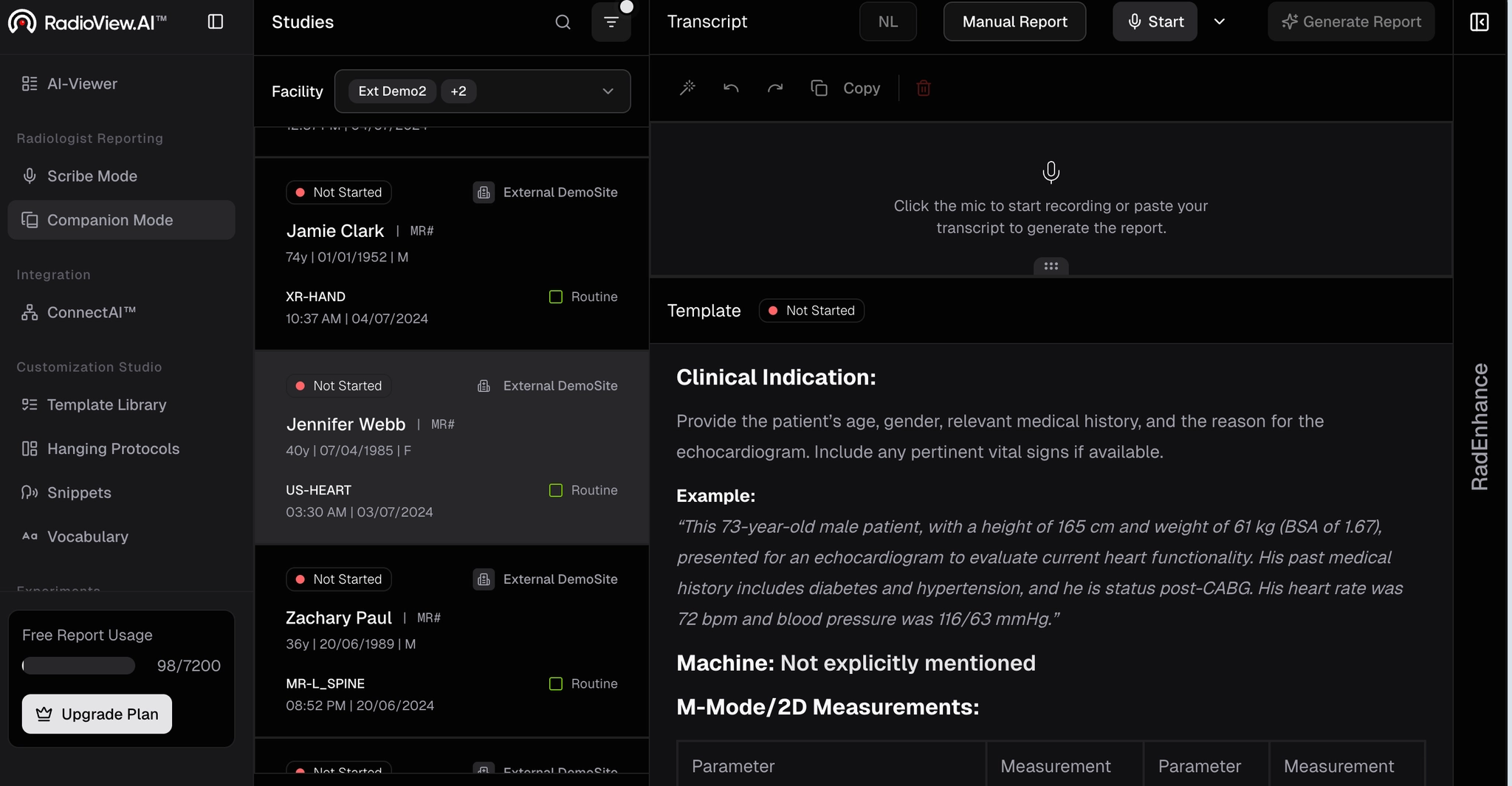
- When you click on a Not Started report, you'll notice a template is already loaded.
- Tap Manual Report at the top to switch to the manual reporting screen.
- Once complete, sign the report, its status will automatically update to Completed.