Create Your Account
Sign up, activate via magic link, verify with OTP, and set your password.
Updated
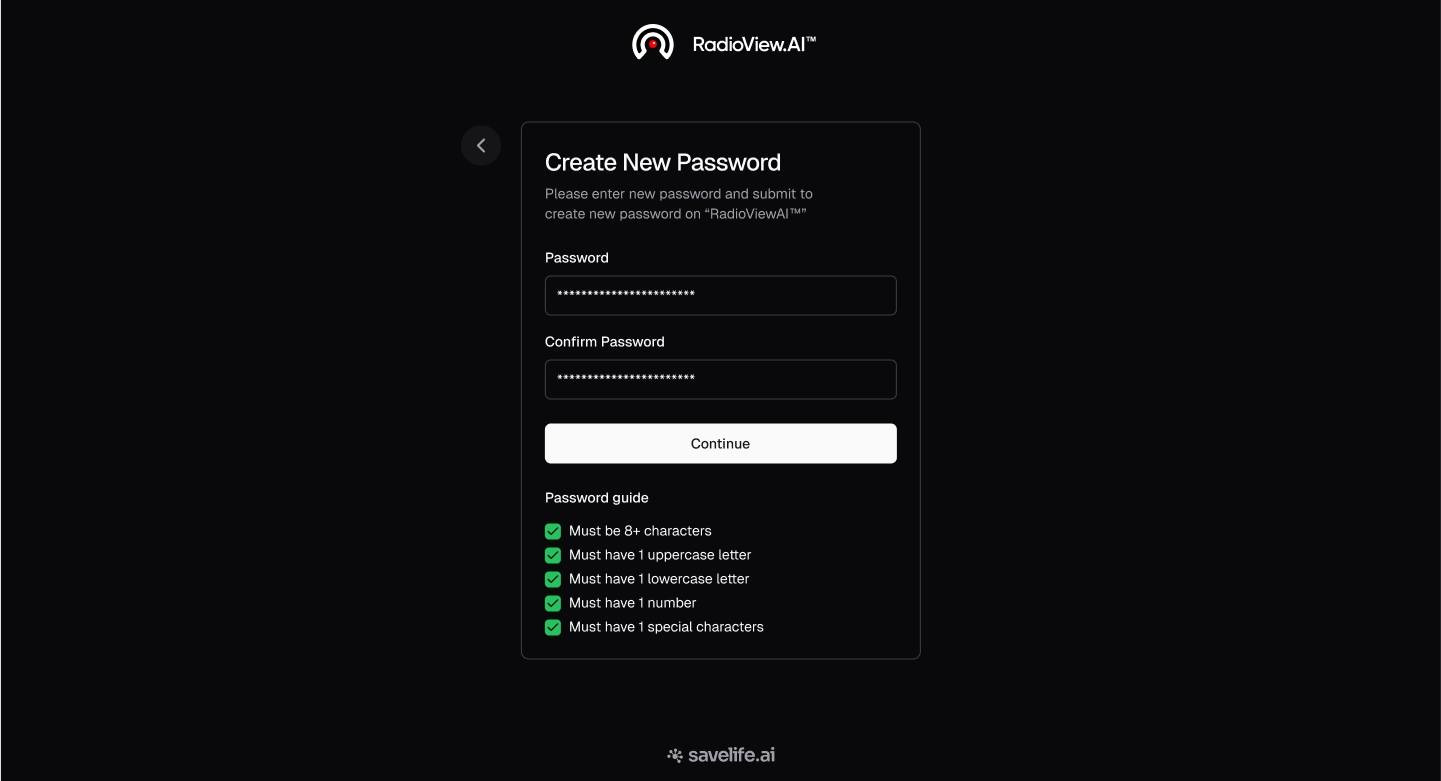
- Visit the RadioViewAI web application on your preferred web browser and navigate to the login page.
- If you do not have an account, start by creating one.
- Click on "Create Account - it's free".
Enter Your Details
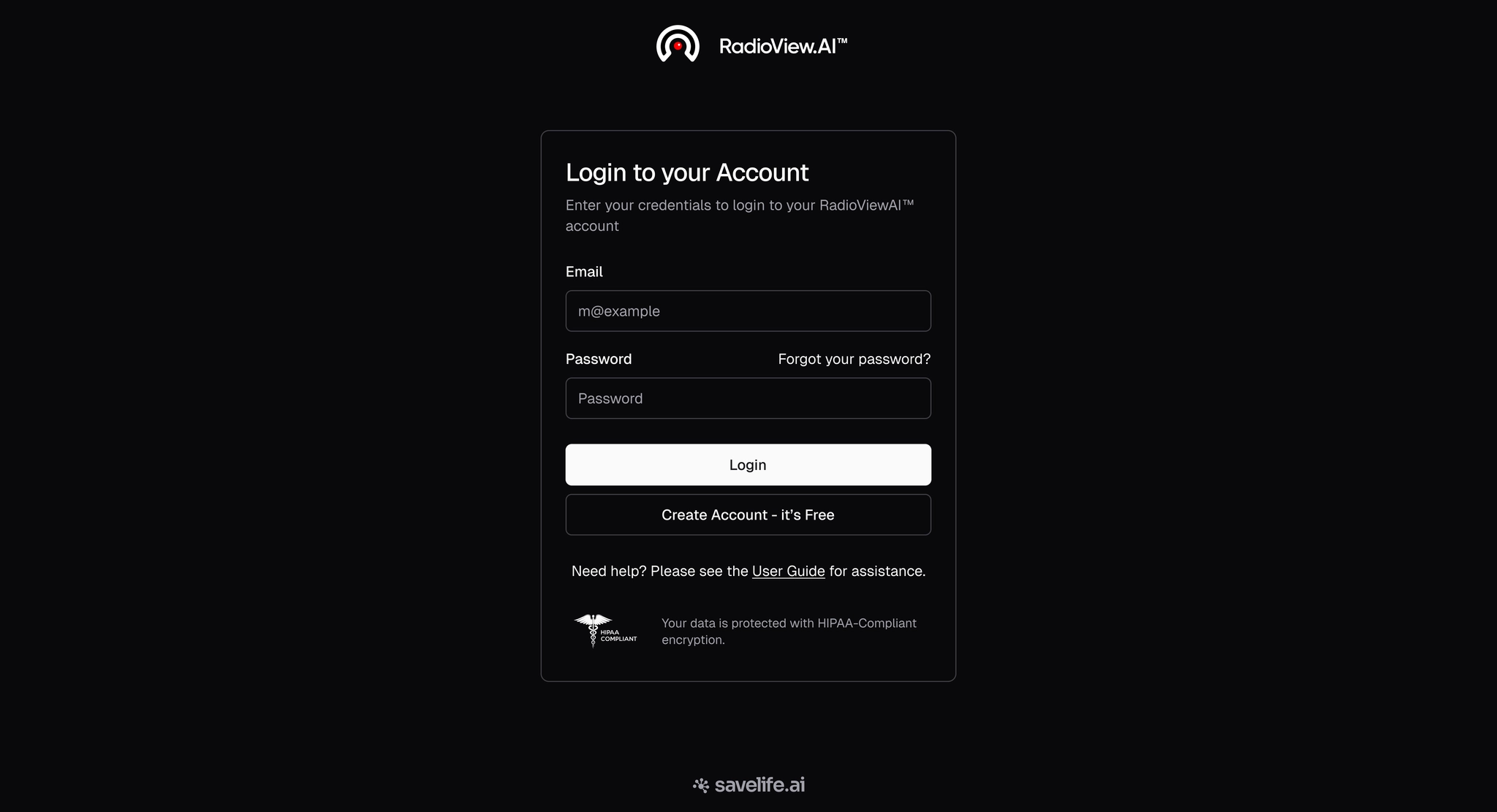
- Get started by entering your full name, email, and country, then click "Create Account – it's free".
- Be sure to check the required boxes to enable account creation.
.webp)
Check Your Email Inbox
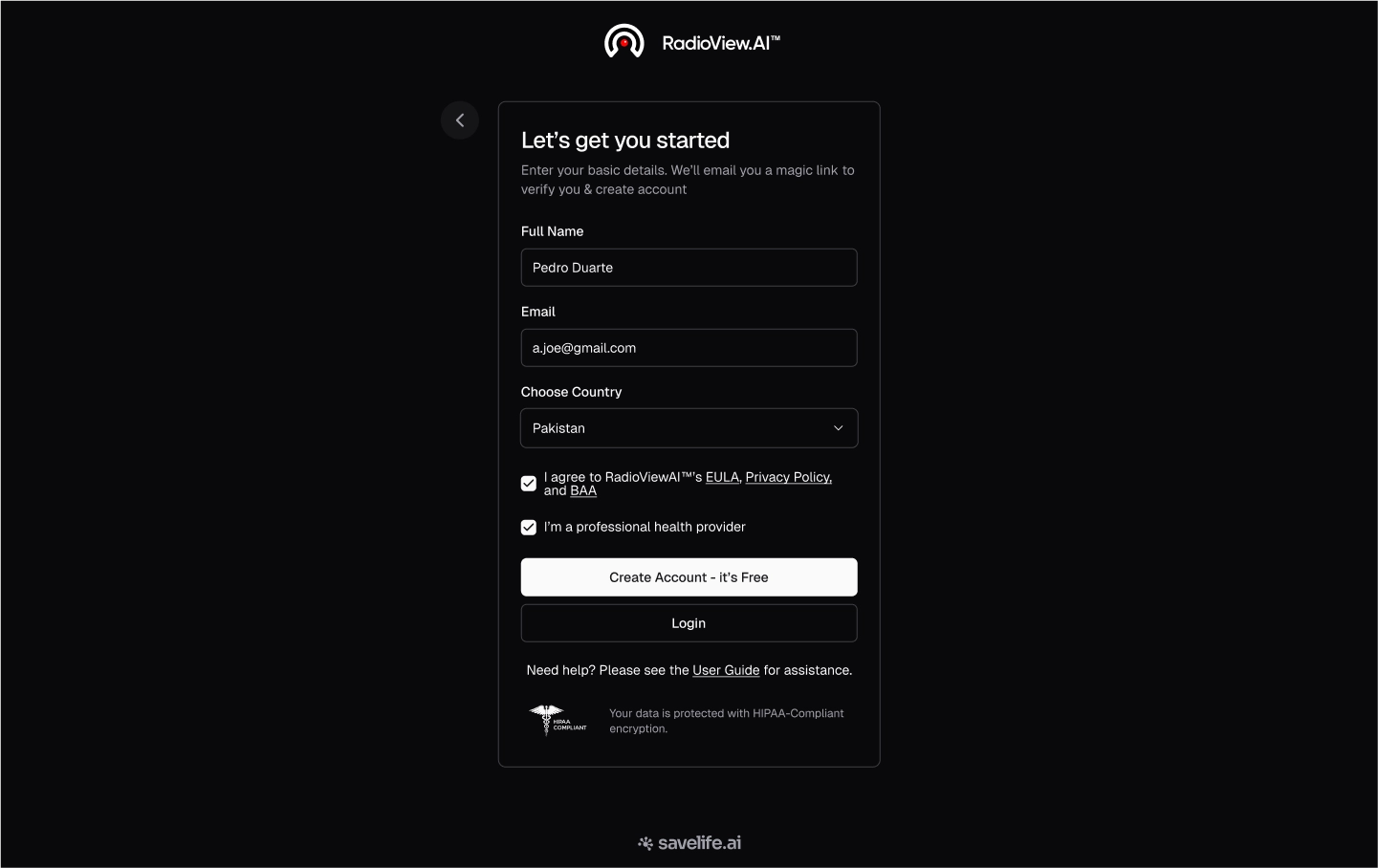
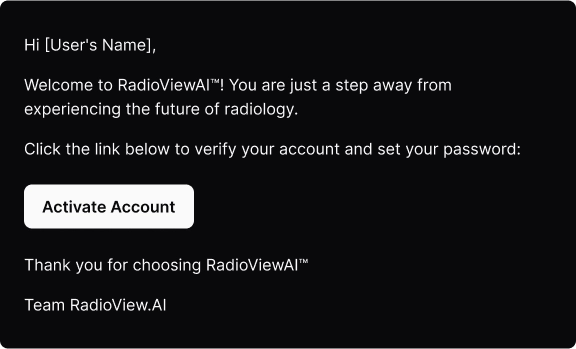
- A Magic Link will be sent to the email address you provided.
- Click the "Activate Account" button in the email to verify your account and you will then be redirected to the password creation page.

Password Creation
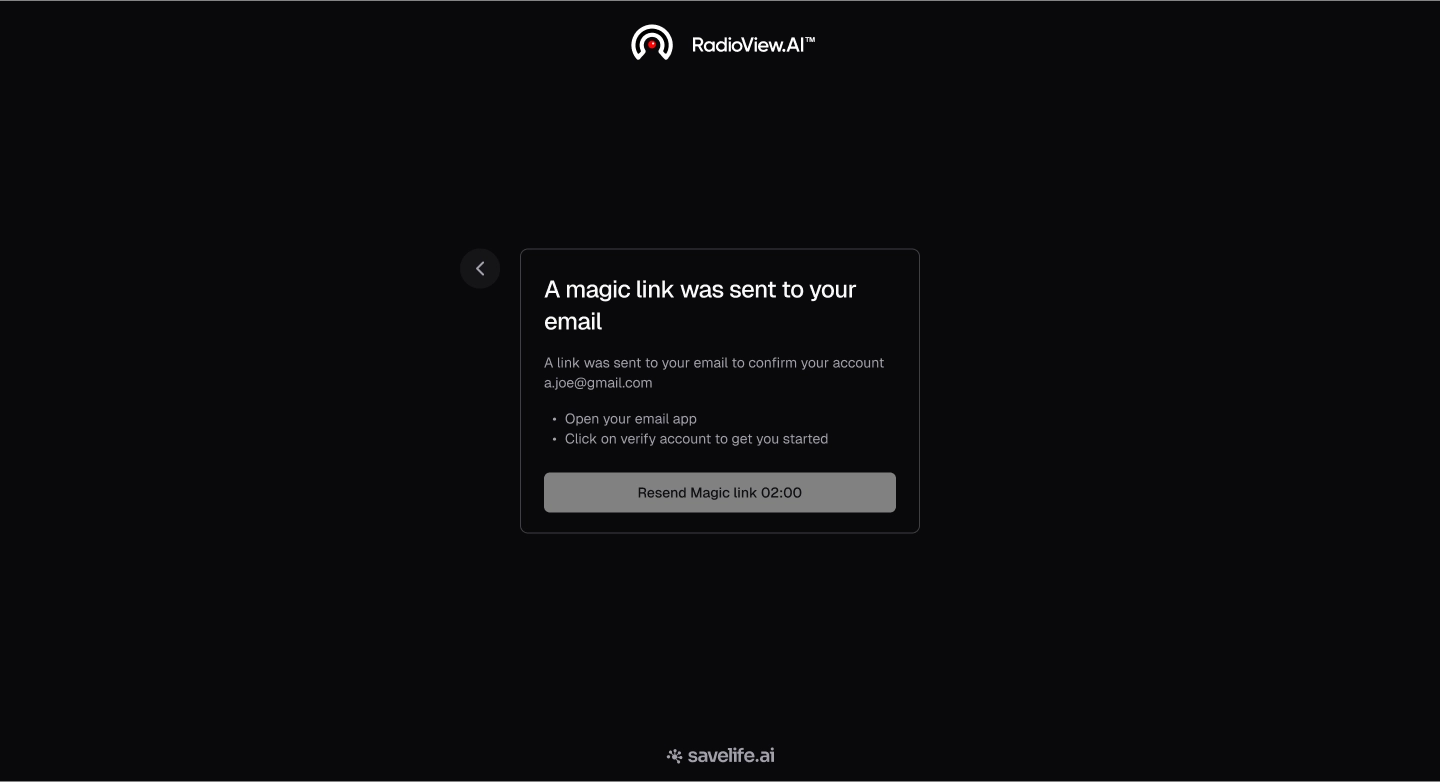
- Create a password to continue.
.webp)
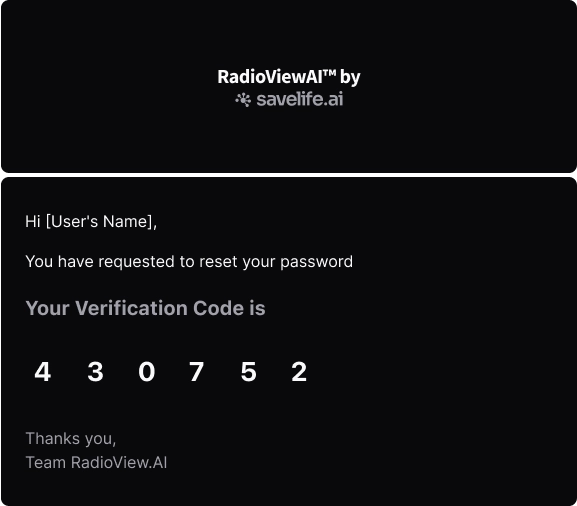
- Check your email for the verification code.
- Enter the OTP verification code and click on 'Submit'.
.webp)
- Ensure your password meets the guidelines by including at least 8 characters including uppercase and lowercase letters, numbers, and special characters.
.webp)