Create a Template
Build a report template and fix formatting with Process Template.
- Guide 17 of 24
- 5 steps
- 5 screenshots
- Updated July 3, 2026

 All RadioView.AI™ guides
Get Started
AI Viewer
Scribe Mode
Companion Mode
Customization Studio
CareTeam Connect
PACS/DICOM Integration
Profile & Support
- Guide 17 of 24
- 5 steps
- 5 screenshots
- Updated July 3, 2026
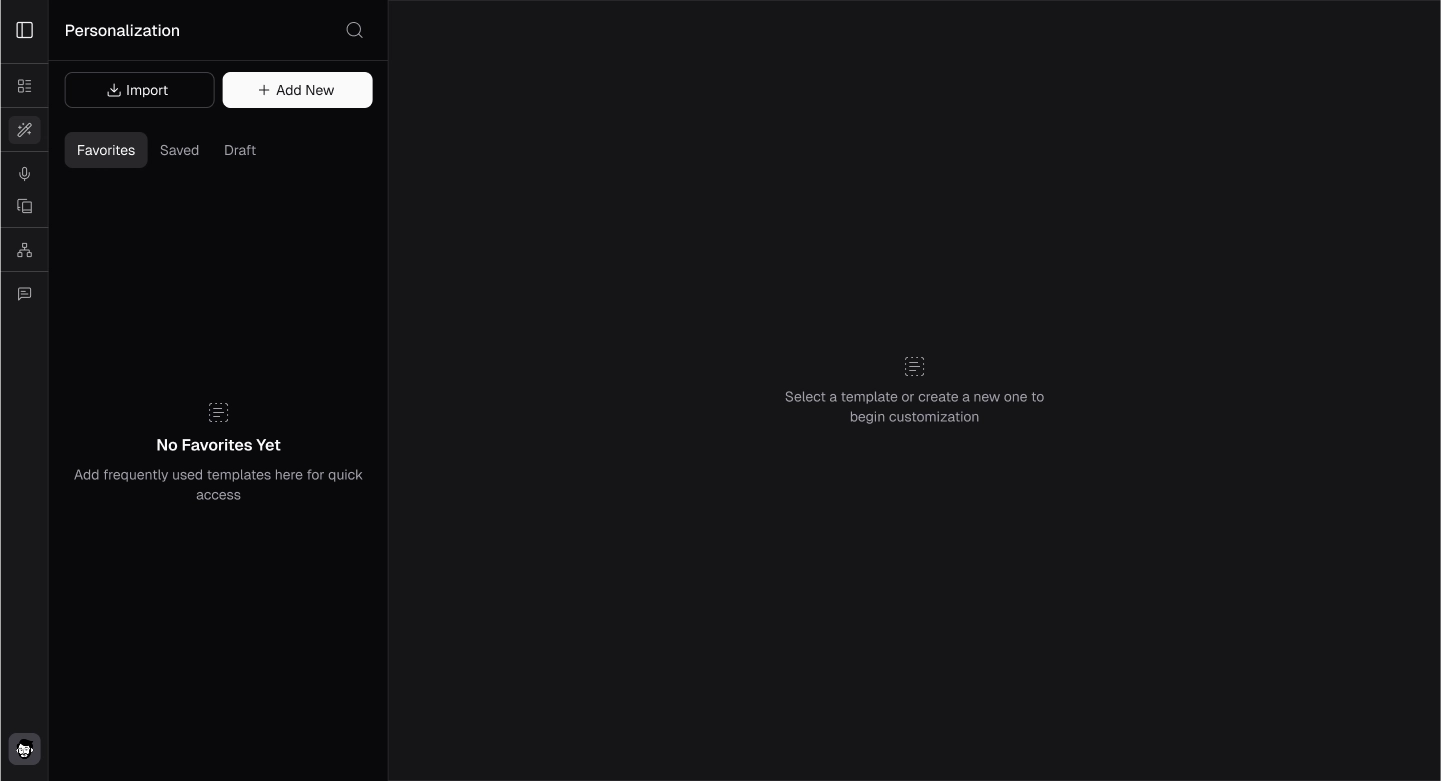
- Click on the Add New button.
- The template editor will appear.
- Fill out all the required details.
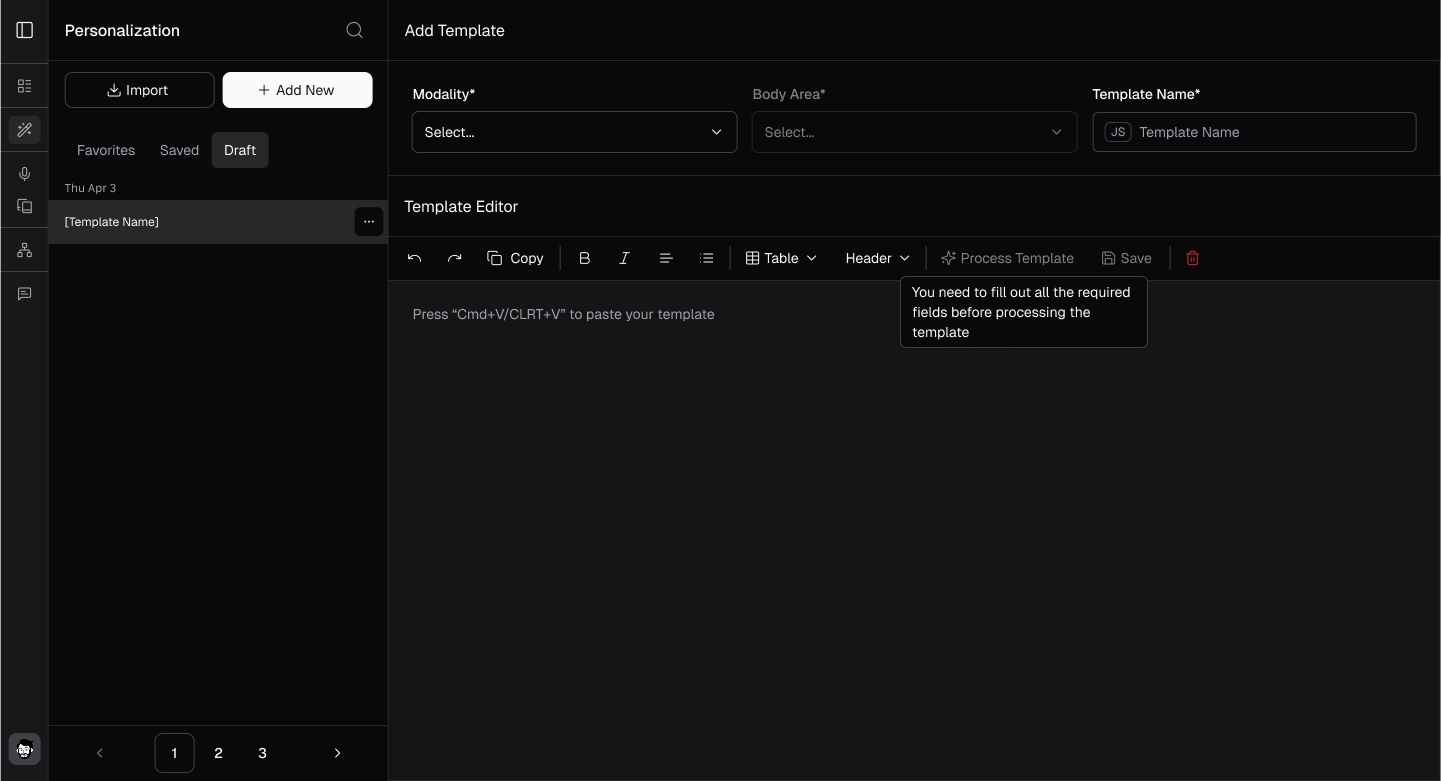
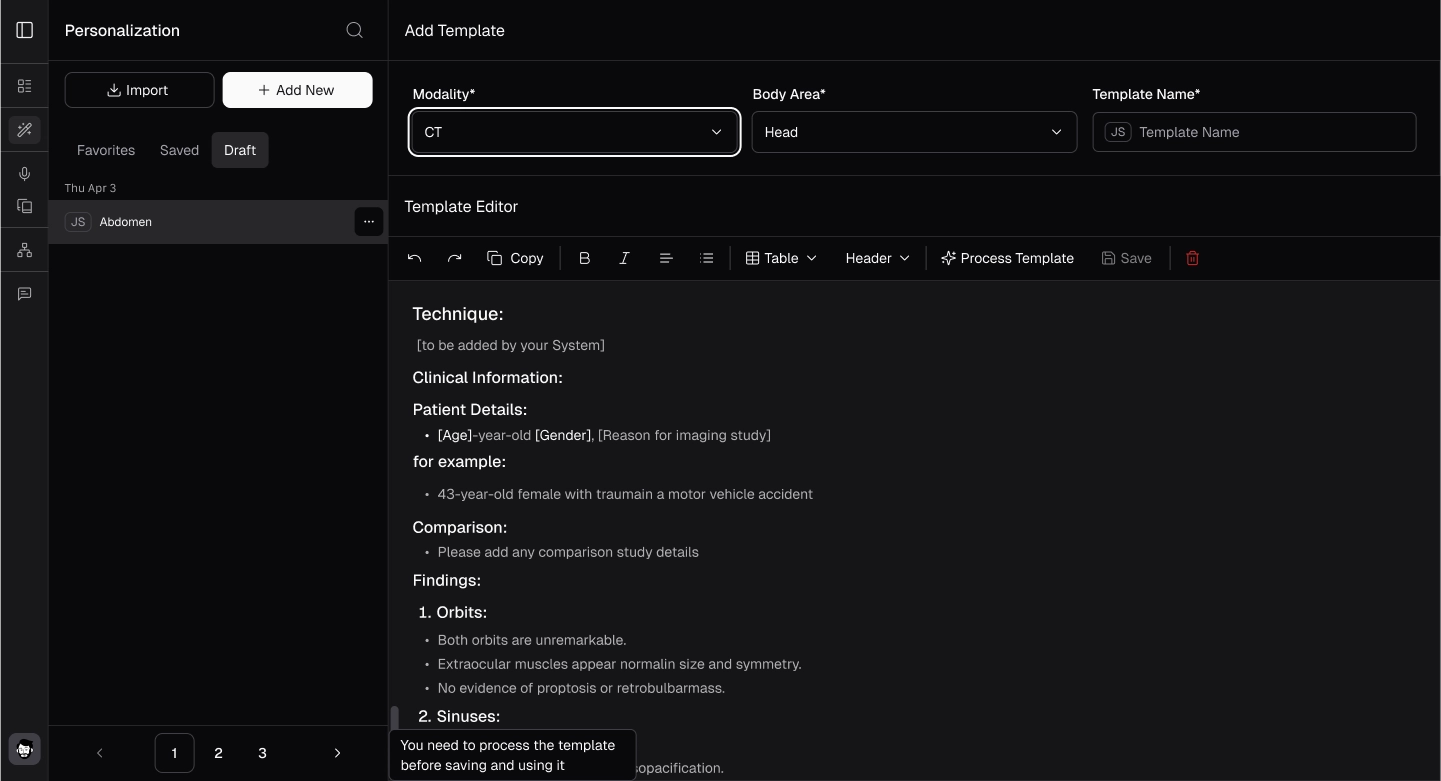
- Click the "Process Template" button to fix any structural or formatting issues.
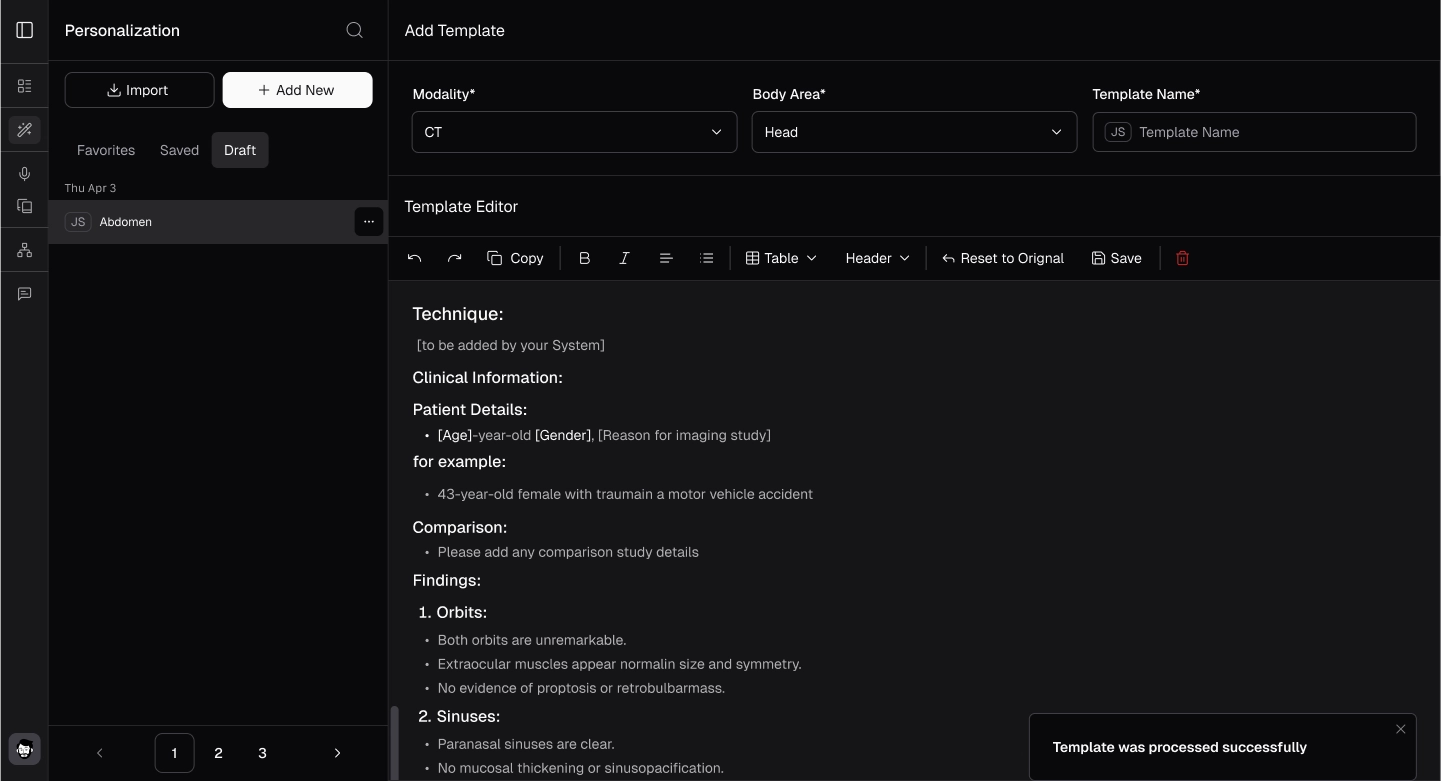
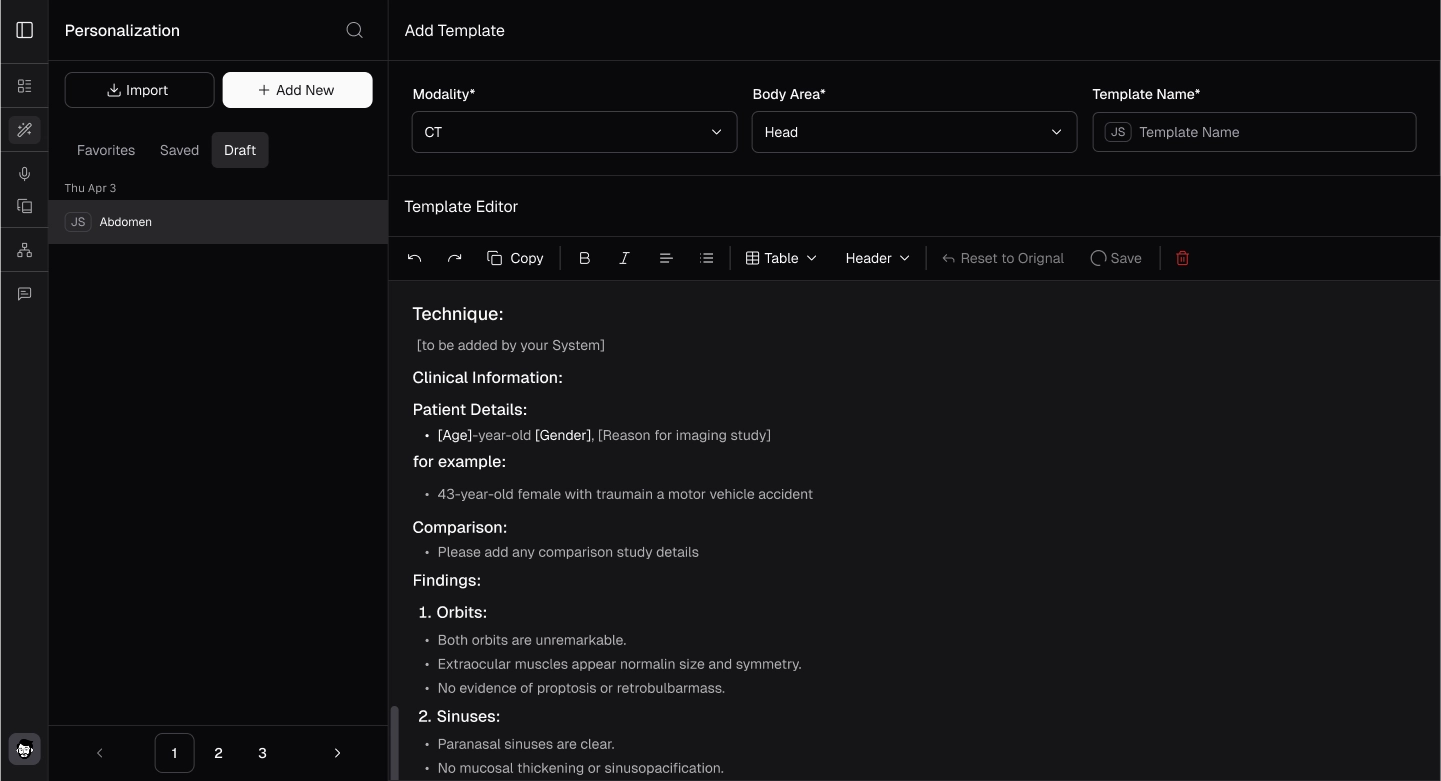
- After the template is processed, the "Reset to Appear" button will be enabled. Use it to reset the template if needed, or click "Save" to save.