Manual Reporting in AI Viewer
Switch to a workstation-style manual report with images alongside the editor.
Updated
Manual Reporting within AI Viewer
- In the AI Viewer, select any study you want to review.
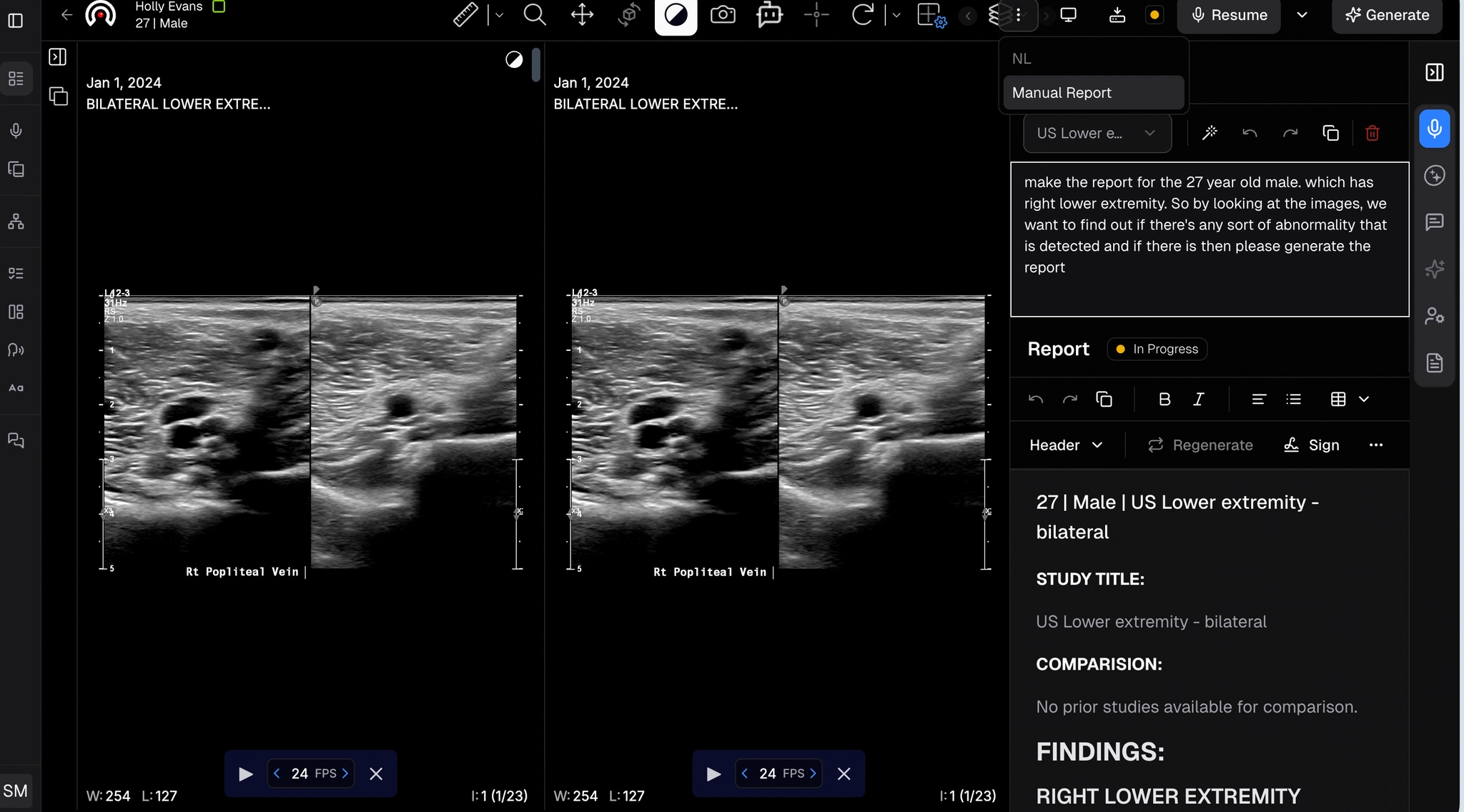
- Click the three dots and choose Manual Report.
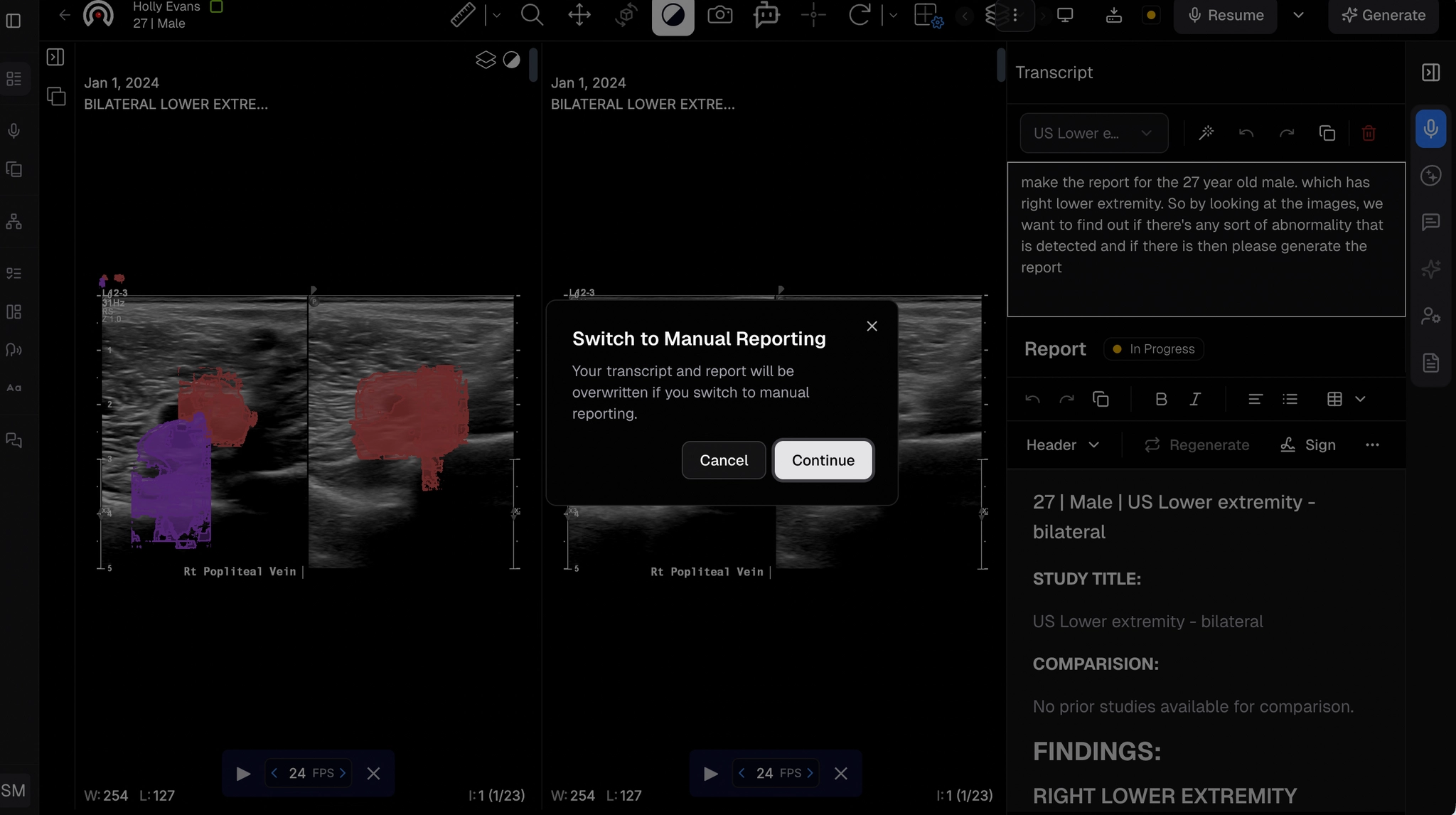
- A popup will confirm if you want to switch to manual reporting.
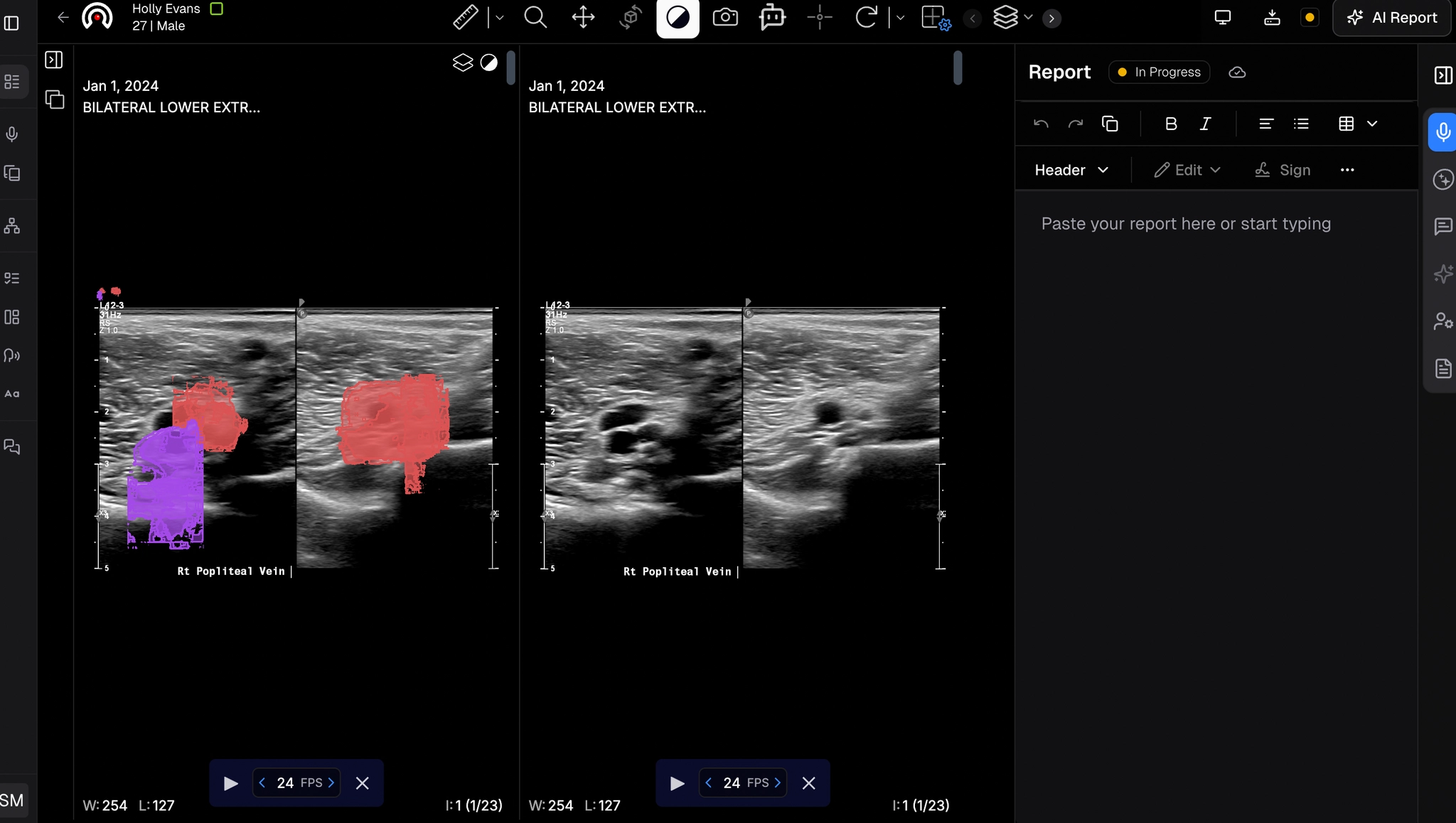
- The screen will display images on the left and the report creation area on the right, a true workstation experience.
- Add headings, tables, edit content, sign off, and export as needed.