Generate AI Reports
Choose a template, dictate or type with ARRG, and generate a structured report.
- Guide 4 of 24
- 3 steps
- 6 screenshots
- Updated July 3, 2026

 All RadioView.AI™ guides
Get Started
AI Viewer
Scribe Mode
Companion Mode
Customization Studio
CareTeam Connect
PACS/DICOM Integration
Profile & Support
- Guide 4 of 24
- 3 steps
- 6 screenshots
- Updated July 3, 2026
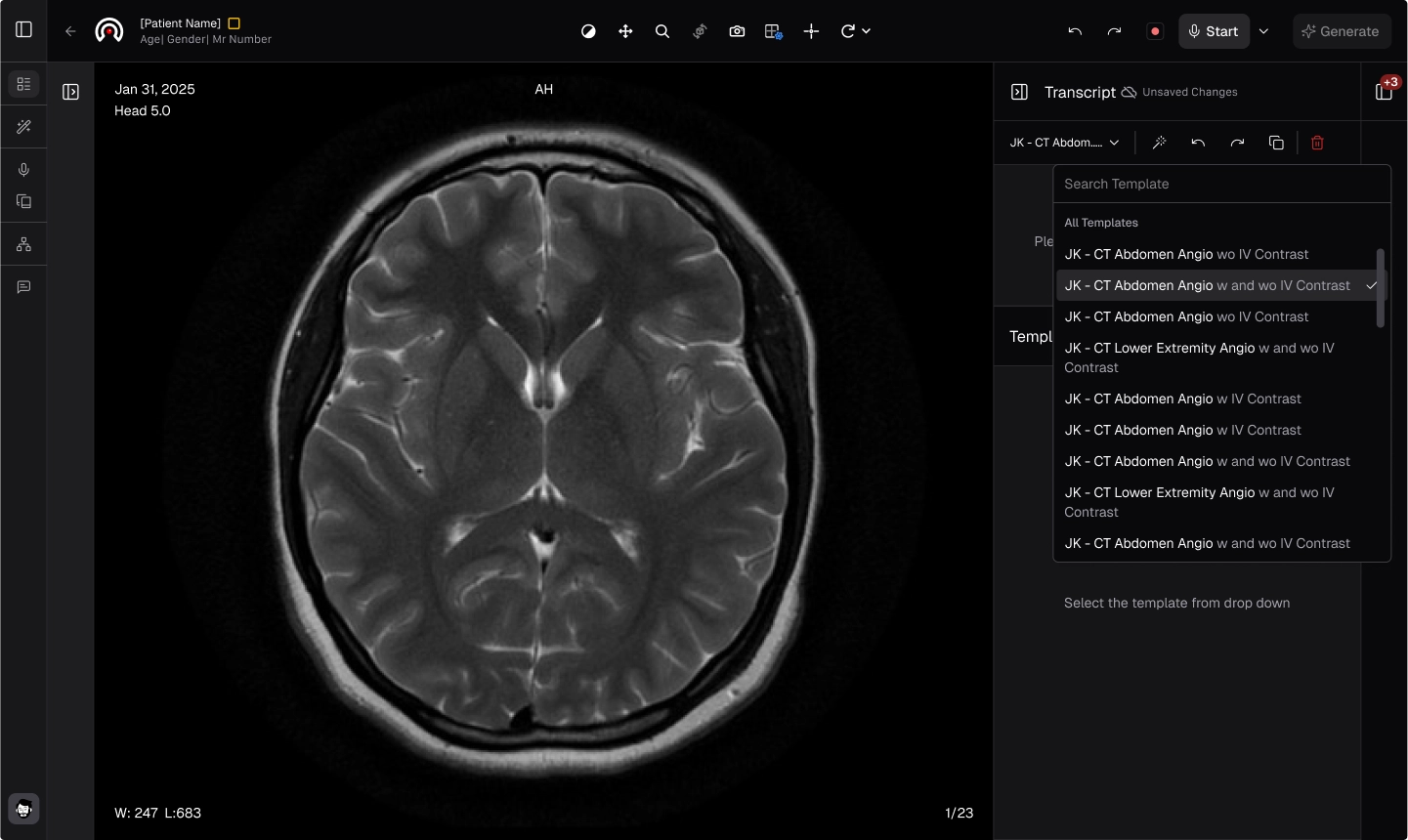
- Choose your preferred template from the dropdown menu to get started.
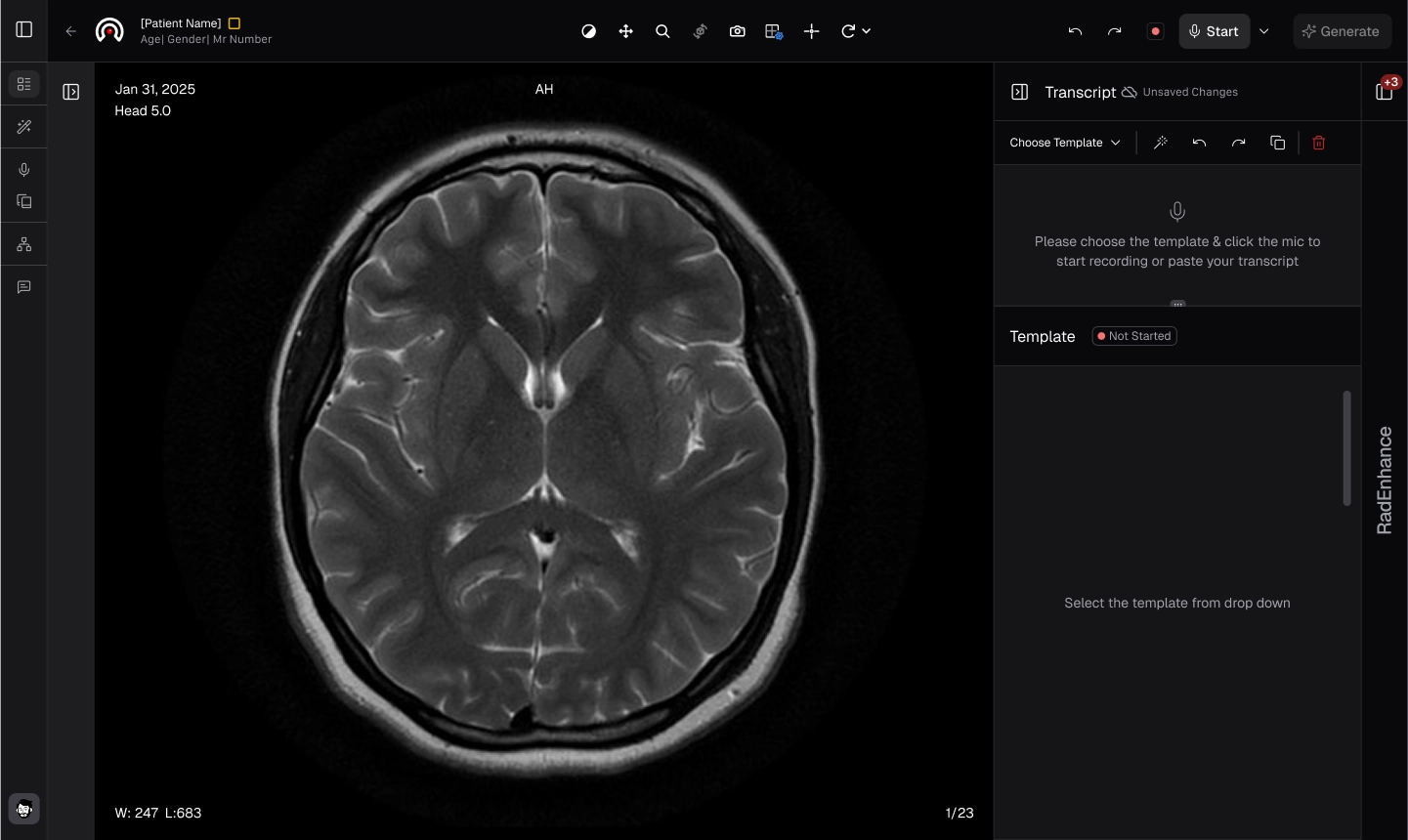
- Press the Record button to use the Automated Radiology Report Generation (ARRG) module, or simply type your input.
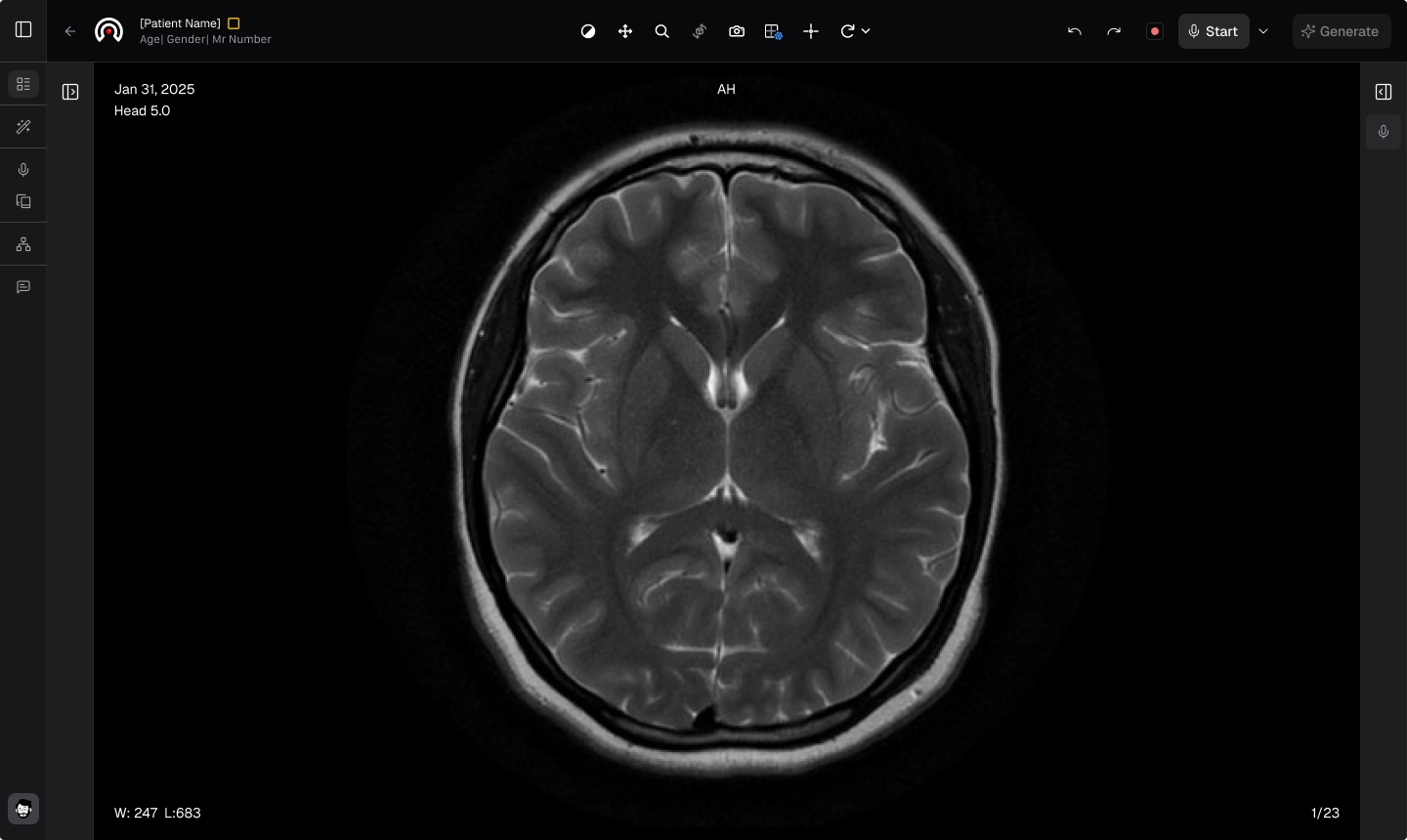
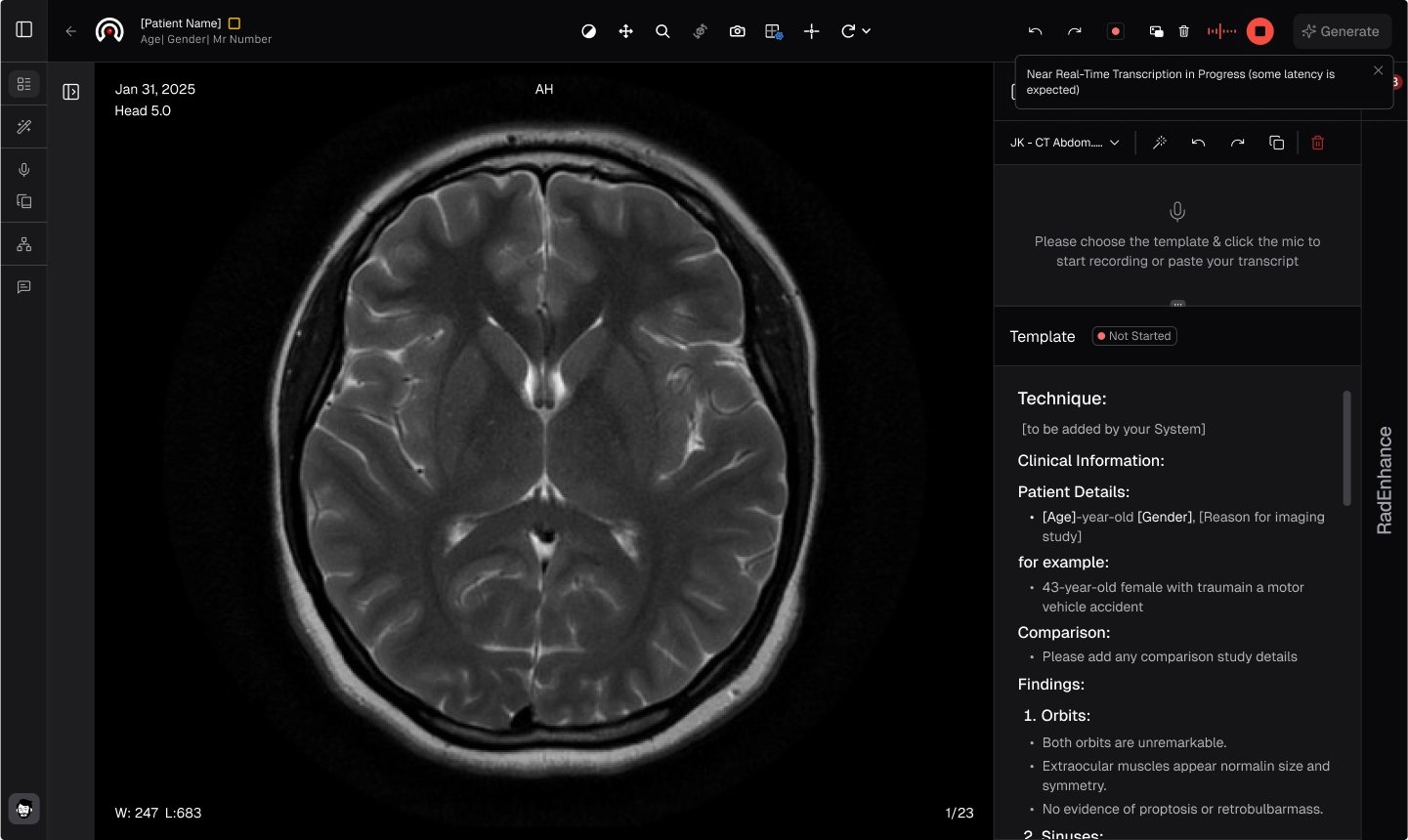
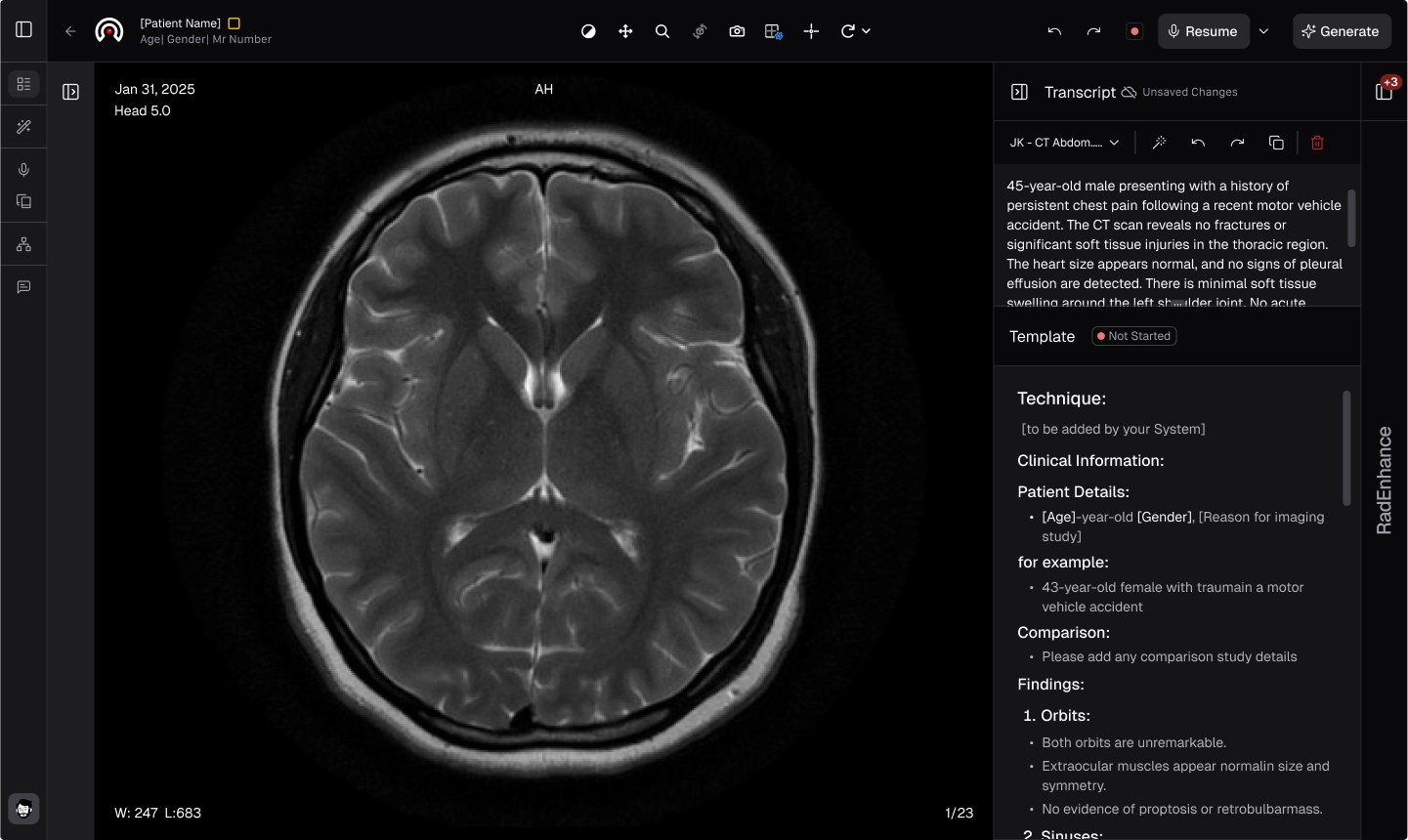
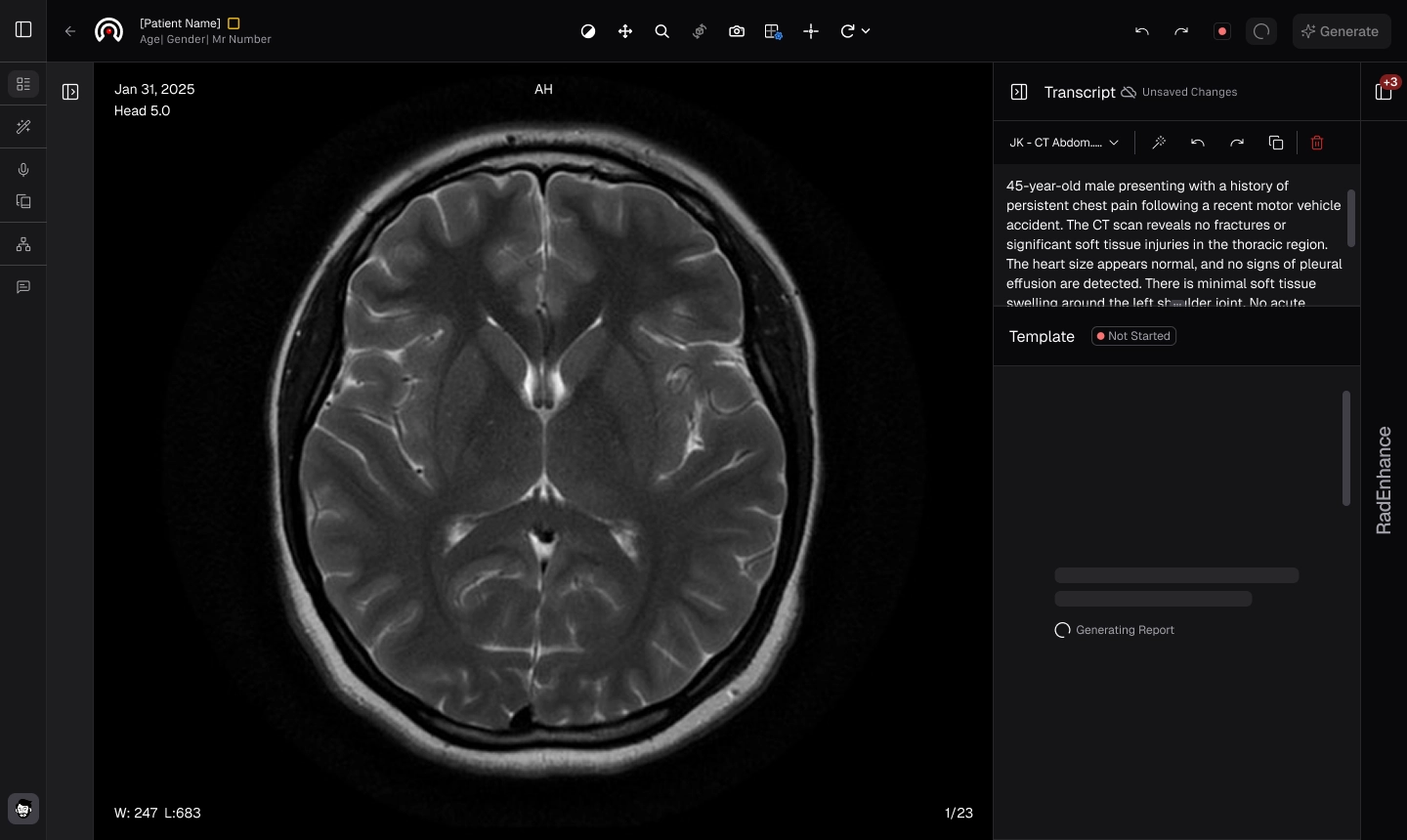
- Click Generate to create the report.
Review before you sign
AI outputs support, not replace, the interpreting radiologist's judgment. Read every generated report before you sign it.