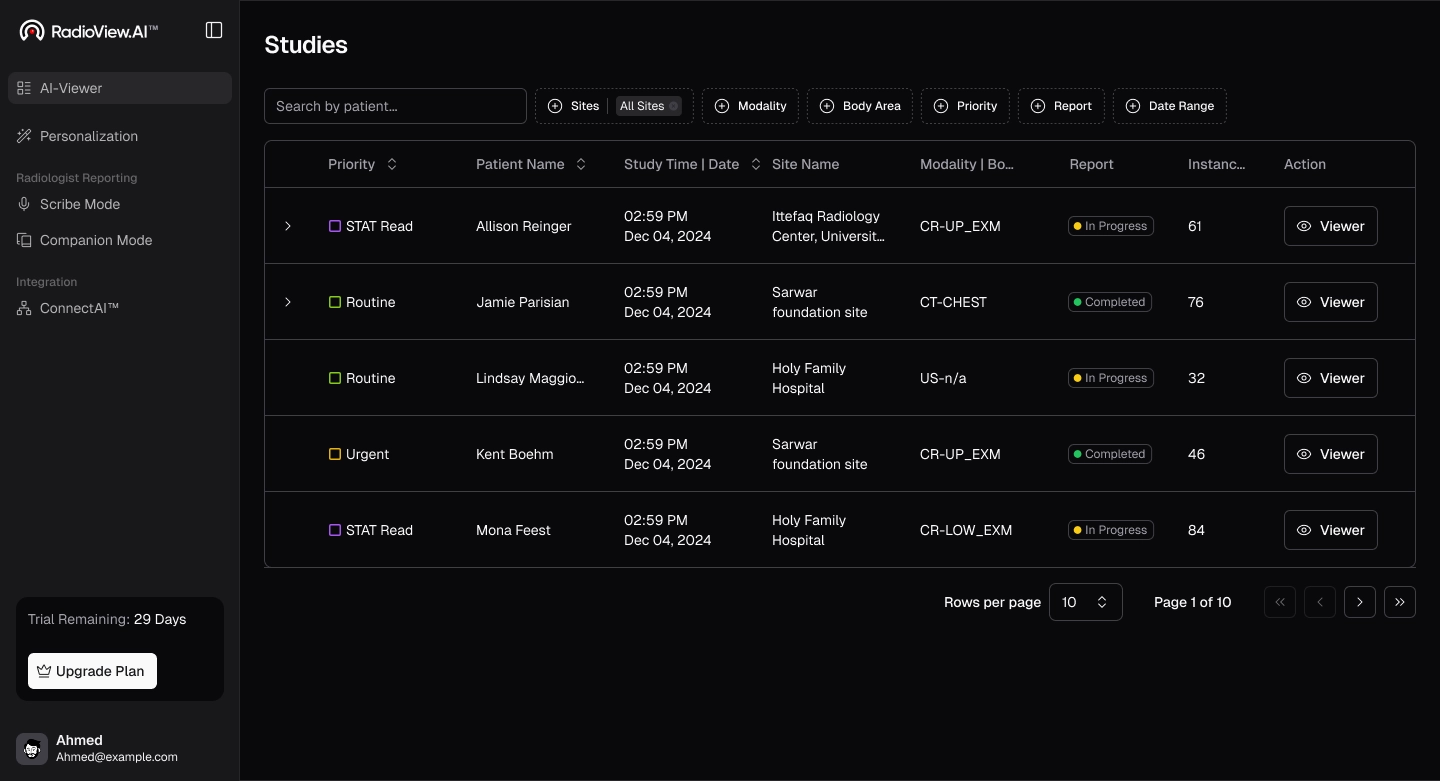
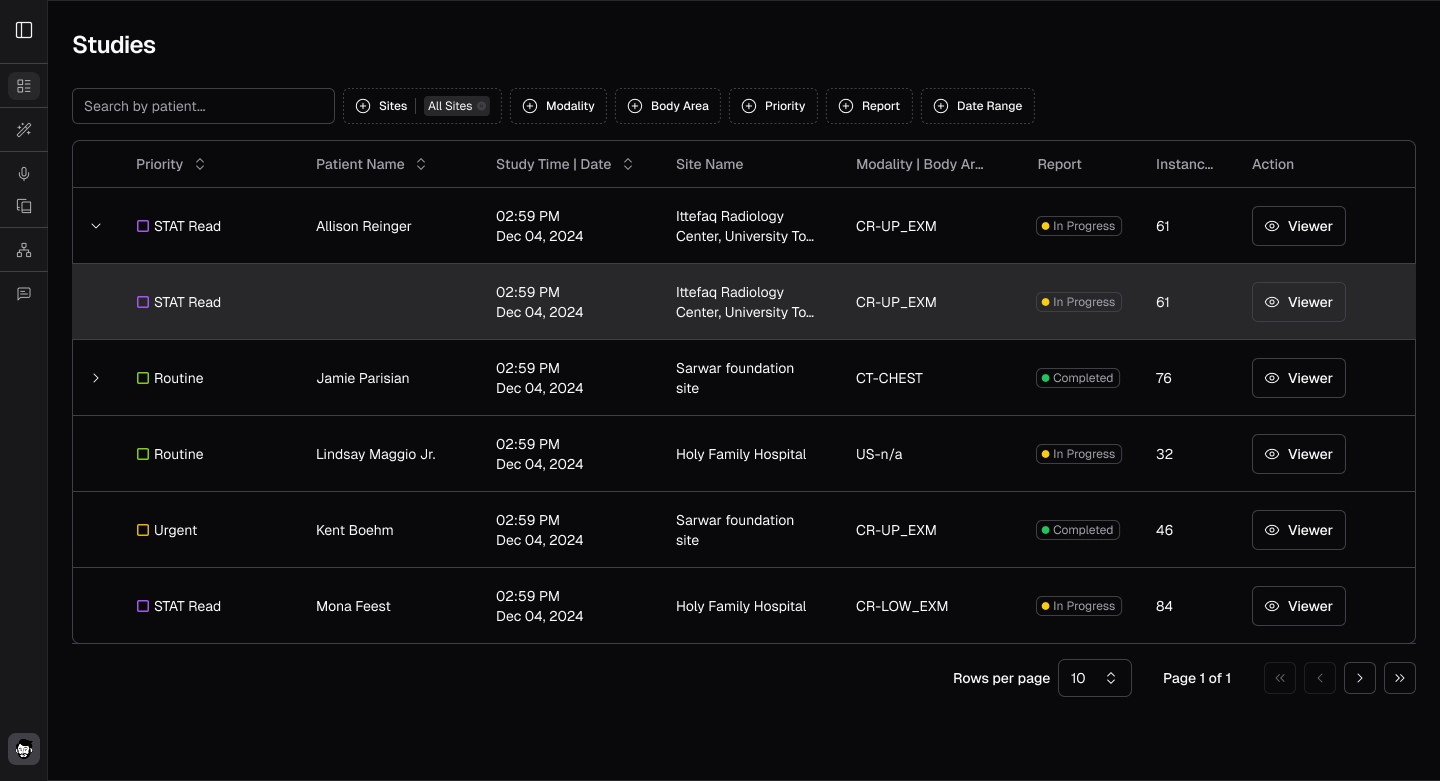
Select Studies
Open AI Viewer and pick the study to review.
- Guide 3 of 24
- 3 steps
- 2 screenshots
- Updated July 3, 2026

 All RadioView.AI™ guides
Get Started
AI Viewer
Scribe Mode
Companion Mode
Customization Studio
CareTeam Connect
PACS/DICOM Integration
Profile & Support
- Guide 3 of 24
- 3 steps
- 2 screenshots
- Updated July 3, 2026
- From the Home screen, navigate to the left-hand panel.
- Click on AI Viewer to open it.
- Browse through the list and select the study you want to review.