Report on PACS Studies
Filter studies by facility and report on them with templates.
- Guide 15 of 24
- 5 steps
- 3 screenshots
- Updated July 3, 2026

 All RadioView.AI™ guides
Get Started
AI Viewer
Scribe Mode
Companion Mode
Customization Studio
CareTeam Connect
PACS/DICOM Integration
Profile & Support
- Guide 15 of 24
- 5 steps
- 3 screenshots
- Updated July 3, 2026
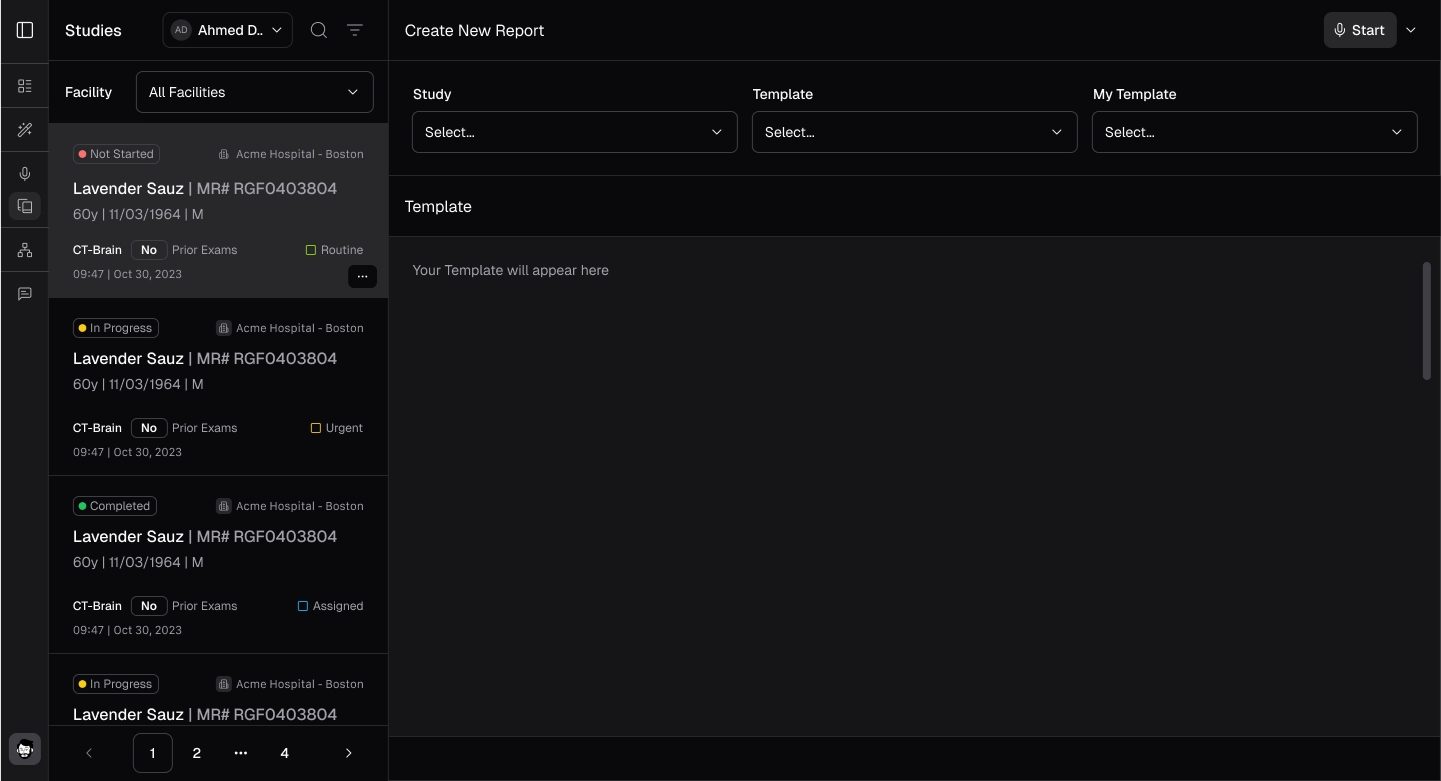
- Select Companion Mode from the side panel to view the studies. All studies will be displayed.
- Select Facilities from the filter dropdown menu.
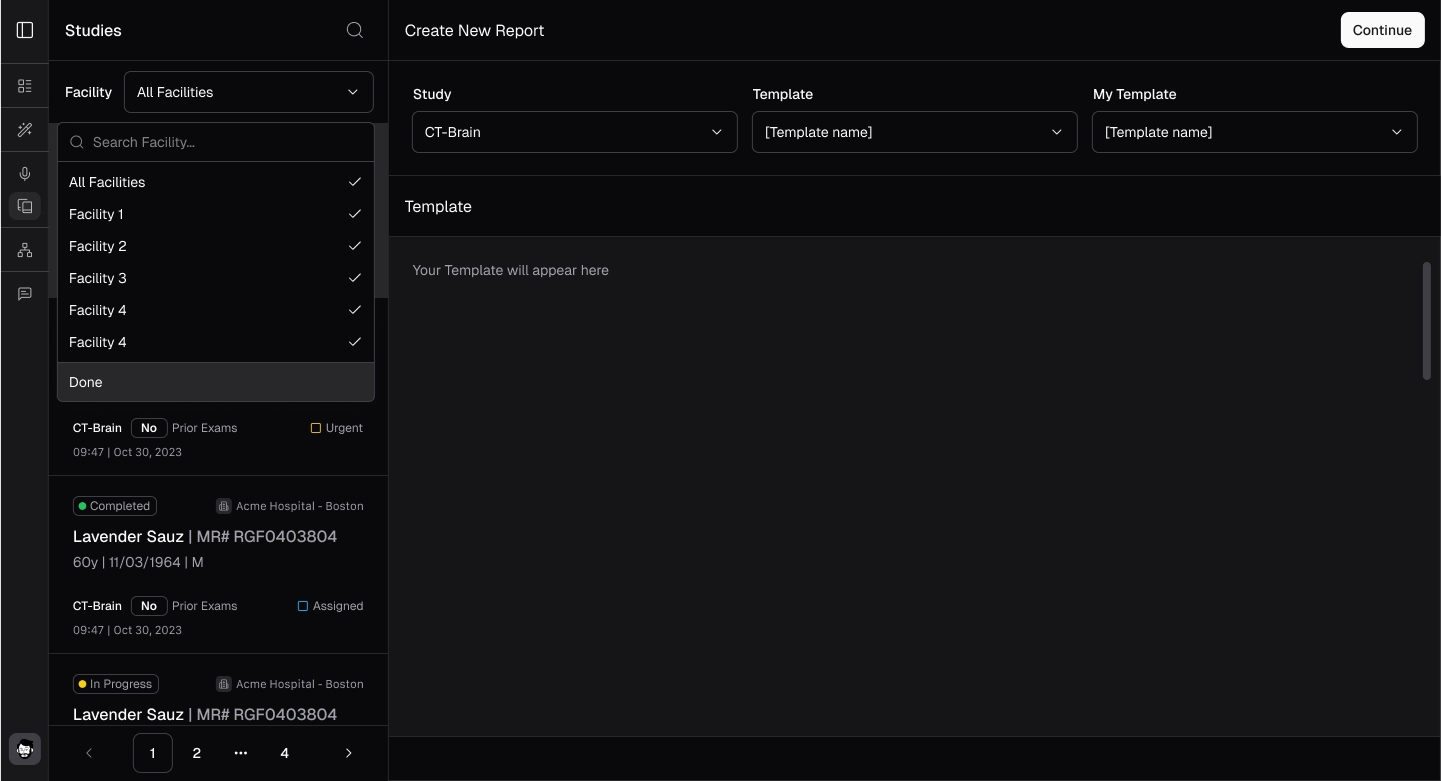
- Once the facility is selected, all studies will be displayed on the left.
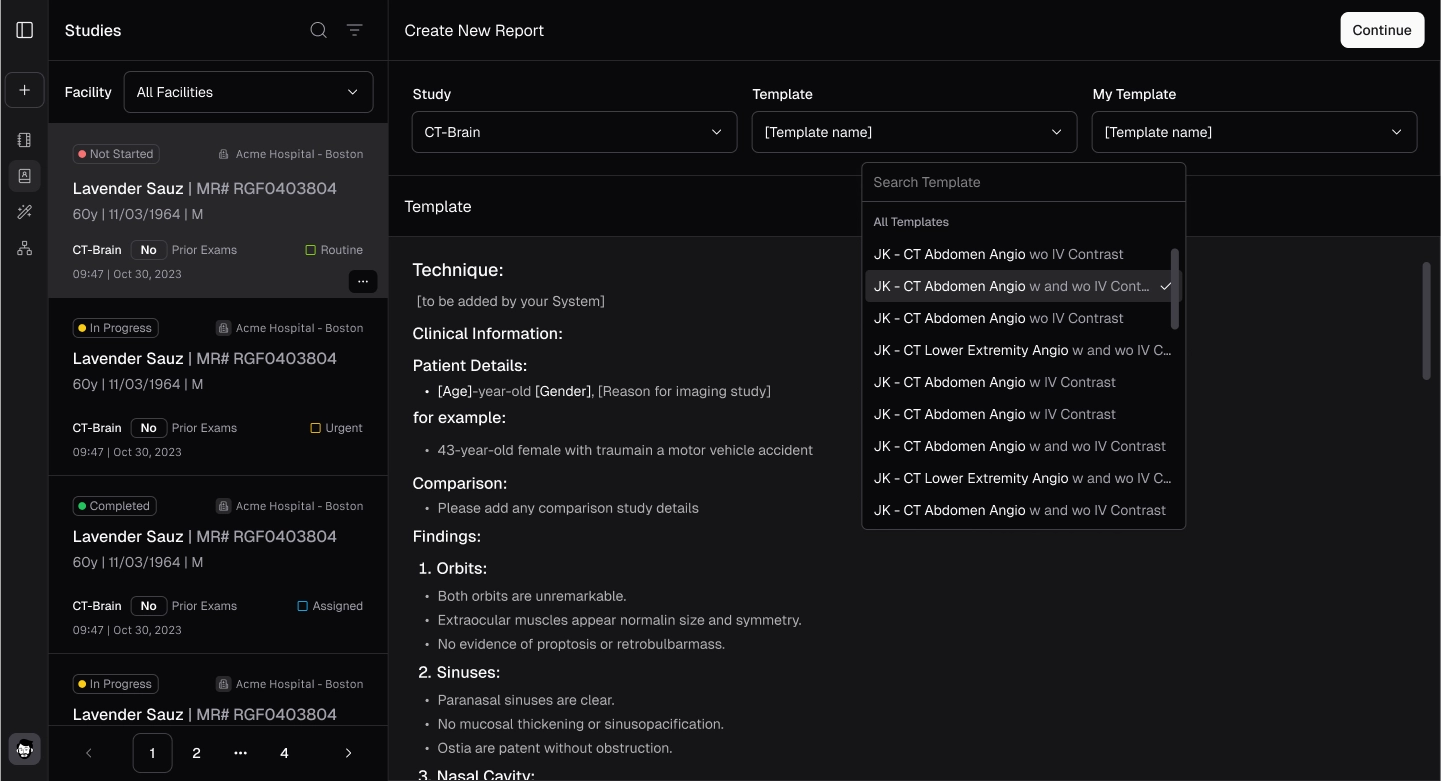
- Select the study and template from the dropdown menu.
- Start typing or recording (follow the same process described in Record & Generate a Report) to make a report.