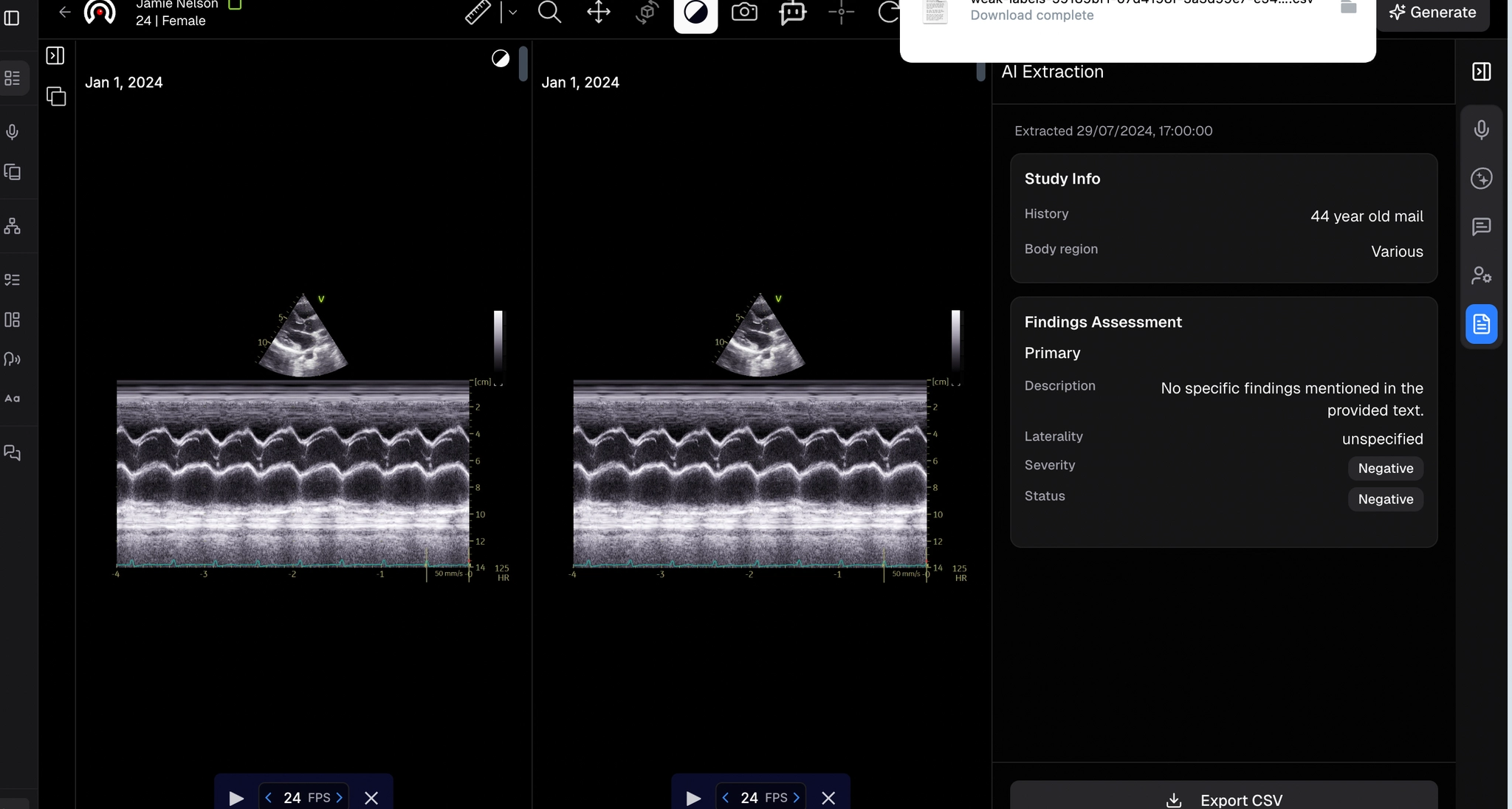
AI Extract
Pull structured data and weak labels from a report and export to CSV.
Updated
AI Extract
- Select AI Viewer from the side panel and select the study you want to review.
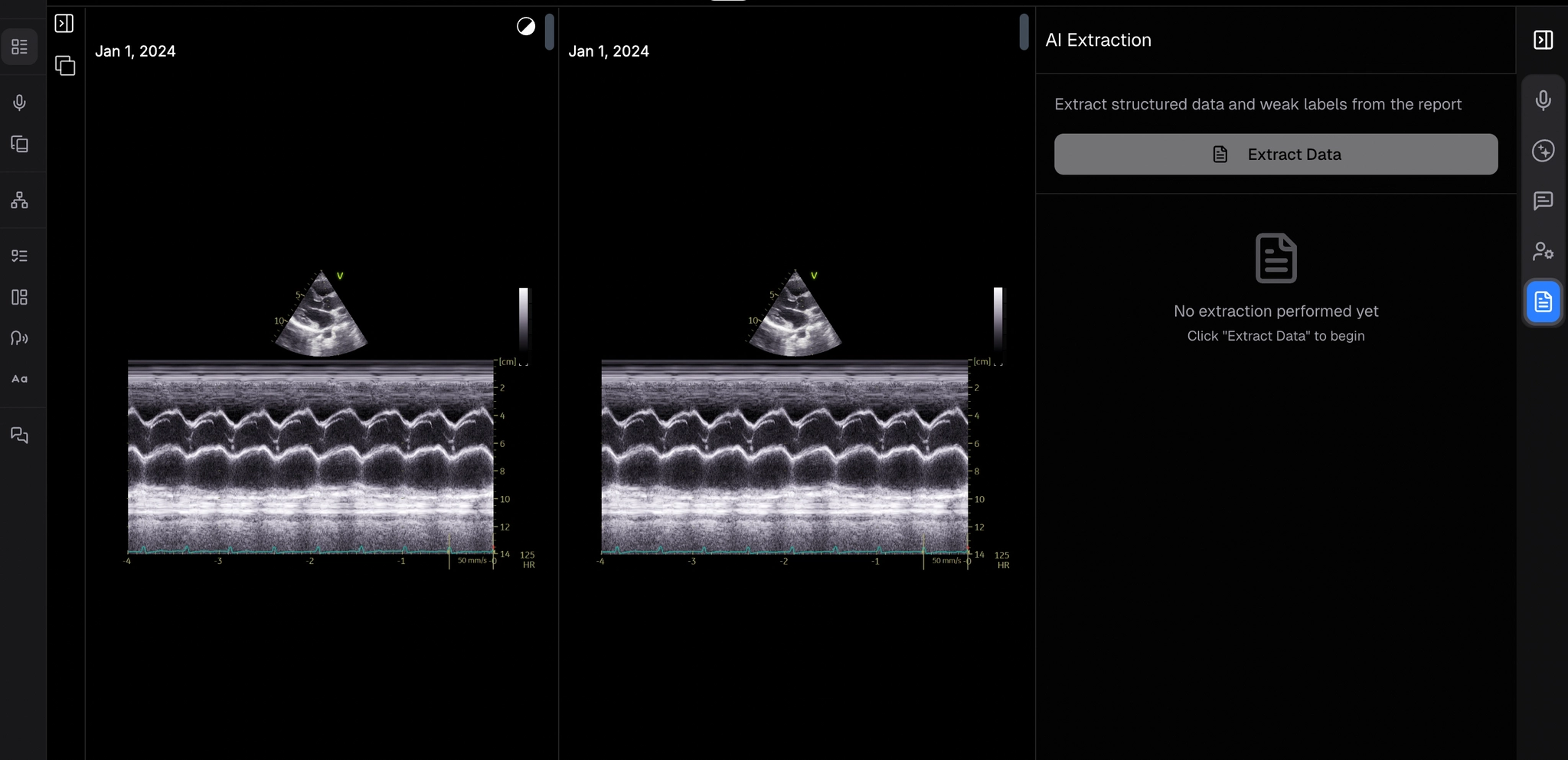
- From the right-side panel, click the fifth icon: Extraction. This will open the AI Extraction screen next to the selected image.
- Click the Extract Data button to begin extracting structured data and weak labels from the report.
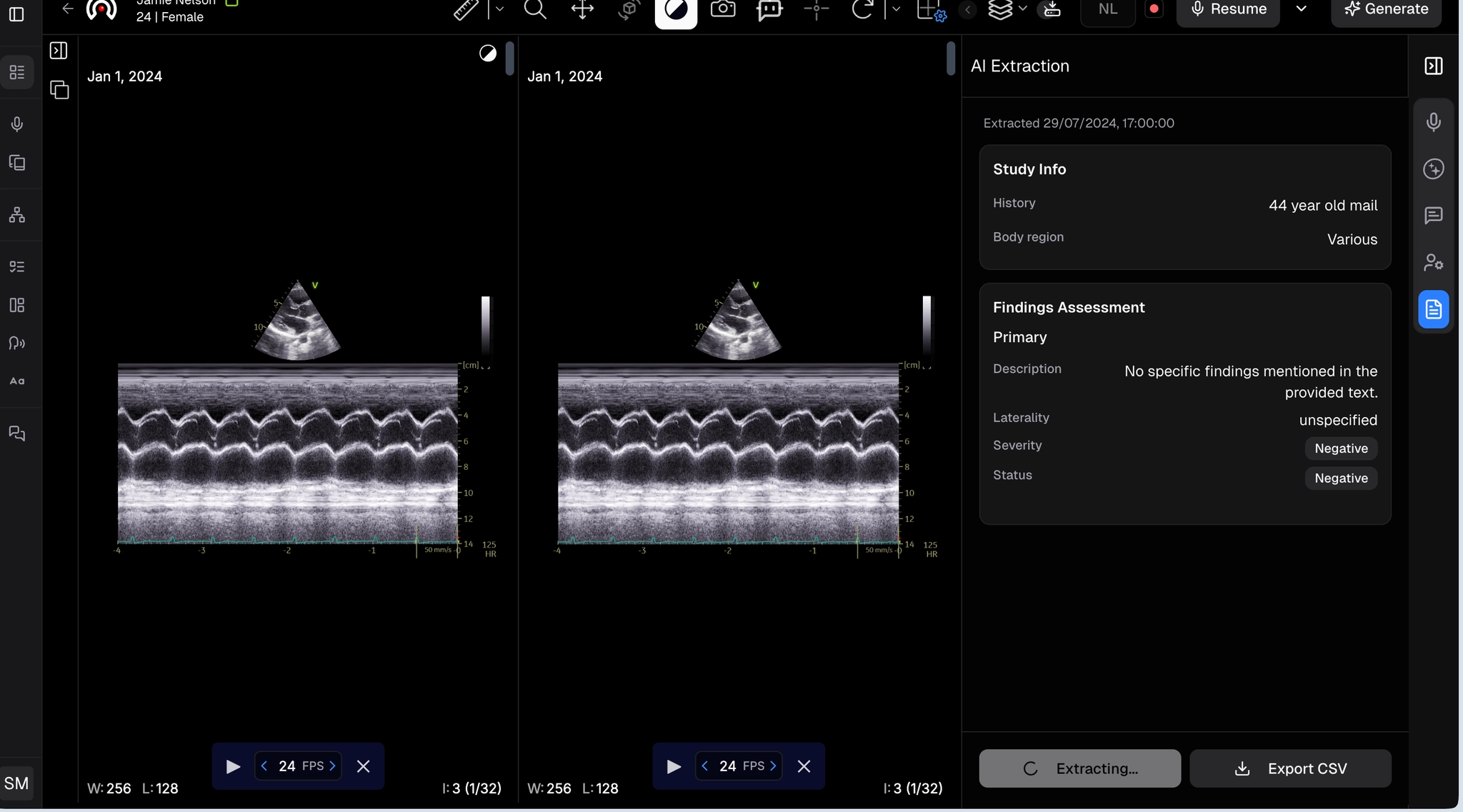
- Wait a moment as the system processes the data.
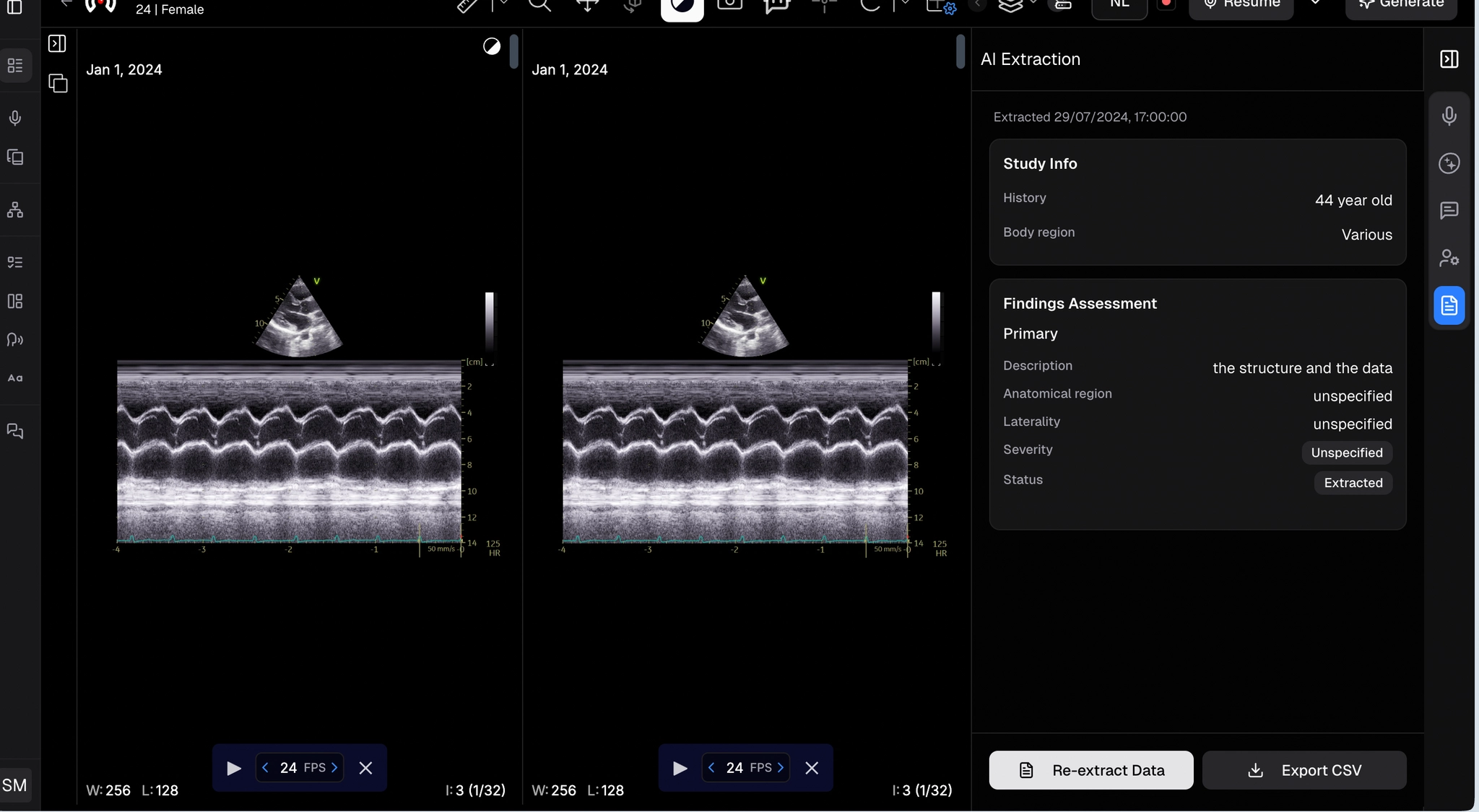
- Once complete, the extracted data will be displayed. To re-extract, click Re-Extract. To download, click Export CSV.