Custom Vocabulary
Add medical or custom terms so dictation recognizes them in Scribe Mode.
Updated
Vocabulary, Add Custom Terms
- From the Customization Studio on the left-side panel, click on the Vocabulary module.
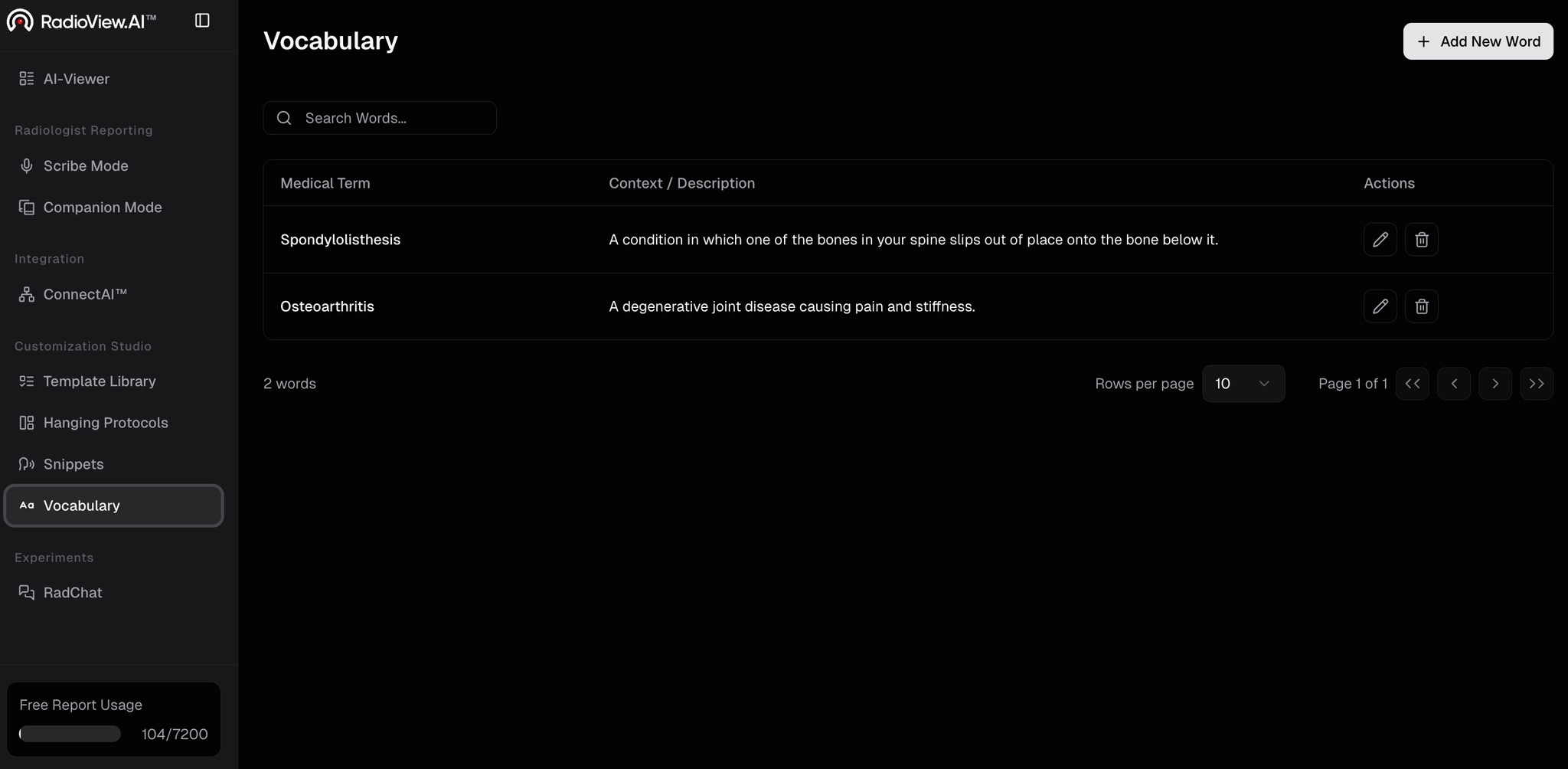
- Select Add New Word.
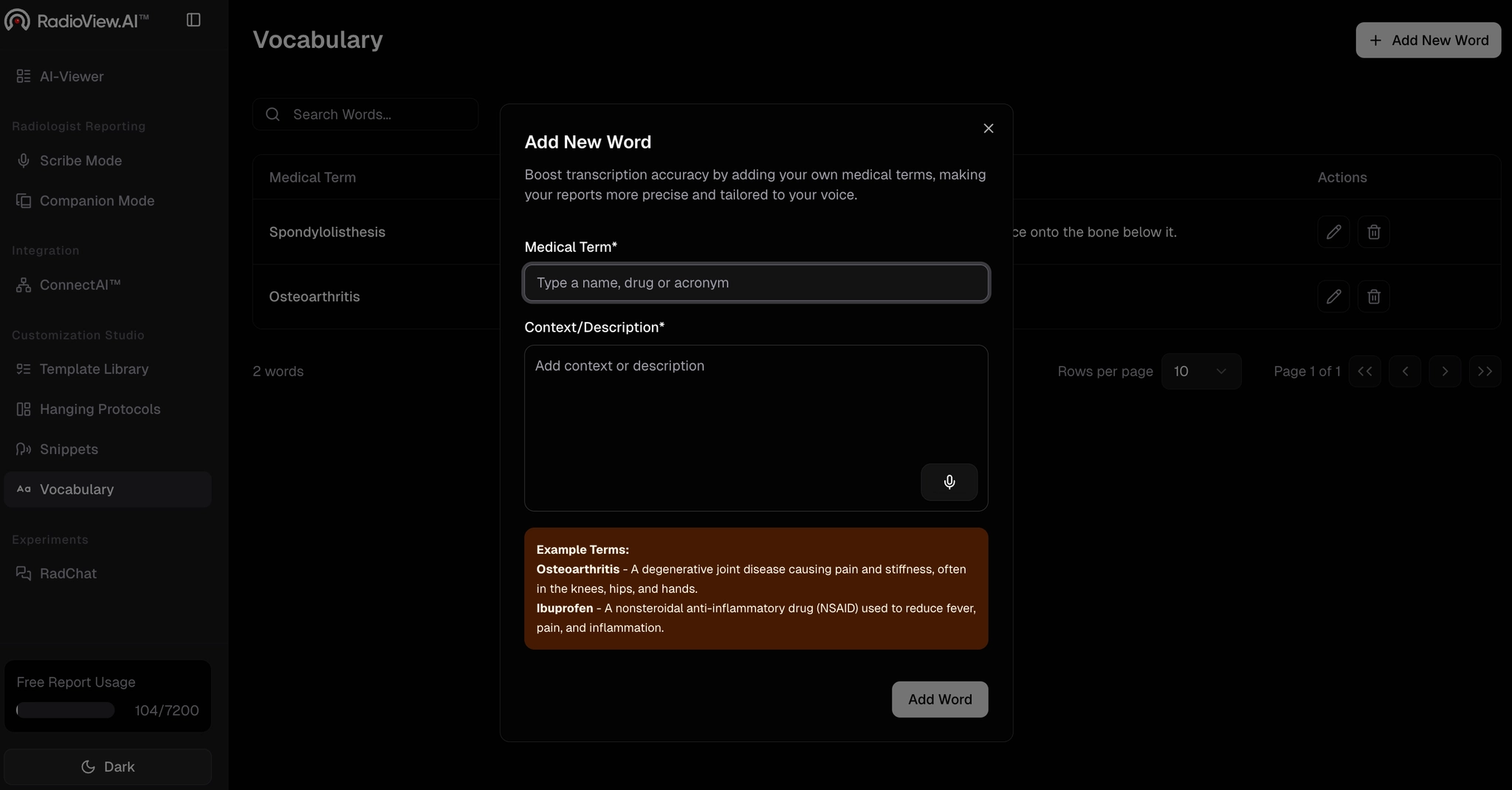
- Enter your desired term. Add a context and description for the term, either by typing or dictating.
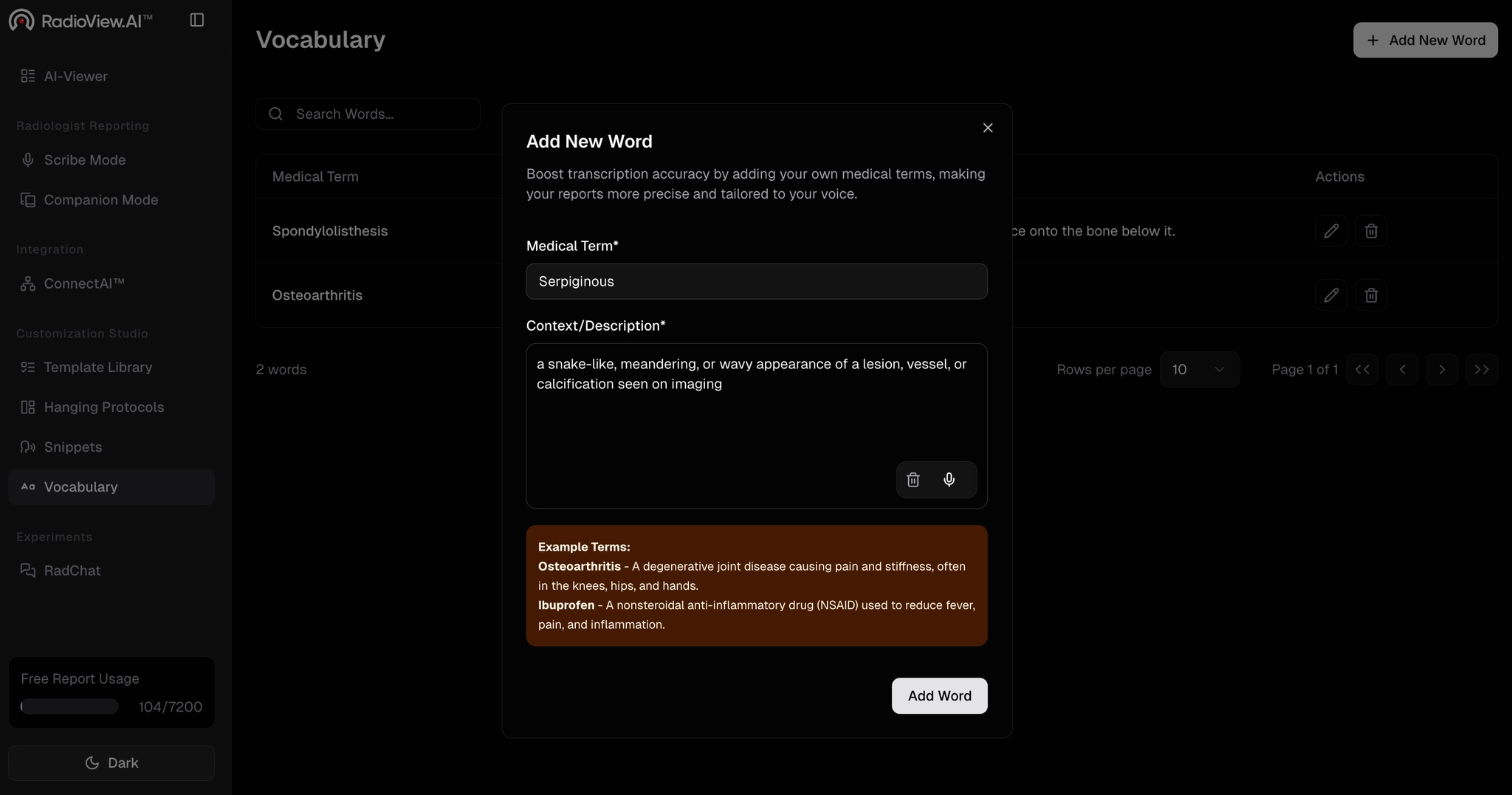
- Click Add Word to save the term to your vocabulary list. Repeat this process to add as many medical or custom terms as needed.
.webp)
Using custom vocabulary in Scribe Mode:
- Navigate to Scribe Mode from the side panel, click on AI Report, choose your preferred template, and click Start to begin the report creation process.
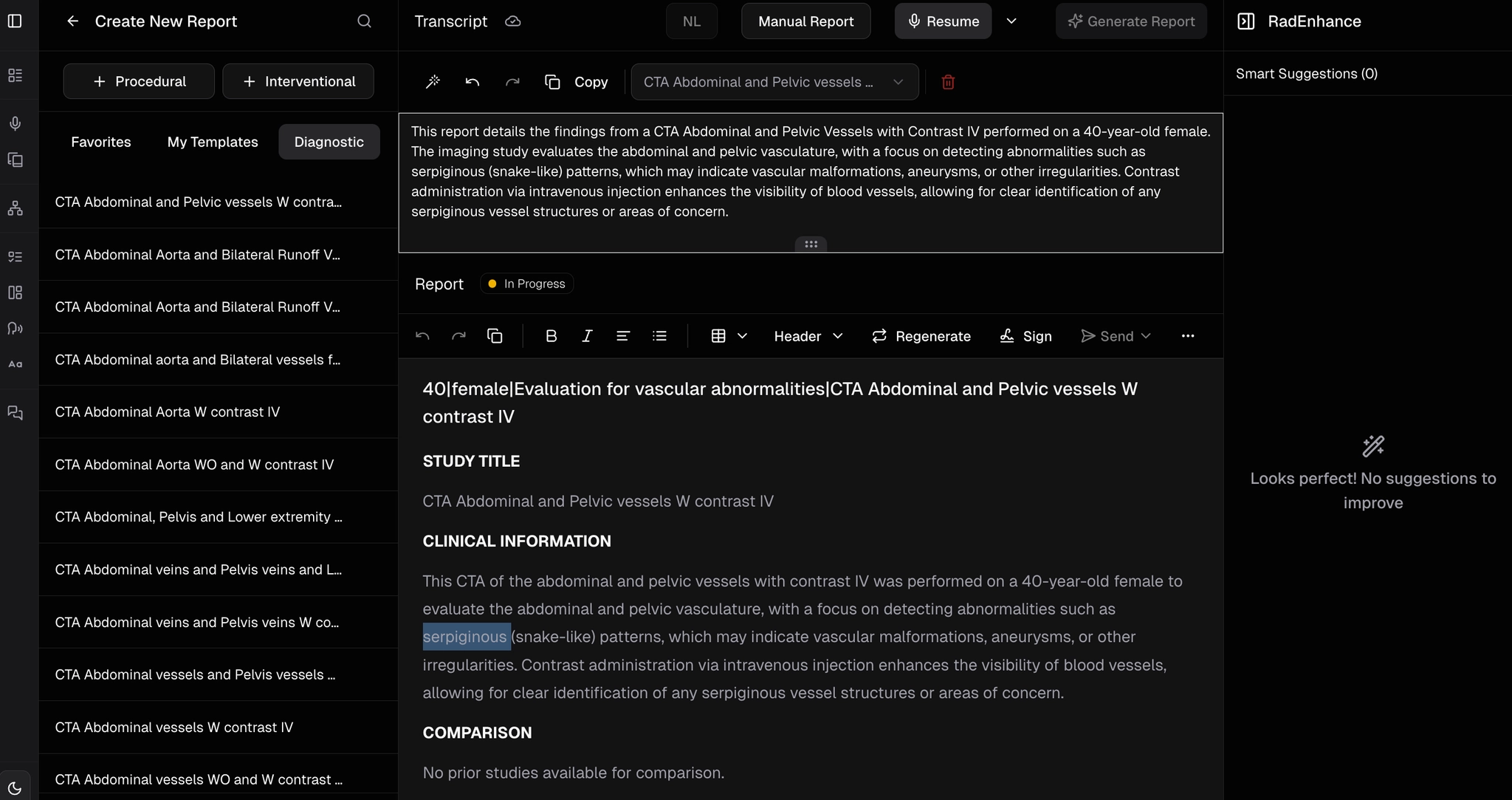
- Begin dictating your report. As you dictate, the system will intelligently recognize and apply the custom terms you added.
- Review the transcript to ensure all custom terms are accurately recognized and directly incorporated.
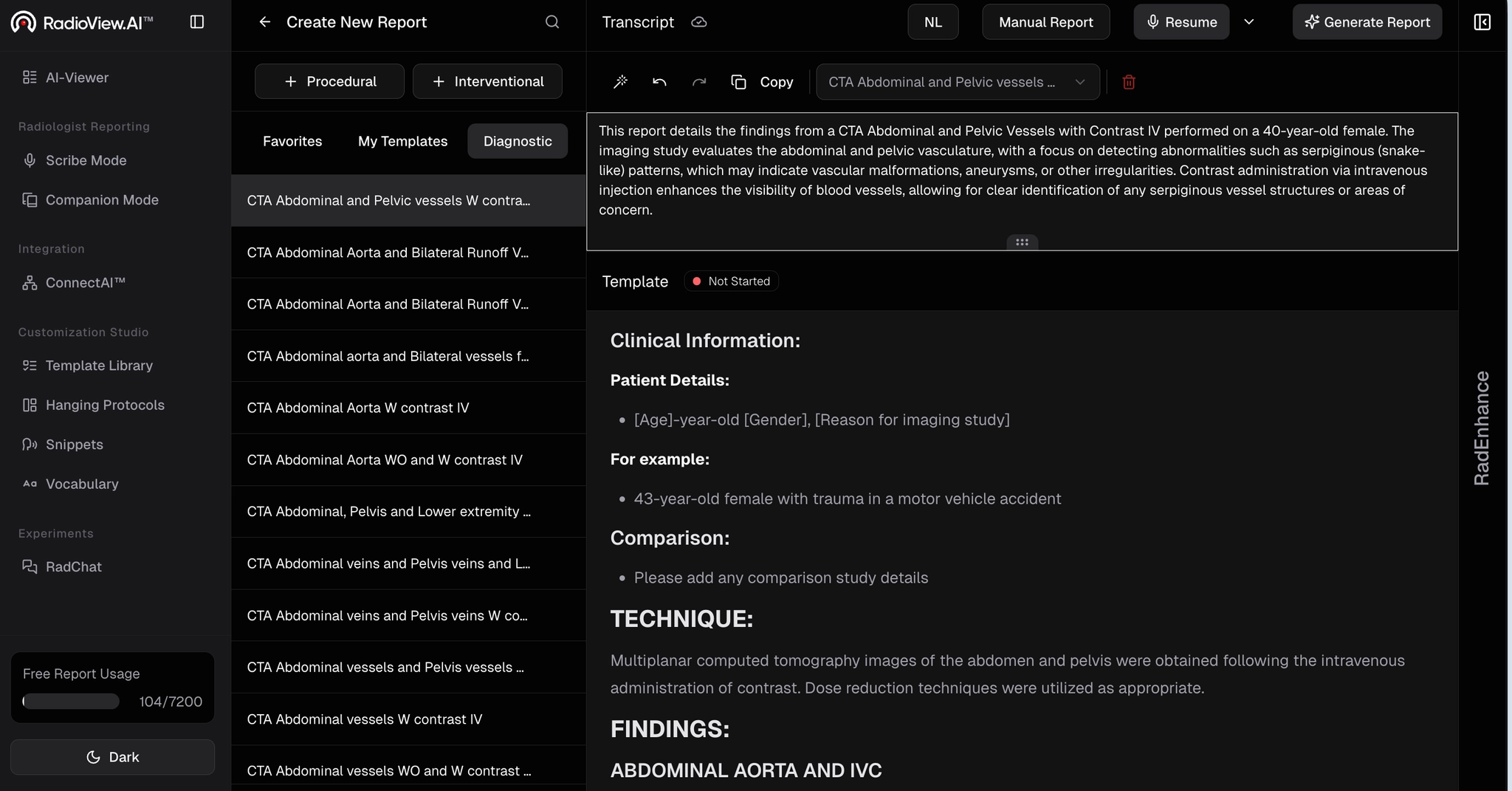
- Once you finish dictating, click Generate to finalize the report. Any minor spelling variations will be automatically corrected. Scroll through the transcript and final report to verify all custom terms are captured and formatted correctly.