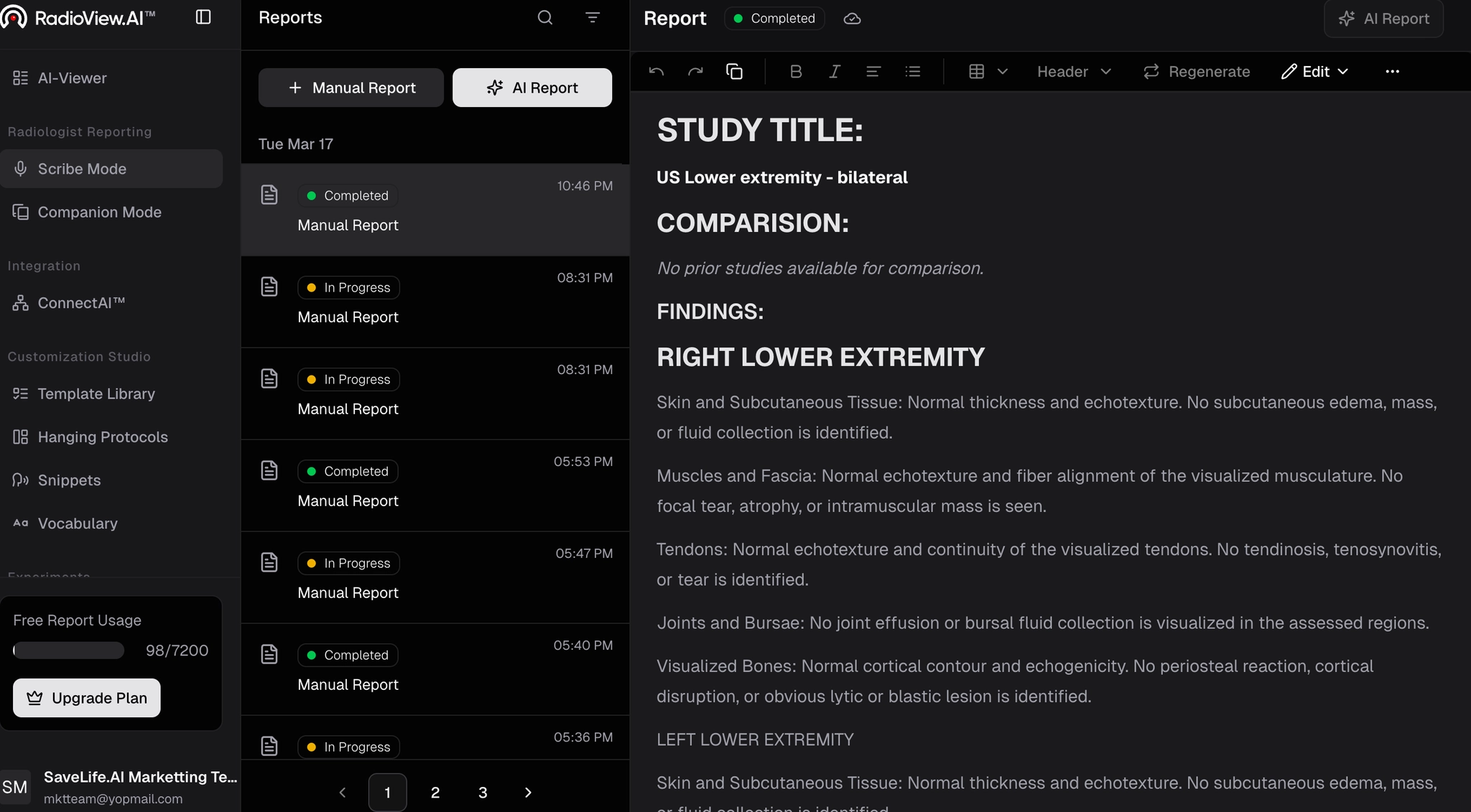
Manual Reporting in Scribe Mode
Type or paste a report, add headings and tables, sign, and export.
Updated
Manual Reporting in Scribe Mode
- To begin in Scribe Mode, click on Scribe Mode from the left side panel.
- Then select Manual Report located at the top.
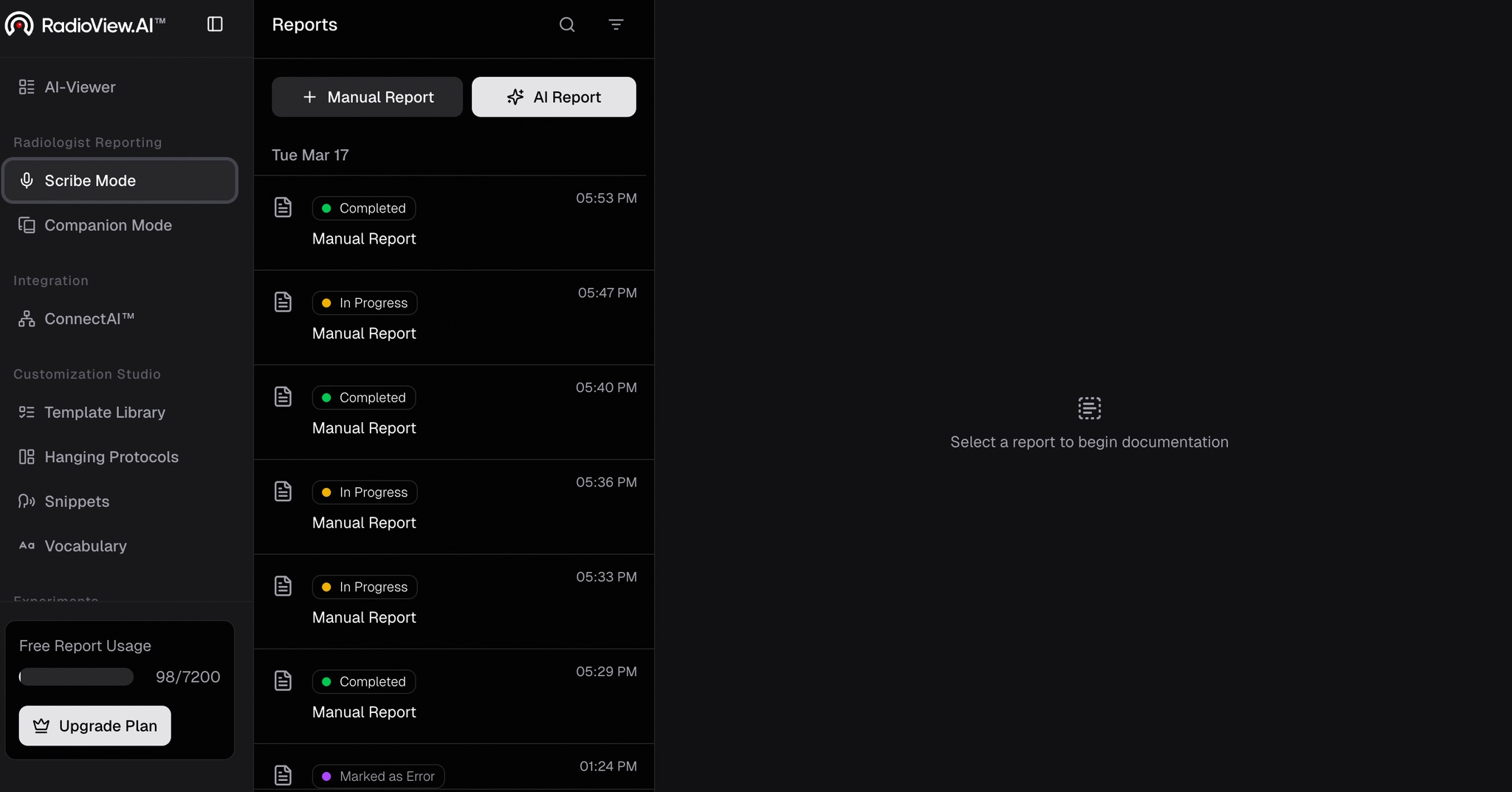
- A popup will appear. You can start typing your details or paste your existing report.
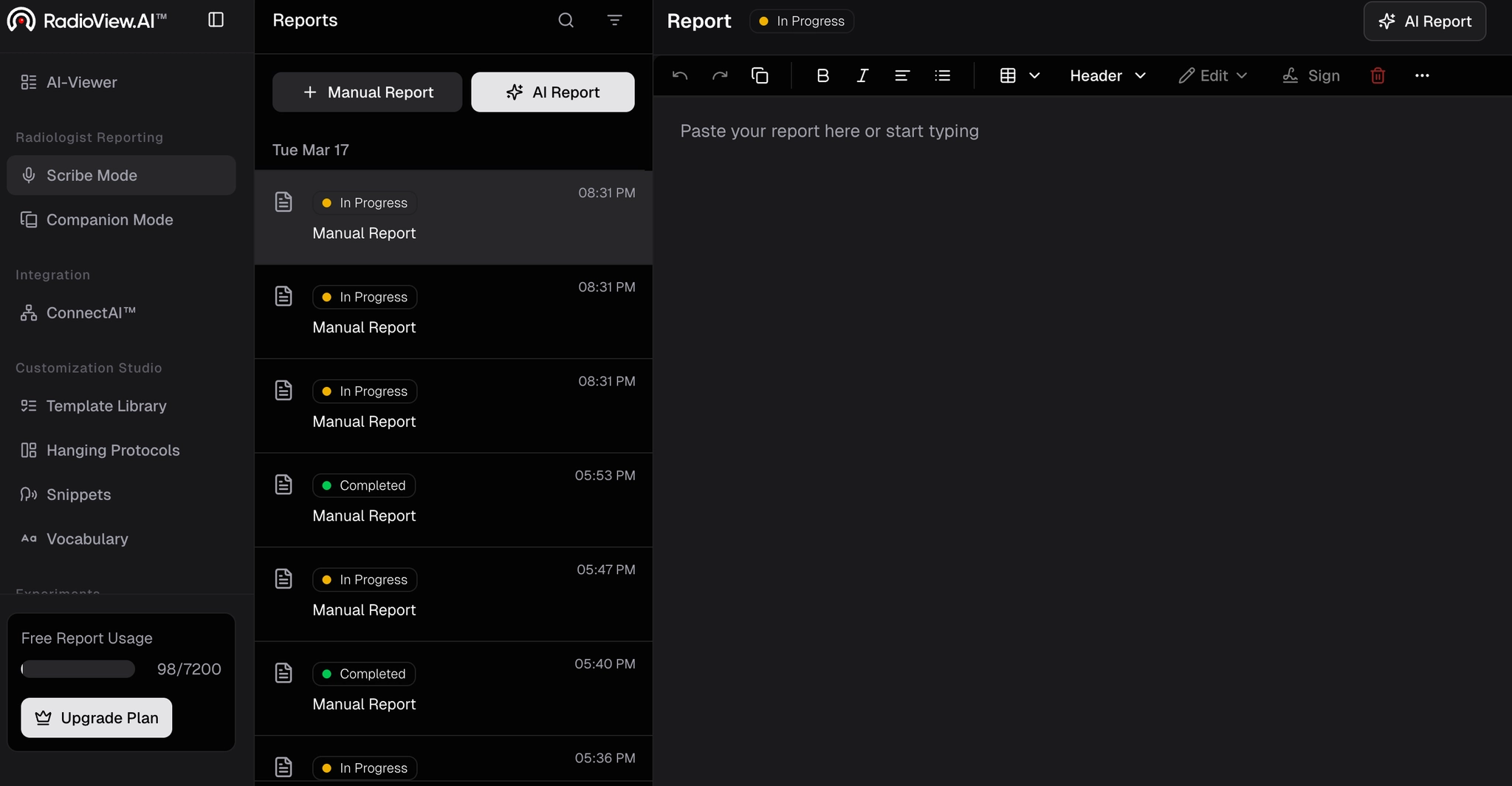
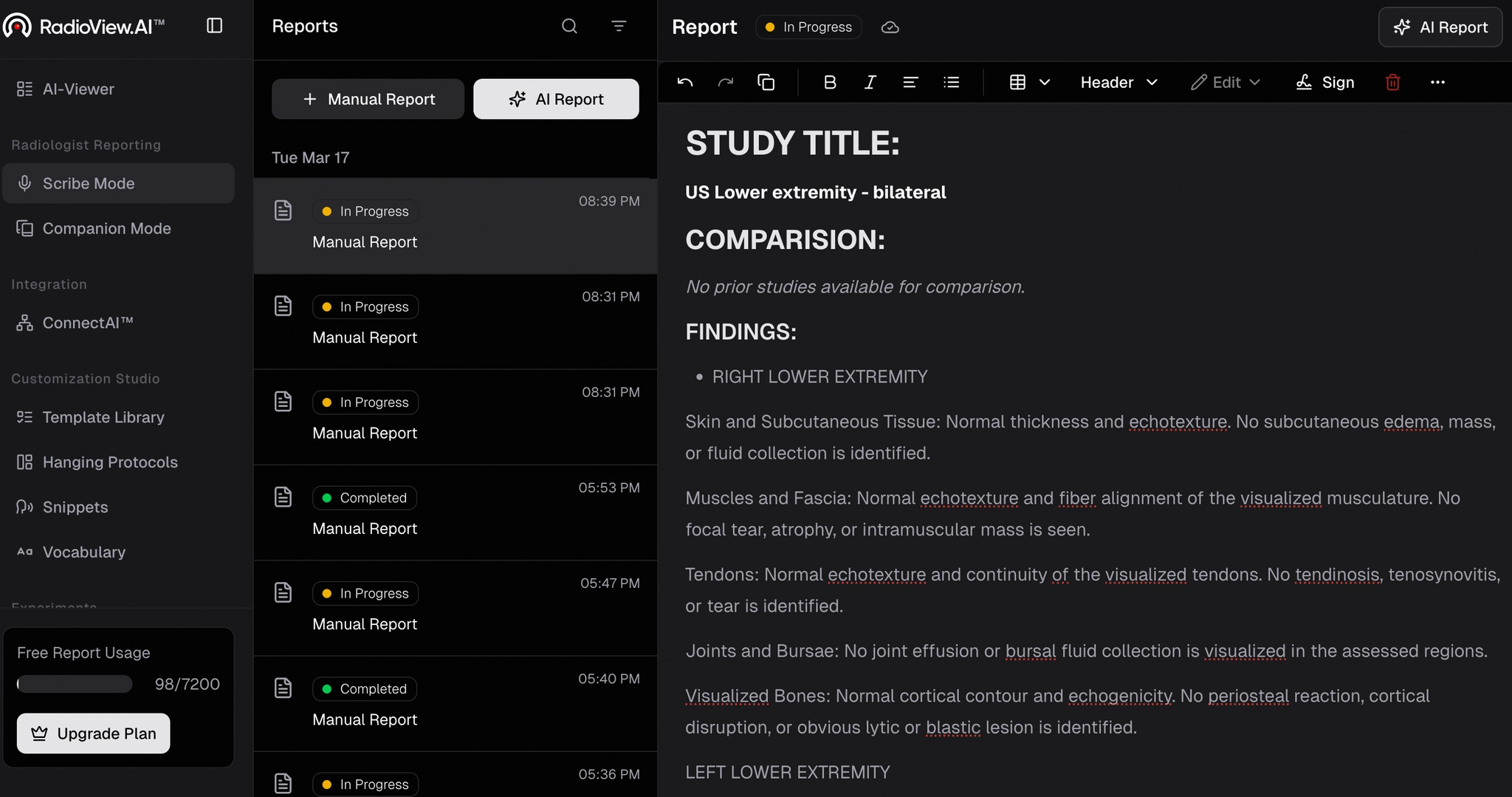
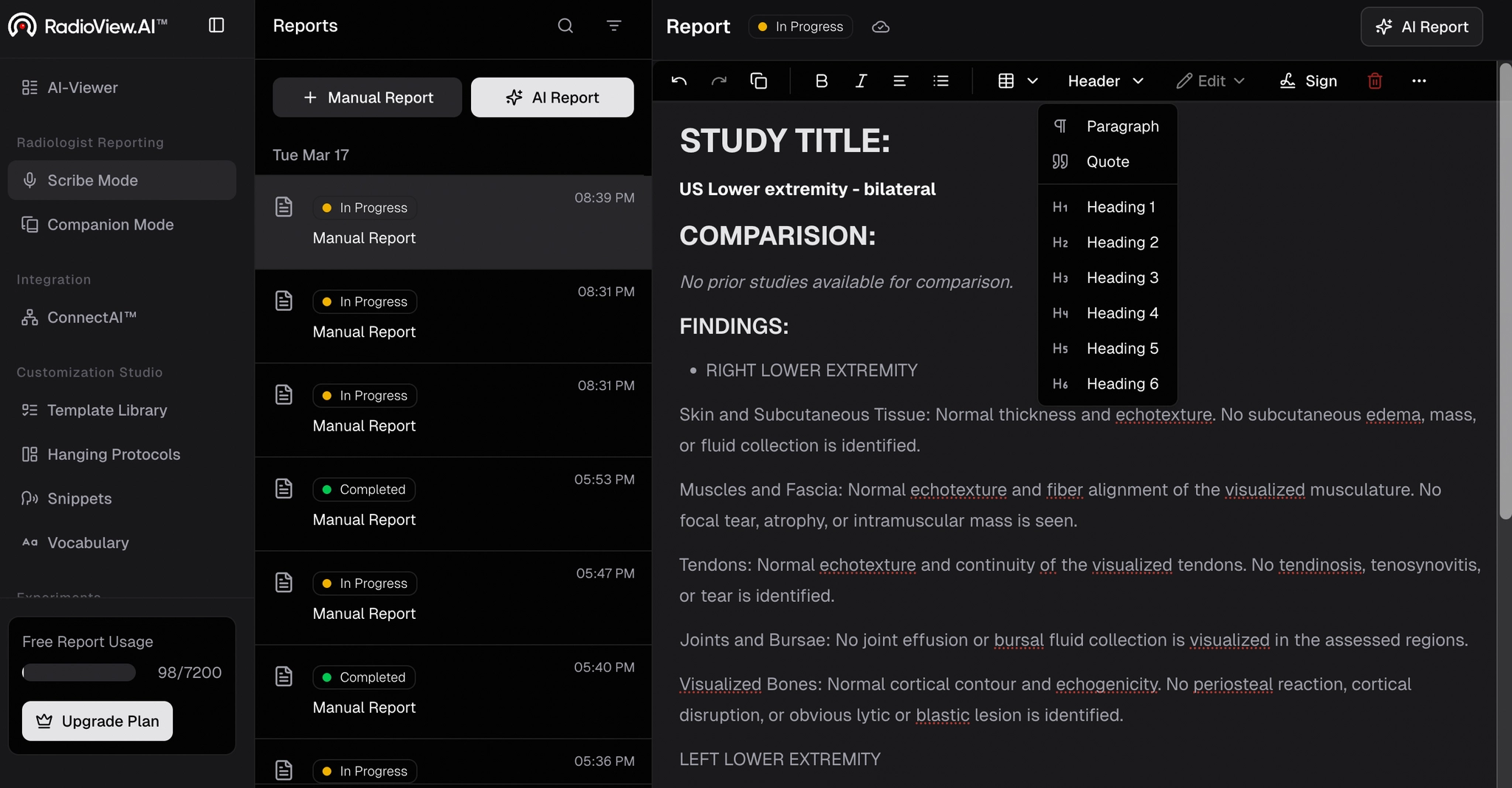
- To organize your content, click the header icon at the top to turn phrases into headings. Select from the available options in the dropdown list.
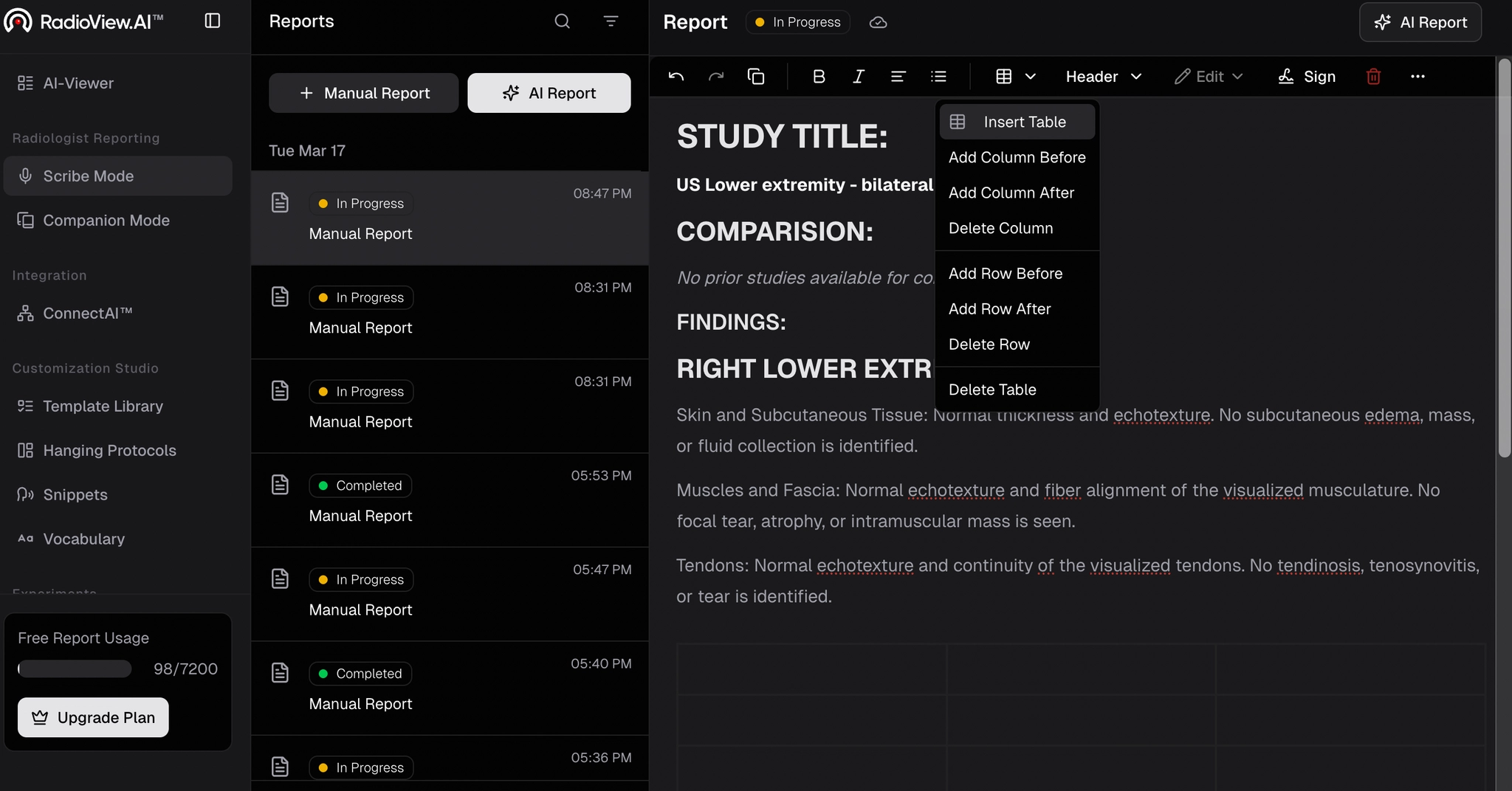
- For structured data, click the table icon, choose the exact placement from the dropdown, and the table will appear in your report.
- Use the options in the top toolbar to refine your report further. When ready, select Sign to finalize.
- A popup will prompt for your signature details.
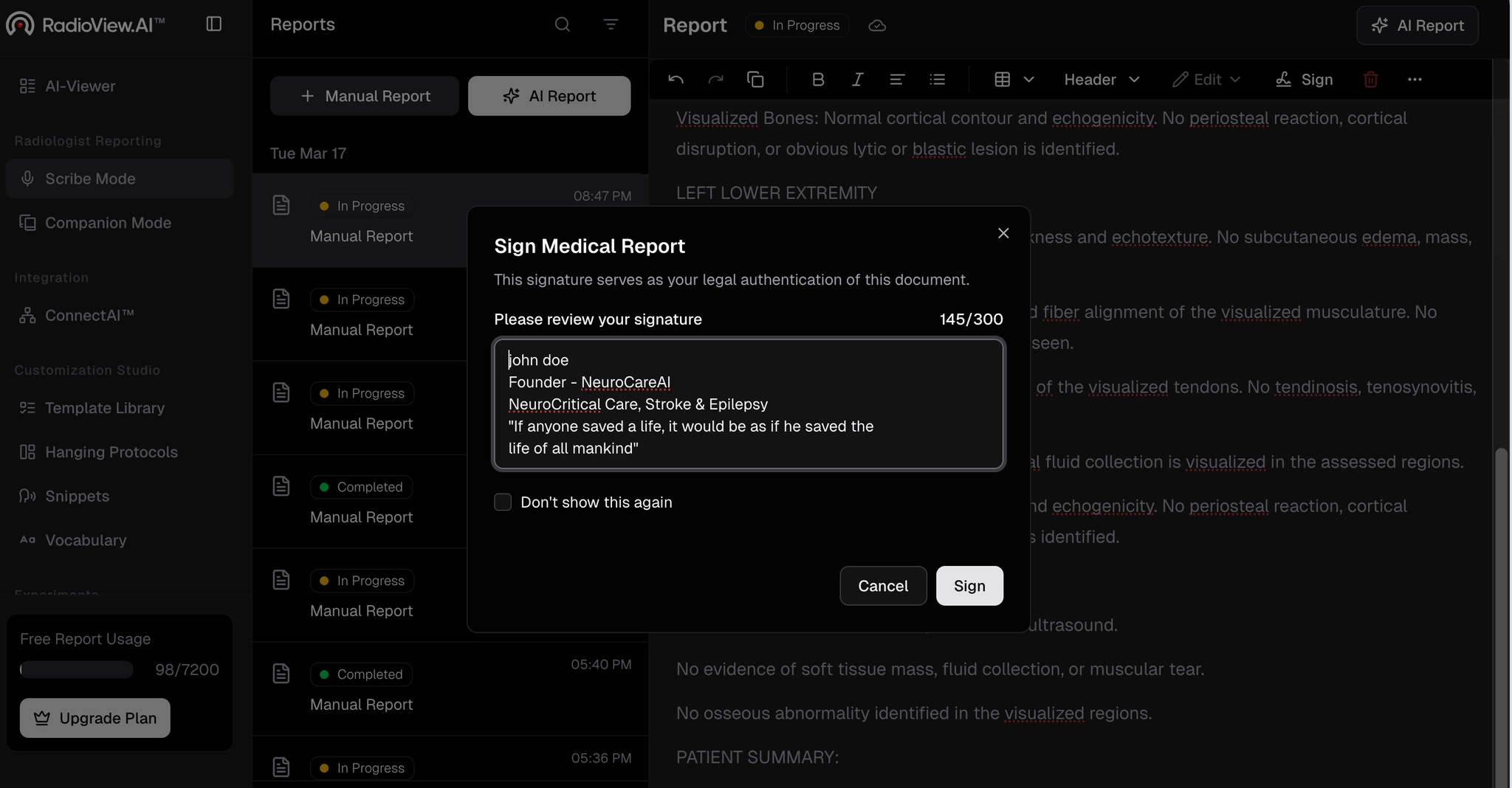
- Enter your details. It will then enable the edit button. Finally, click the three dots to download or send the report as required.