View & Manage Appointments
Browse EHR appointments by date and work them through Not Started → In Progress → Completed.
Updated
Scheduling
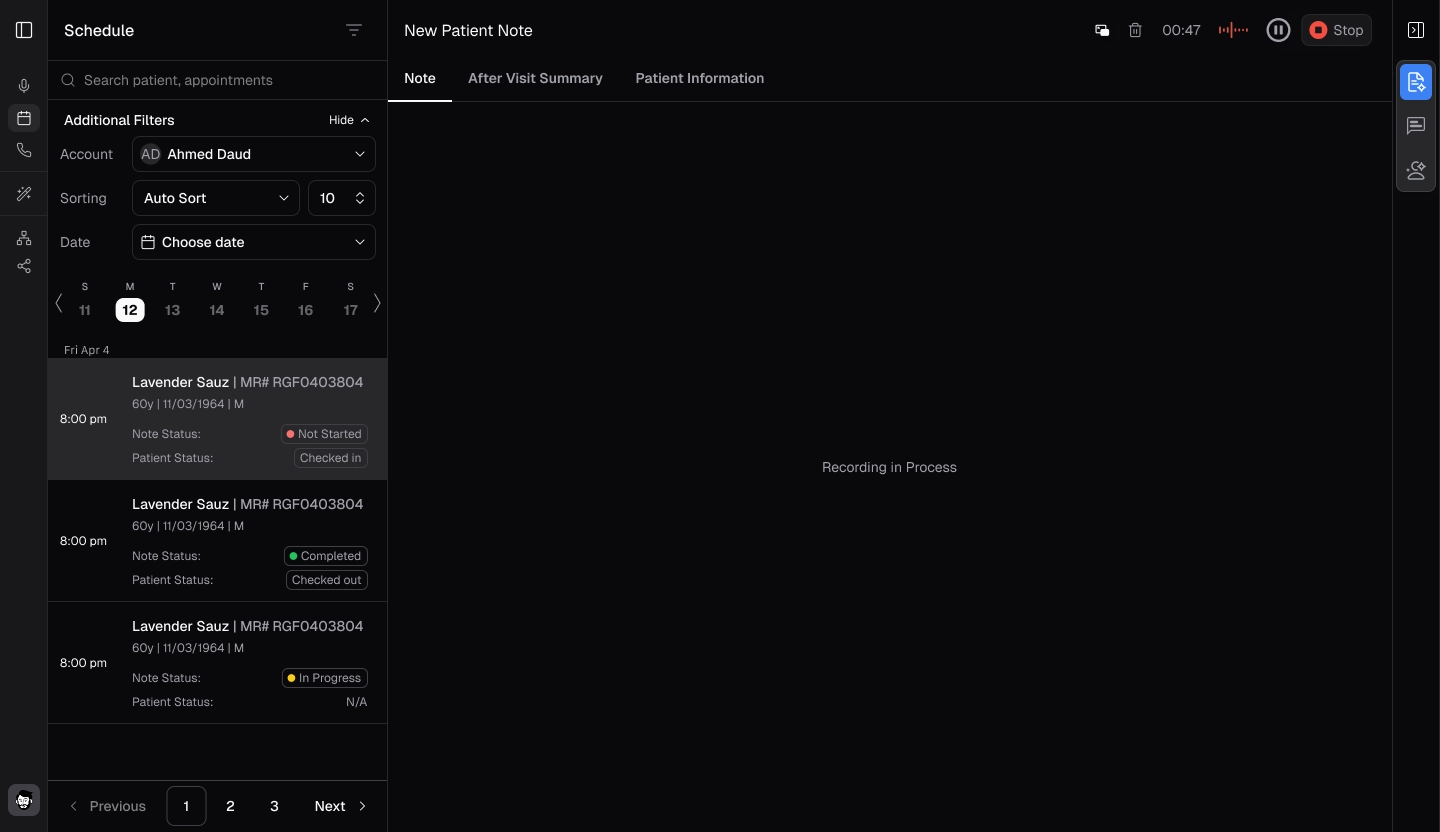
- To view your appointments, click on "Schedule" located right beneath Ambient Mode.
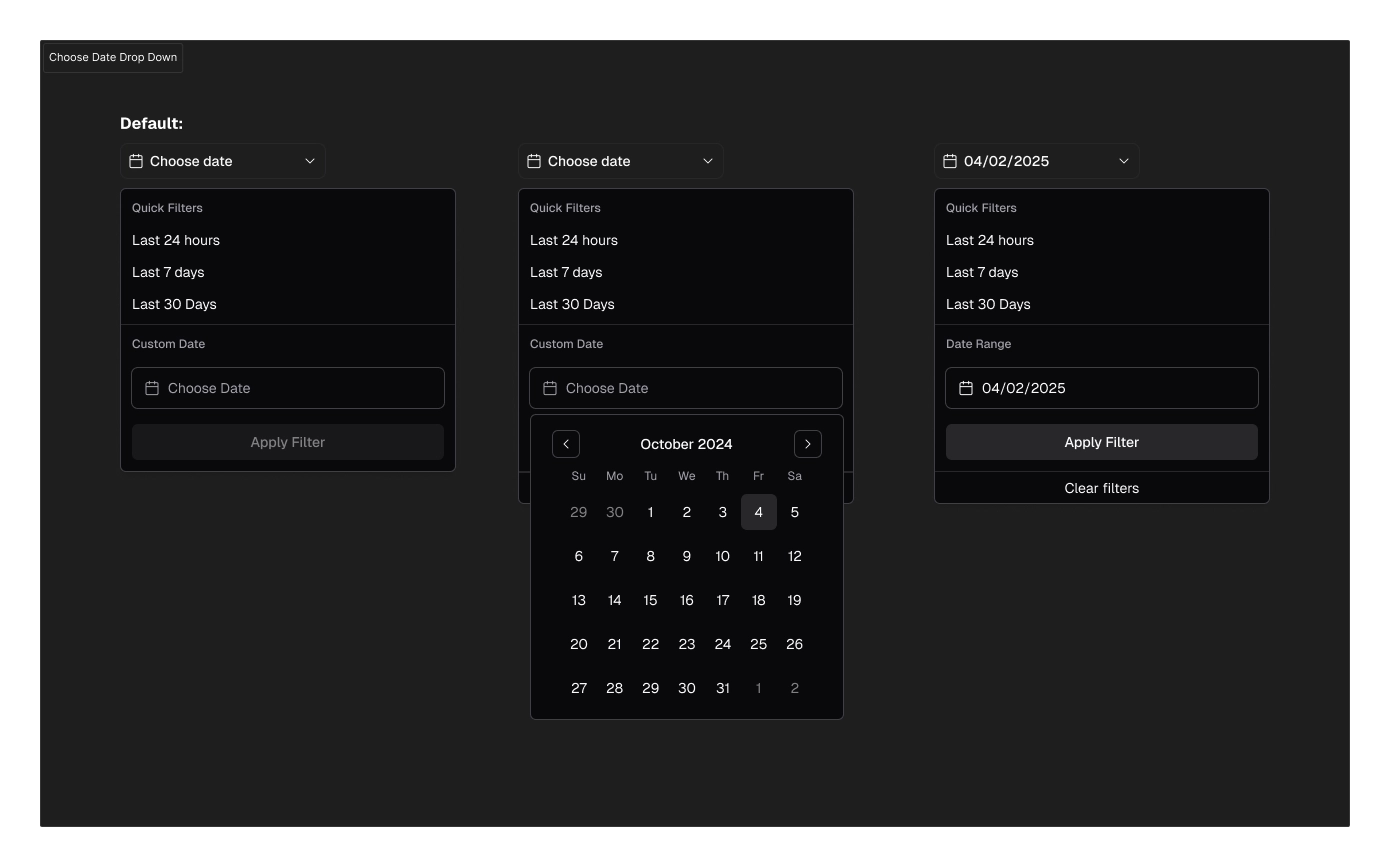
- Click on the respective dates to view your scheduled appointments for that day. These can be chosen from the dropdown list.
- The appointments along with their scheduled times will then be displayed.
.webp)
.webp)
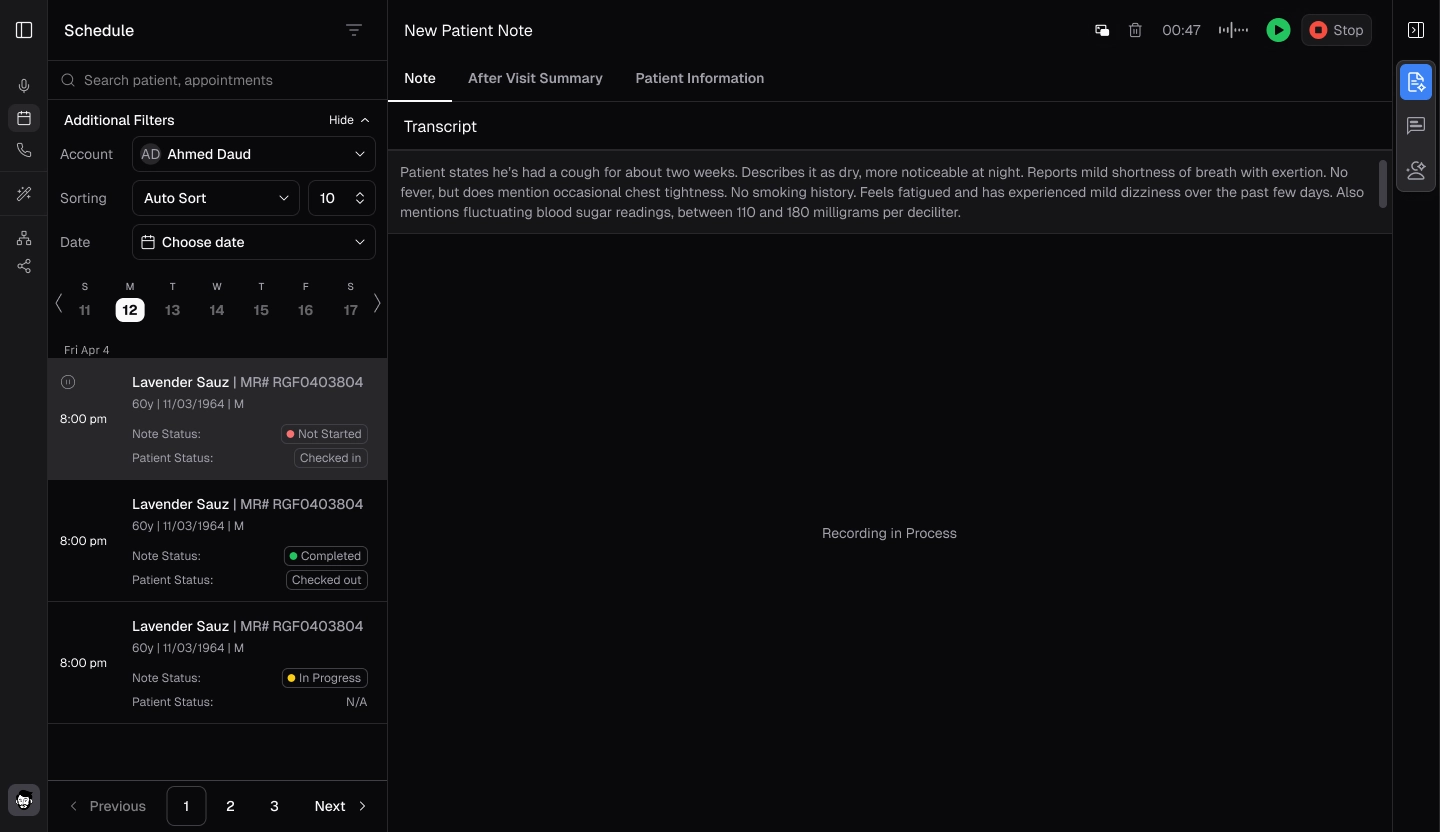
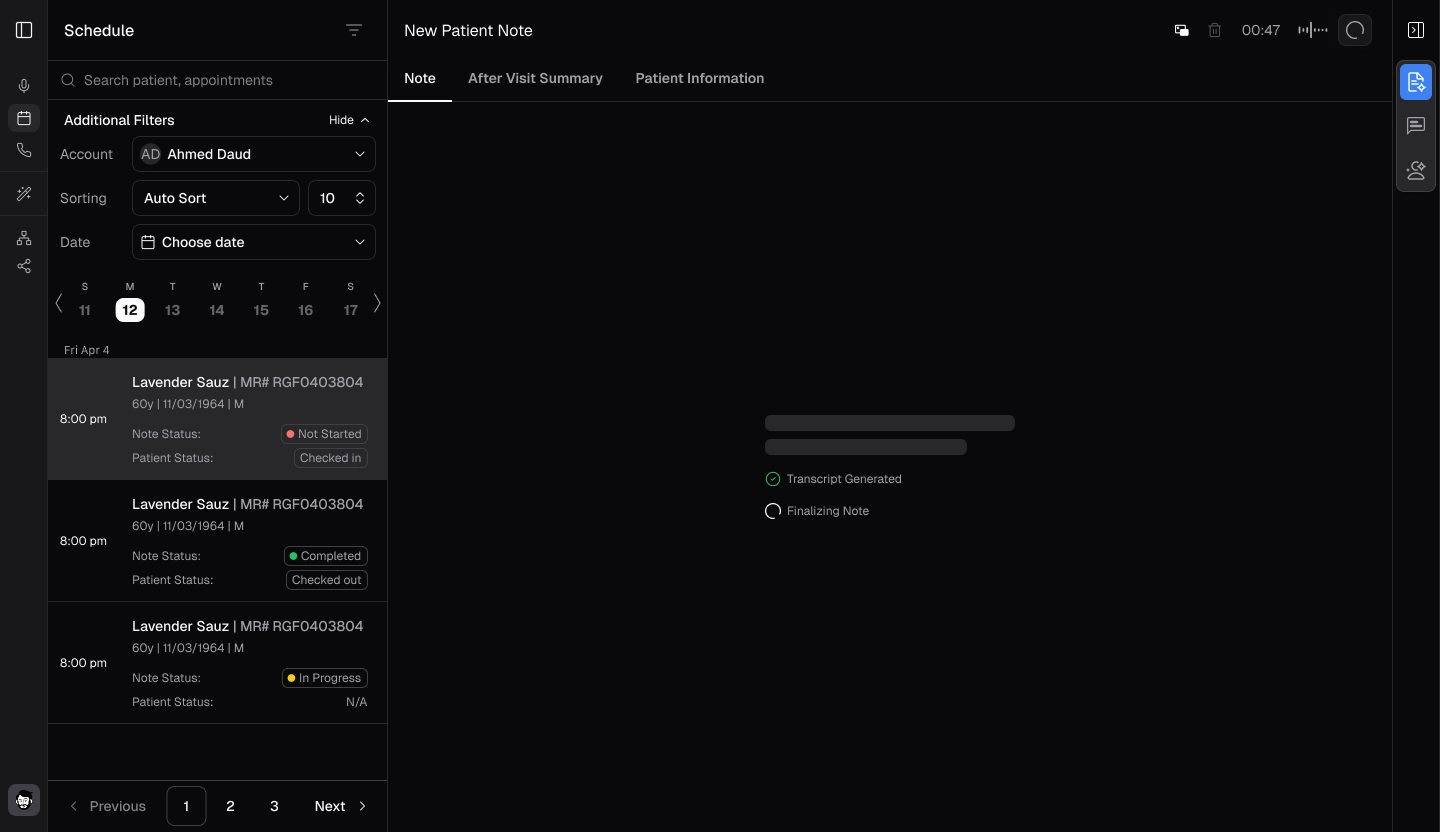
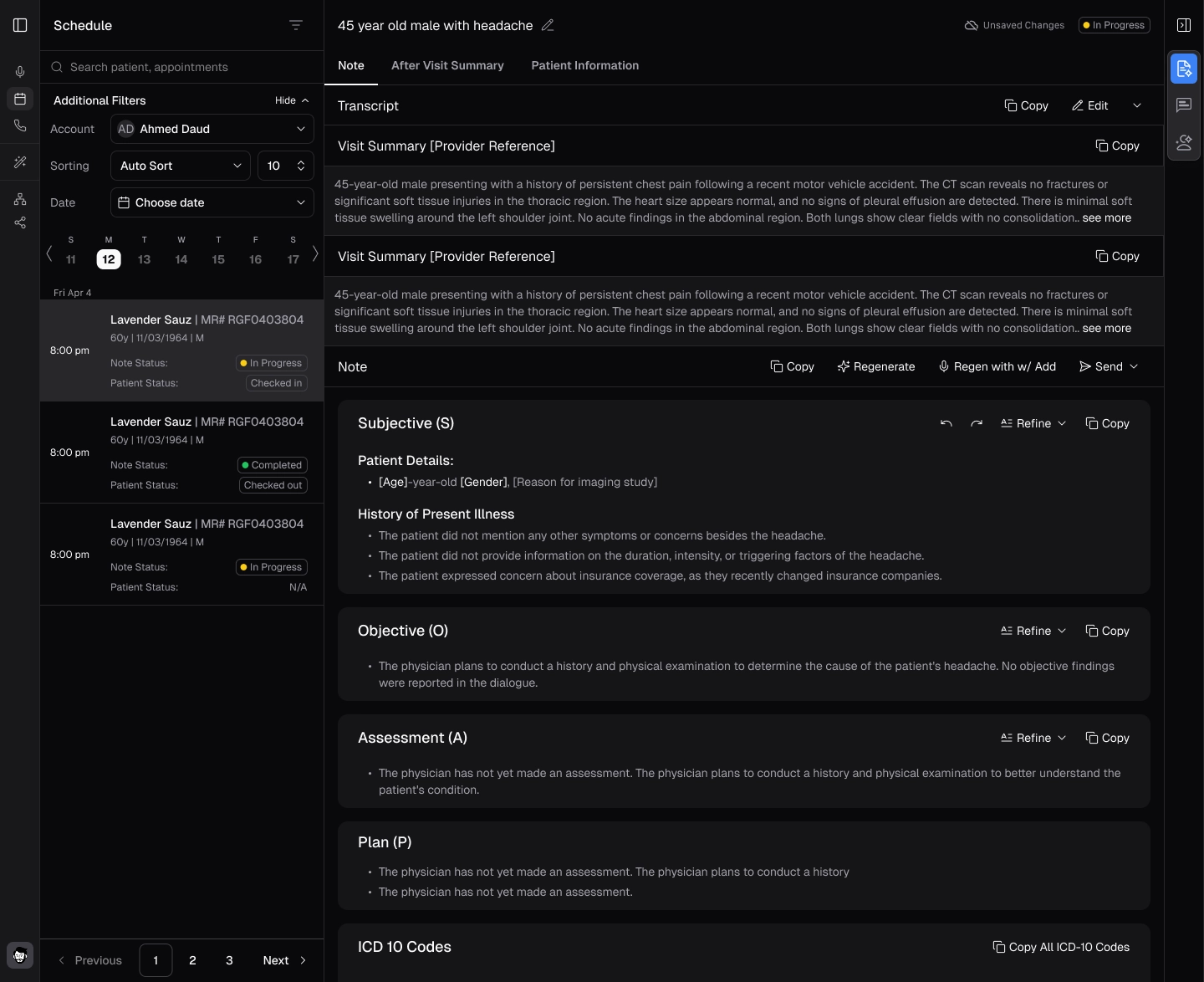
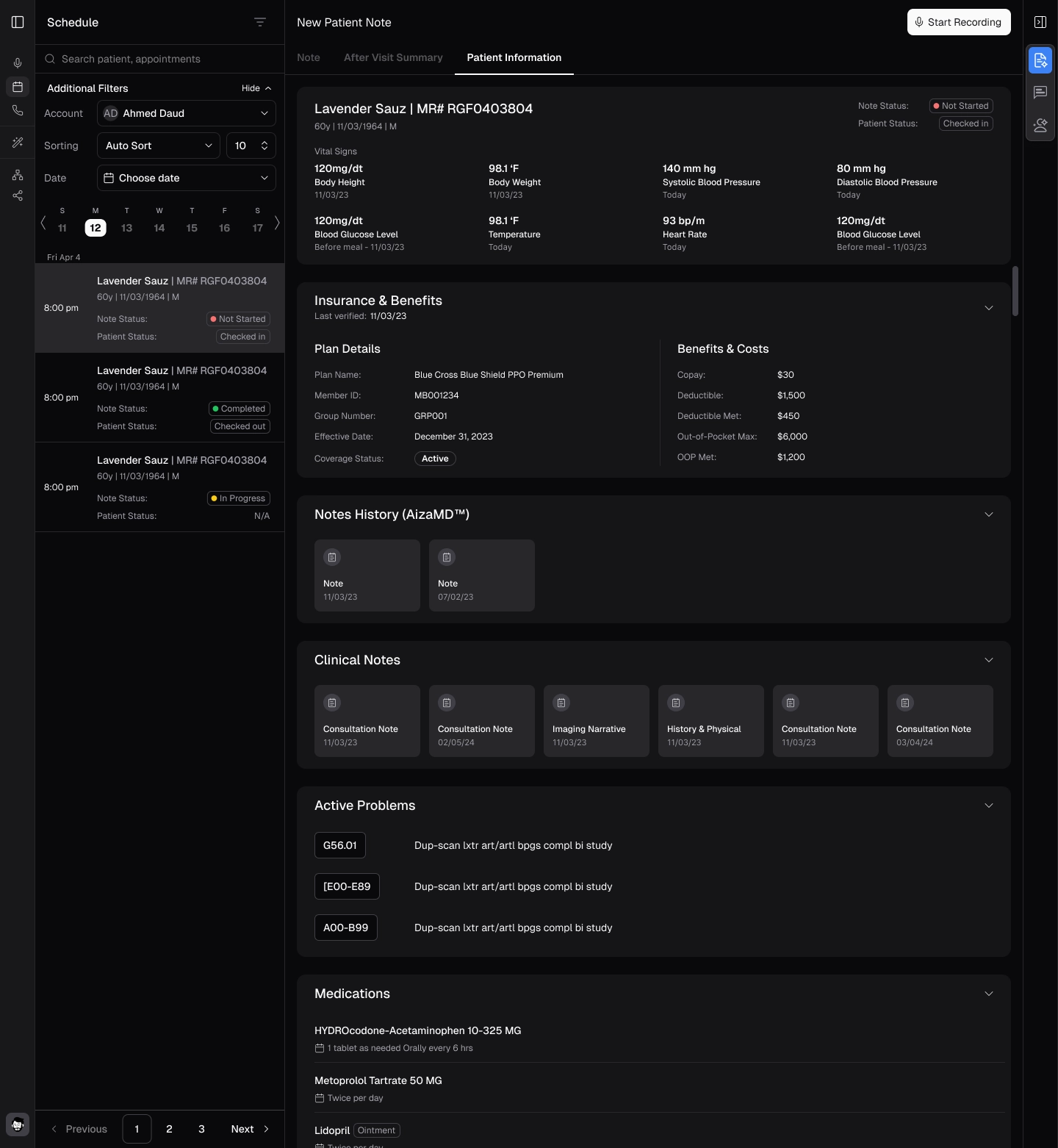
- On the left panel, as you select an appointment, the complete data will appear displaying the Note, After Visit Summary, and patient information.
Managing Schedule
- The appointments are displayed as Not Started, In Progress, or Completed.
- To complete a Not Started appointment click on it. Then start the recording process as described in Create Your First SOAP Note.