Troubleshooting Recordings
What to do when note generation fails or the connection drops mid-recording.
- Guide 10 of 19
- 3 steps
- 4 screenshots
- Updated July 3, 2026

 All AizaMD™ guides
Ambient Mode
CliniChat
CareTeam Connect
EHR/EMR Integration
- Guide 10 of 19
- 3 steps
- 4 screenshots
- Updated July 3, 2026
Note Generation Failure
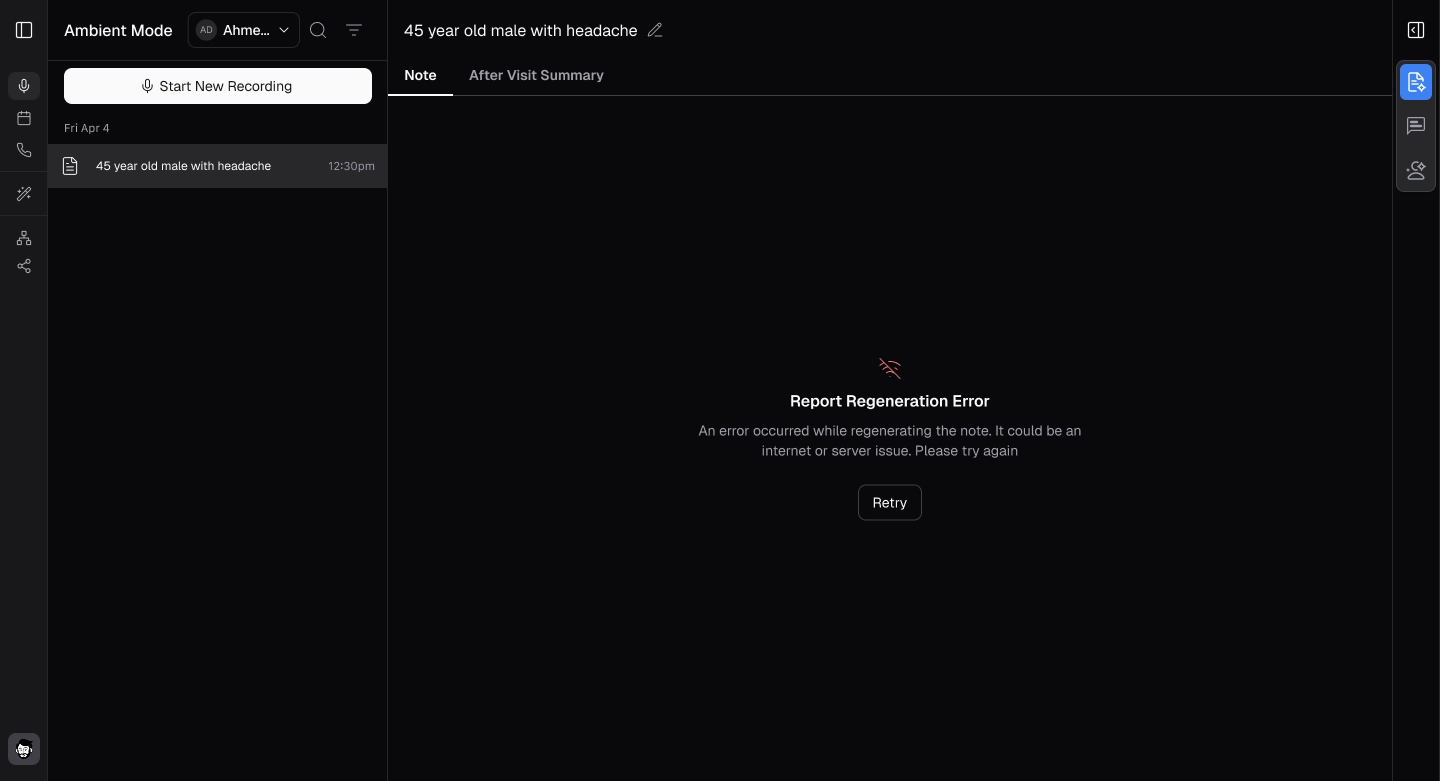
- If the audio is unclear or incorrect, a notification will pop up stating that the note could not be generated.
Connection Error
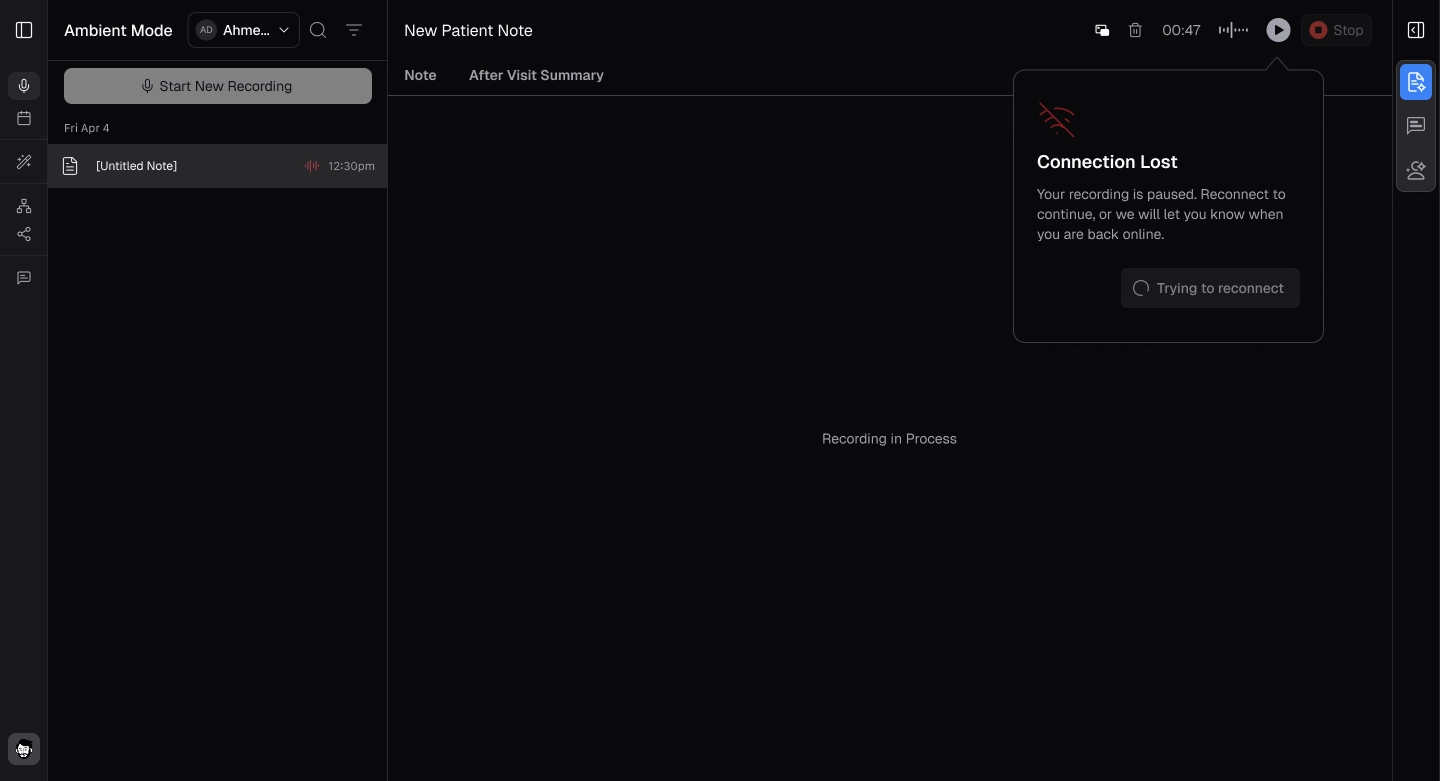
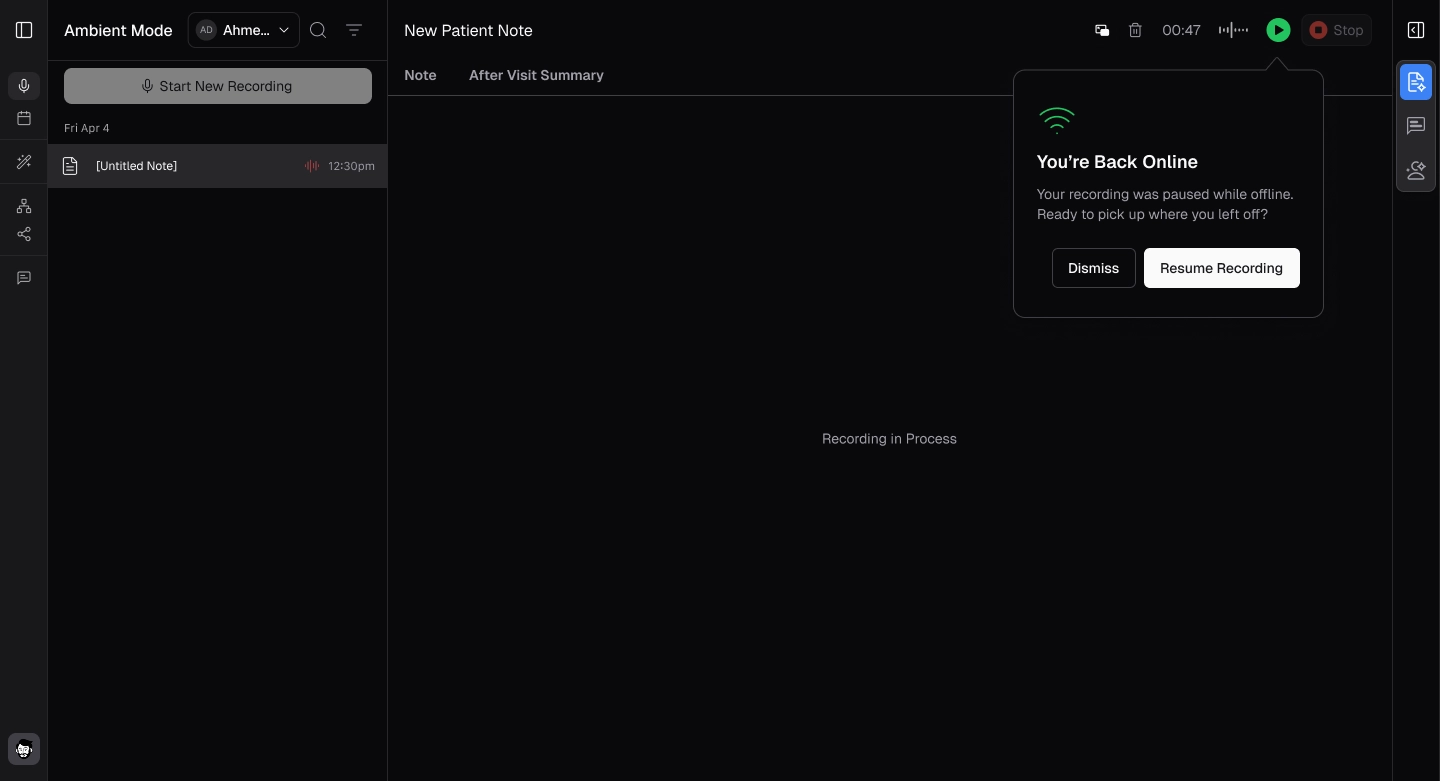
- If there is a connection issue preventing recording completion, a popup will display an internet connection error.
- Click 'Resume' to continue recording once you are back online.