Set Up Your Account
Pick your specialty, care settings, CliniEnhance, and note-format preferences on first login.
Updated
Set up your account
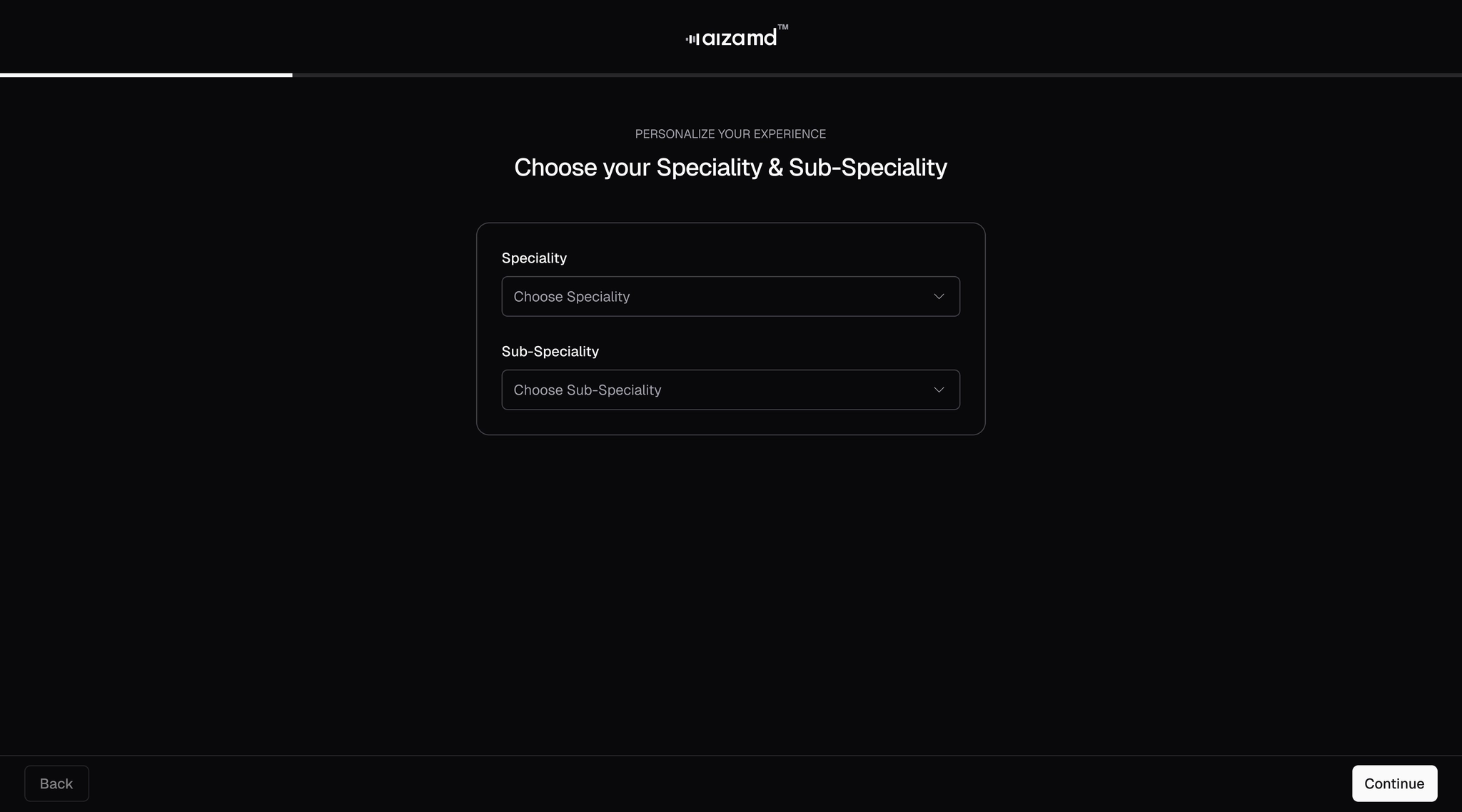
- Select your specialty and subspecialty from the available list.
- Choose the options that best match your primary and secondary care settings.
- Click "Continue."
- Enable CliniEnhance if you wish to use this paid feature.
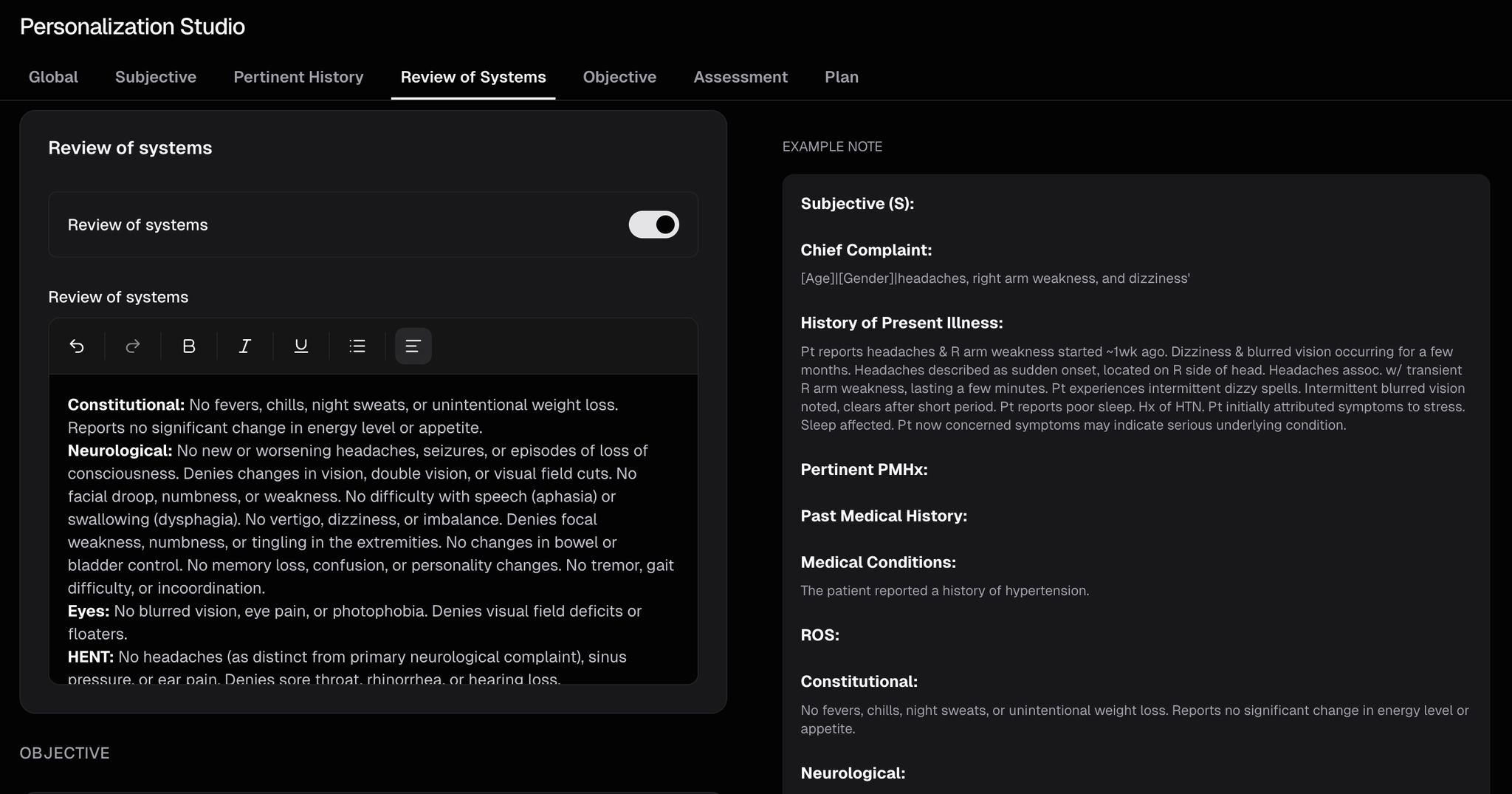
- Choose your preferred AI assistance level, note structure format, assessment & plan organization, and select options for subjective, pertinent history, ROS and objective. The example note displayed on the right will update automatically as you make selections.
.webp)