Use Snippets in Ambient Mode
Say 'Insert Template [Snippet Name]' while recording to drop snippets into the note.
Updated
Using Snippets in Ambient Mode
- From the side panel, click Ambient Mode.
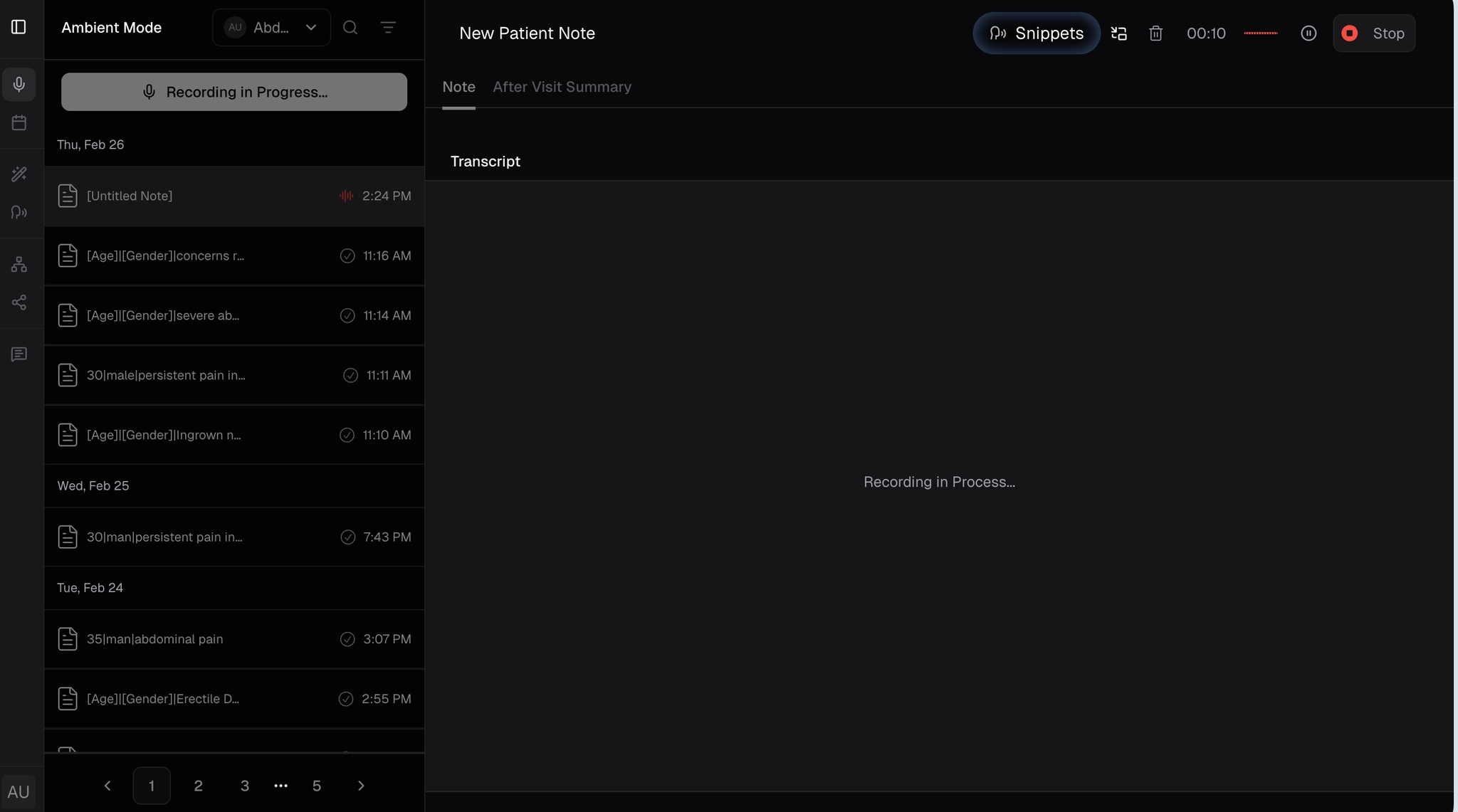
- Start a new recording in Ambient Mode (see Create Your First SOAP Note).
- While recording, use the exact phrases: "Insert Template [Snippet Name]", Example: "Insert Template XRAY Report". Multiple triggers can be used.
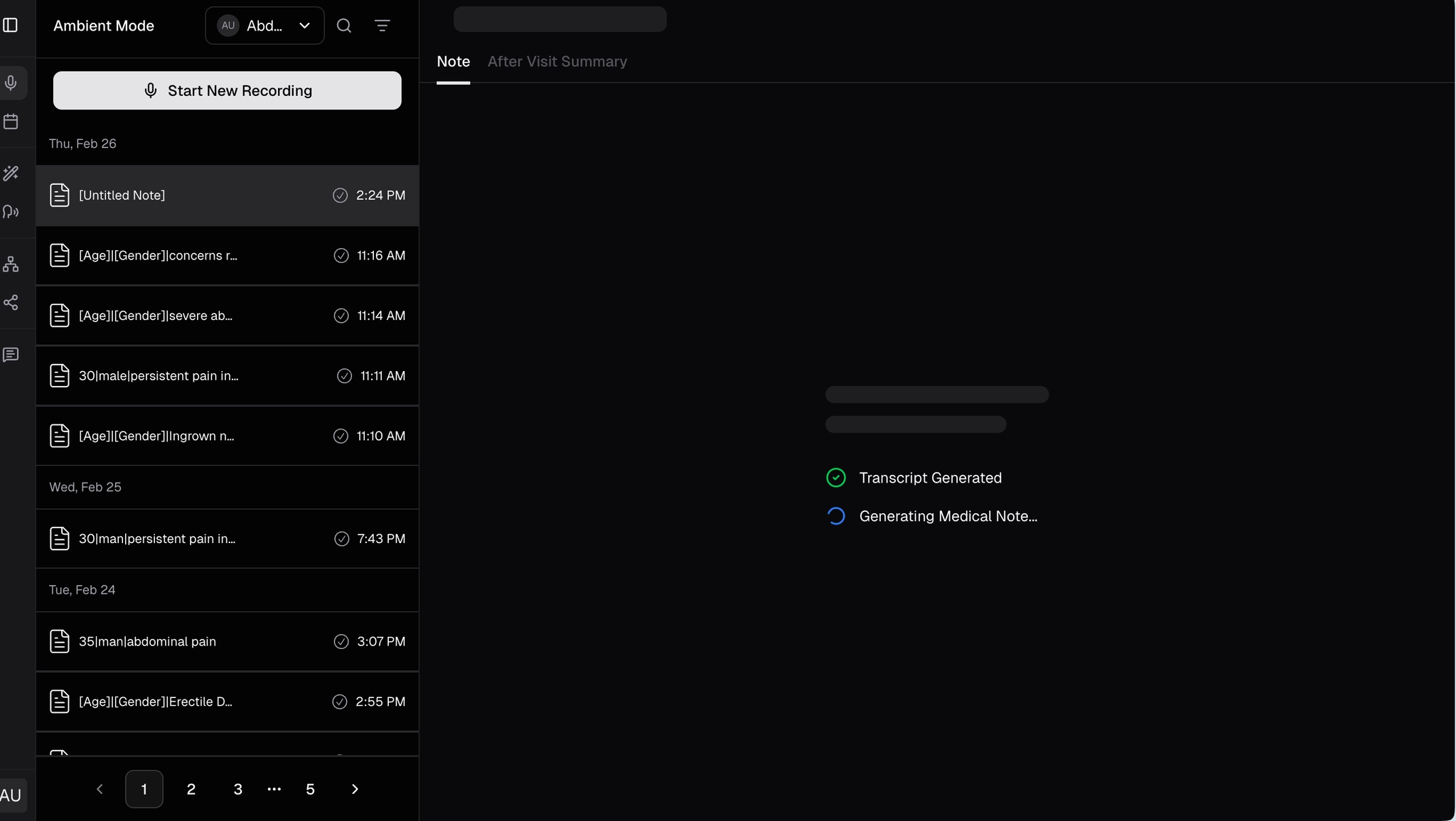
- The system automatically inserts the matching snippet.
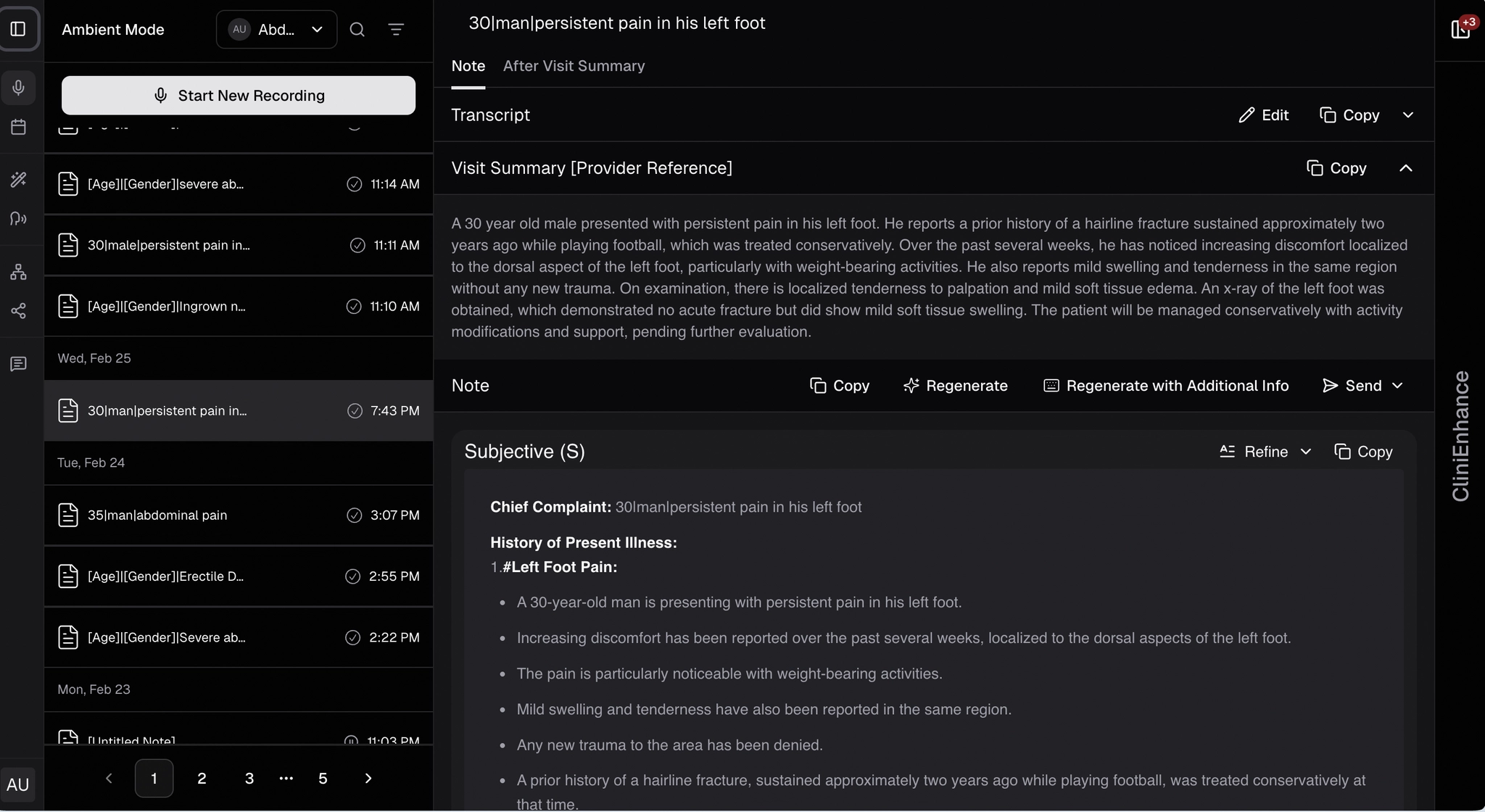
- Once snippets are integrated, scroll through the generated SOAP note to see the results.
.webp)
%20(1).webp)