Create Your First SOAP Note
Record a visit, generate the transcript with ICD-10/CPT codes, review the SOAP note and After Visit Summary.
Updated
- Navigate to the "Ambient Mode" module within the AizaMD Web App.
- Select a physician from the dropdown list.
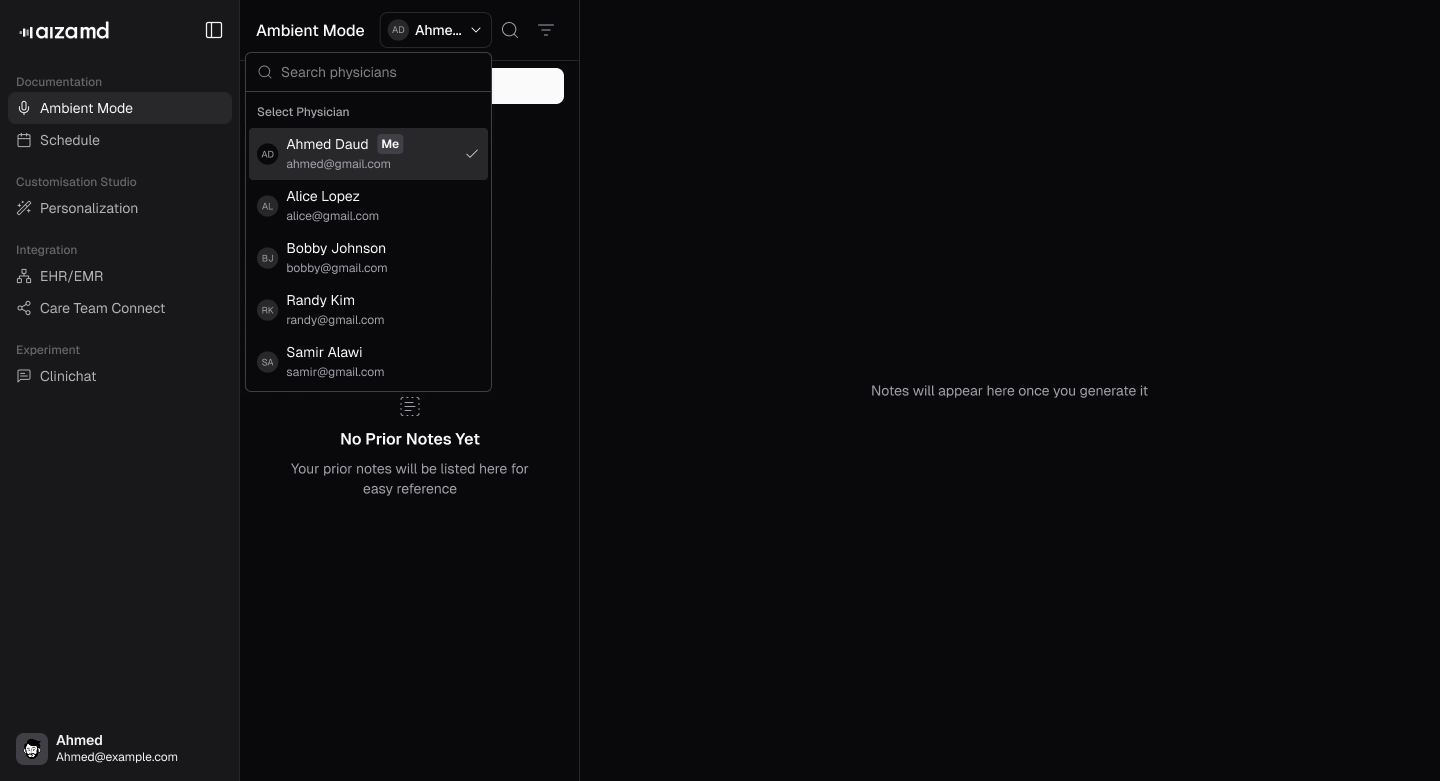
- Click "Start New Recording" to record your provider-patient interaction.
.webp)
- Click the red "Stop" button to finish recording.
- The transcript will then be generated.
.webp)
- Audio recordings are available when you click on the note on the left side panel with the complete transcript.
- ICD-10 and CPT codes are applied automatically.
%20(1).webp)
.webp)
- Review auto-generated SOAP notes and edit them according to your preference. You can regenerate the notes by clicking on "Regenerate". Transcript can be edited as needed.
- To view the complete rationale, including the issue description, clinical impact, financial impact, and relevant guidelines, click the first icon displayed on the right side of the screen among the three icons.
%20(1).webp)
- You can view the After Visit Summary by clicking on it. The summary can be edited and copied as needed.
.webp)
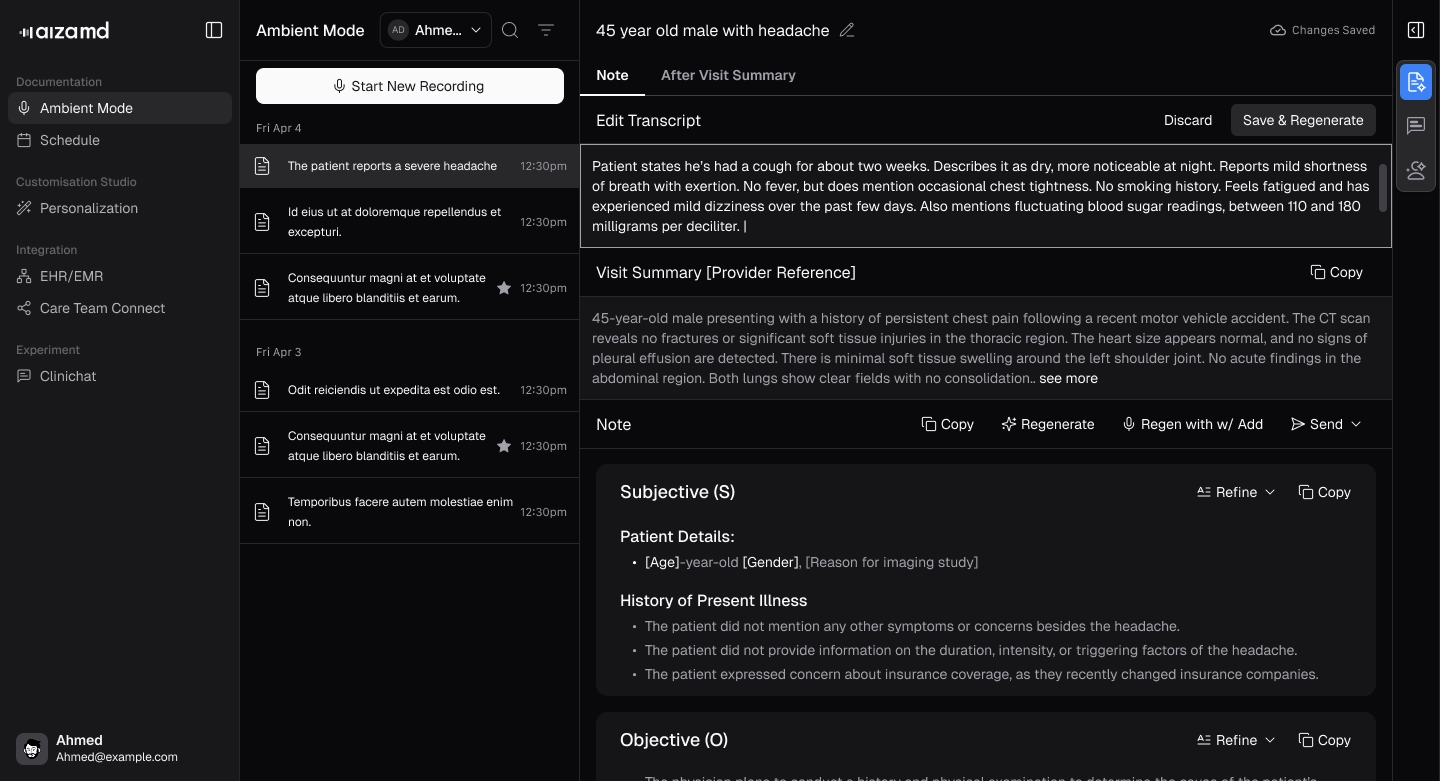
- To save your edits, click "Save Changes."
.webp)
.webp)