Use CliniChat
Ask practice-specific questions, review chat history, and upload images for multimodal answers.
Updated
- Navigate to the CliniChat module from the left menu.
- A popup will appear showing that CliniChat is for experimental purposes only. Click on "Confirm" to move forward.
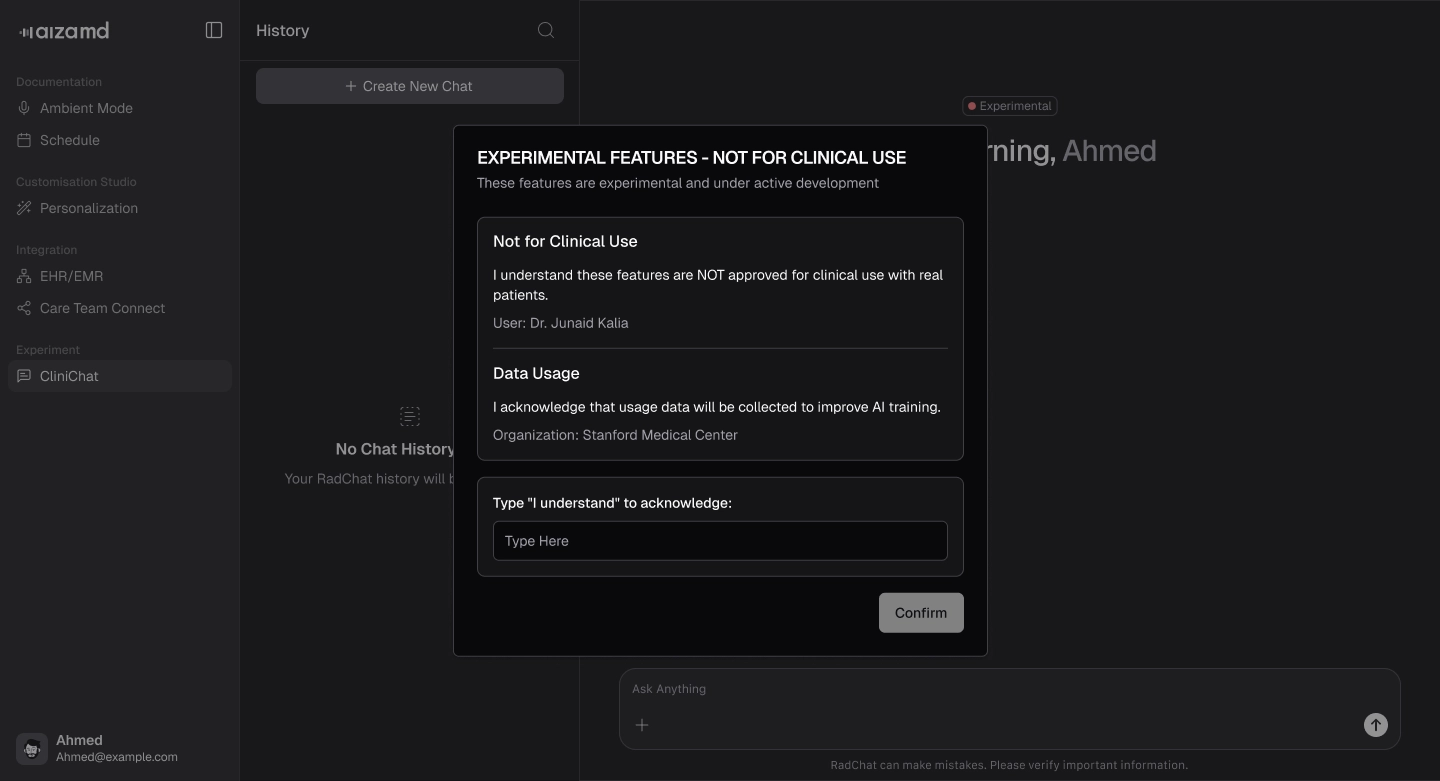
.webp)
- Enter your practice specific questions in the chat box and click the arrow on the right to submit.
- CliniChat generates detailed, context-aware responses based on your input.
- View your chat history conveniently displayed on the side.
.webp)
.webp)
- To upload images, click the plus (+) sign.
.webp)