Invite Your Care Team
Share note access with colleagues by email invitation.
Updated
Multi-User Access
- Select CareTeam Connect from the left side menu.
- Enter the email address of the person you want to collaborate with (e.g., a colleague, nurse practitioner, or other healthcare professional).
- Click "Invite" to send the link directly to their email.
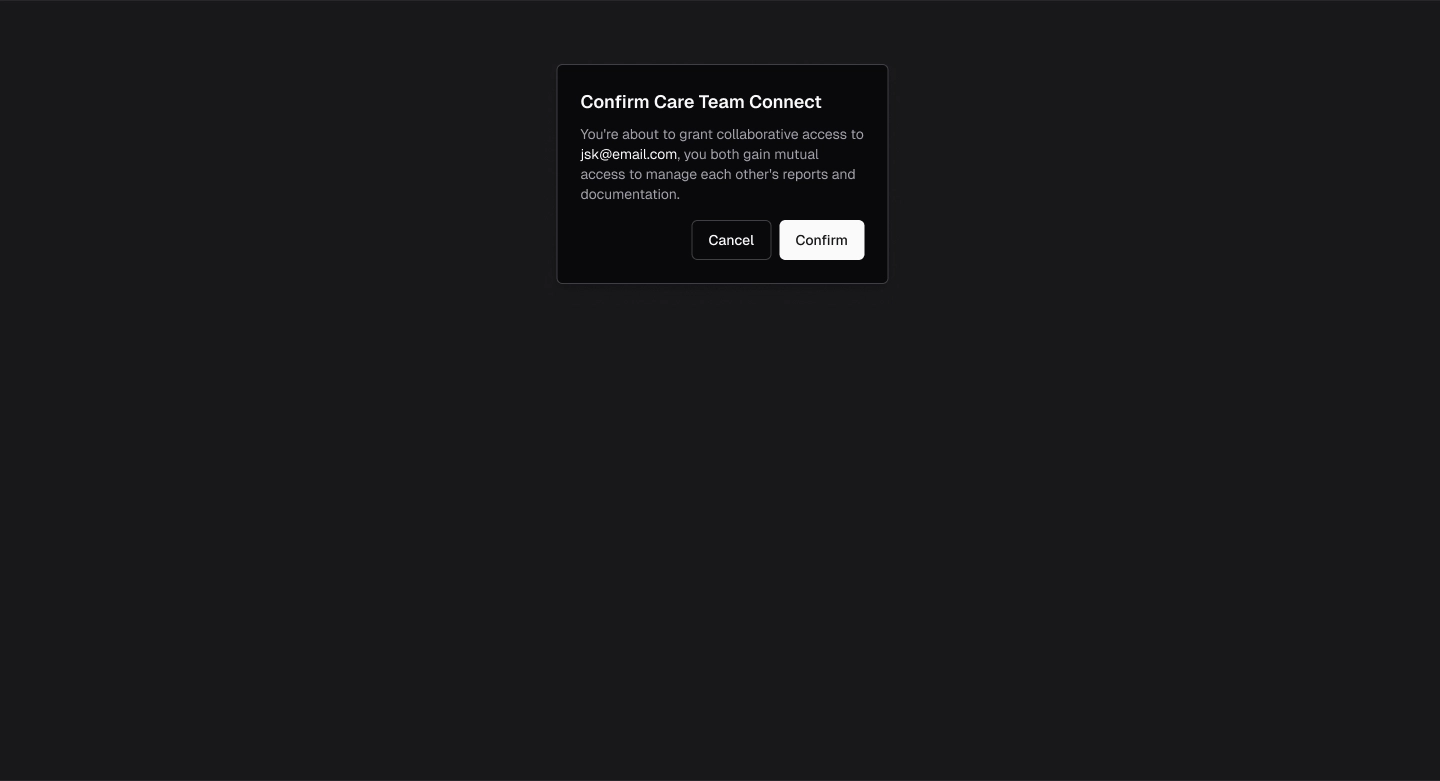
- A popup notification will appear asking for confirmation.
- The recipient will receive an email notification to accept the invite.
- Once the access request is accepted, the connected person will have access to view and collaborate on your notes, allowing for faster teamwork and efficient patient management.
.webp)
.webp)
.webp)